Inspiring
November 26, 2025
Question

convert line with arrow into object to add outline

  • November 26, 2025
  • 2 replies
  • 168 views

Hi,

in Illustrator I can convert a line with arrow  into a shape to add a outline:
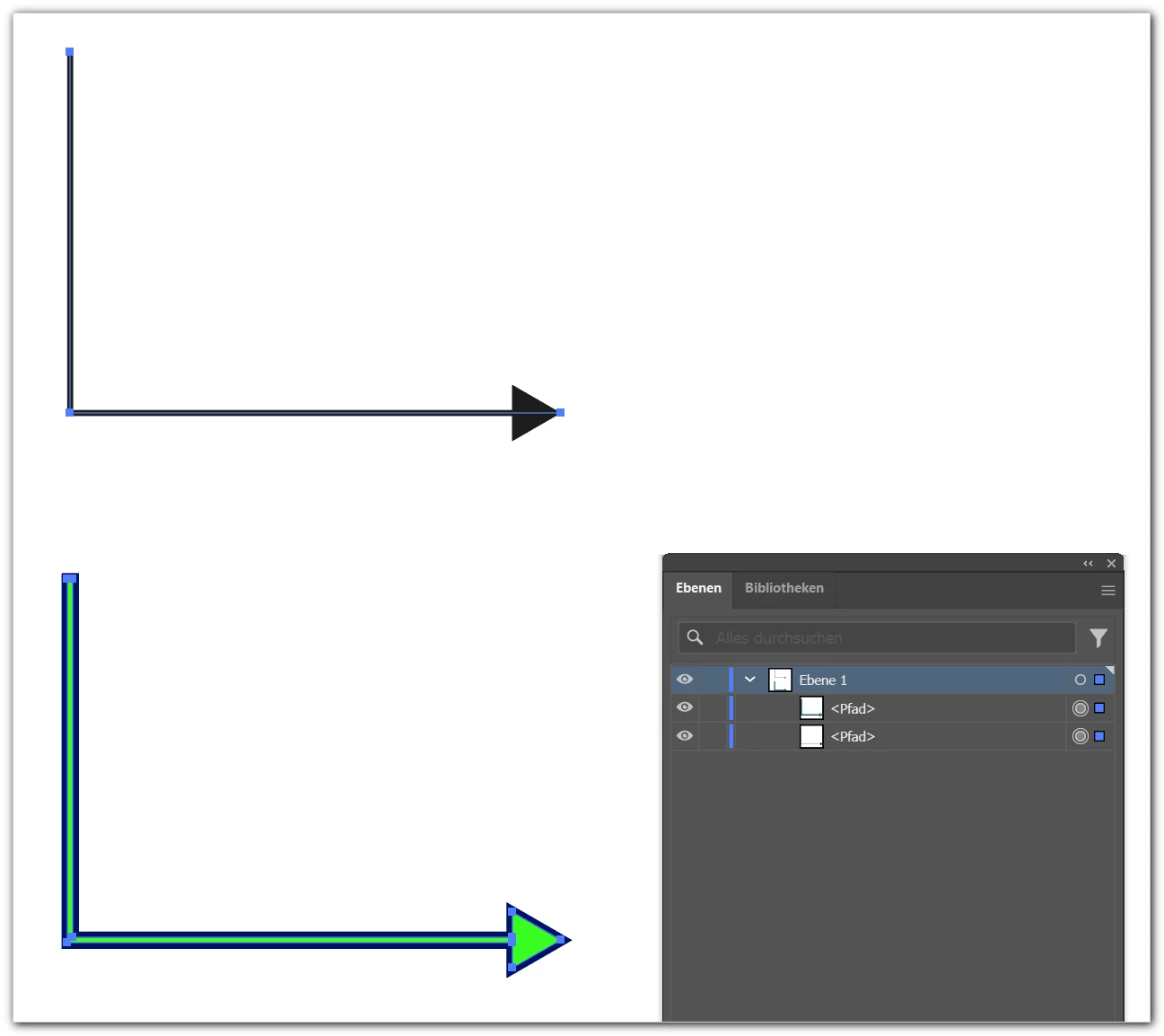
 

866314iFC52A87EC2B48826.png


How is this possible in Indesign?

Thanks!

mycc

2 replies

Community Expert
November 27, 2025

Hi @my cc ,

Peter is right on this.

But if you do not mind adding an effect to the object you can simulate the outline with pixel data:


Screenshots from InDesign:


866520iA72616B95602F7CB.png


Make sure you create a highres transparency flattener set in InDesign, name it and use it with your PDF export:

866521iCC43F9BF2B279DBF.png


Screenshot from Acrobat showing the exported PDF:

866522i5A086B4FC5CDCFCB.png

As you can see from the object inspector in Acrobat Pro, the outline is indeed constructed by pixels:

About 450 ppi in my test case.


PS: I added an IDML and PDF document to show you the effect.


Kind regards,
Uwe Laubender
( Adobe Community Expert )

Peter Kahrel
Community Expert
Community Expert
November 27, 2025

That's not possible in InDesign.