
Participant
March 2, 2025
Question

Copy of Excel data to a pre-formated text-block?

  • March 2, 2025
  • 2 replies
  • 684 views

Hi

I have a pre-deffined text block which is formatted for a annual report, to reduce the copy and past of lots of little bits of data off a spreadsheet, is there an easy way to bring this data into InDesign and keep flow of this data the same as it flows through the pages.


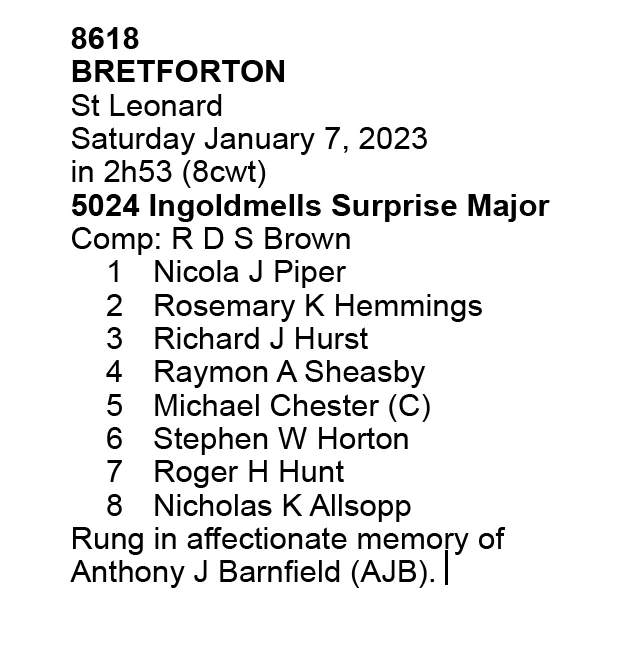
Example of pre-formated data.
 

2 replies

Robert at ID-Tasker
Legend
March 2, 2025

@Millypede 


After you fix your Excel file - remove all the unnecessary Enters in the cells:


Marked in Red - unnecessary manual-line-breaks in most of the cells.

Marked in Green - correct line endings.


Your CSV file can't even be properly converted to text becuase of those manual-line-breaks:


Here is the 2nd option: 


1) paste your Excel file as a Table,


2) to each column - apply dedicated ParaStyle - set desired formatting:


If you don't need "conductor" - then you need to remove it from your datasheet before step 1).


3) convert your Table to Text - with "paragraph" as both separattors - columns and rows,


4) remove double enters - but for each of the 12 bell/ringer/conductor sets separately:


5) remove the rest of empty rows:

(I haven't styled everything - only first 3x "sets")


Done.


Dave Creamer of IDEAS
Community Expert
Community Expert
March 2, 2025

Option 3:

Save out as tab delimited.

In Word (or text editor) swap tabs for returns. In Word, the find/change would be ^t to ^p.

In InDesign, create your styles.

After you create all of them, set the Next Style to the following paragraph style.

When you get to the end, look the last style back to the first. 

Import text.

Do NOT remove any empty paragraphs at this time.

Select all the text and right click on the first style name.

Select "Apply <firststylename> then Next Style"

Then use the Find/Change to remove empty paragraphs (use prebuilt GREP setting).


Again this is easier than it reads. Ignore the database section and start on page 2, last paragraph in the attached PDF.


David Creamer: Community Expert (ACI and ACE 1995-2023)
Dave Creamer of IDEAS
Community Expert
Community Expert
March 2, 2025

Without using a database plugin, such as Em Software InData, I would do the following:

  1. Make sure you have paragraph styles for all required styles. 
  2. Create a new worksheet.
  3. Concatenate InDesign tagged text and the appropriate column.
  4. Select all the concatenated text formulas, copy, pages as values (only). This will remove the formulas.
  5. Export out just the concatenated text as tab delimited.
  6. Open it in Word.
  7. Find and replace tabs with paragraph returns.
  8. Save as text (not Word)
  9. Import into InDesign.


It sounds a lot more complicated than it is. I've attached an old tutorial showing a similar process (ignore step 1). I've attached the InDesign tags reference (don't worry about the CS4--they haven't changed). Also, my tutorial shows PageMaker tags, so the InDesign tags will be different but the concept is the same.


David Creamer: Community Expert (ACI and ACE 1995-2023)