Participant
January 4, 2017
Answered

Copy/Paste from AI to INDD

  • January 4, 2017
  • 1 reply
  • 12828 views

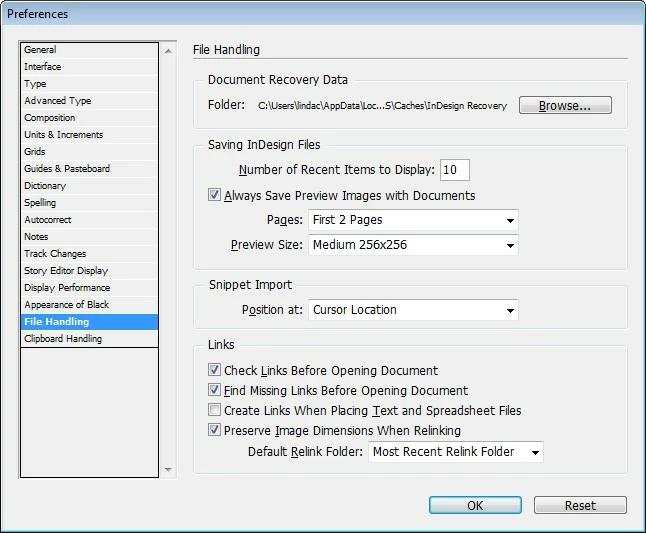
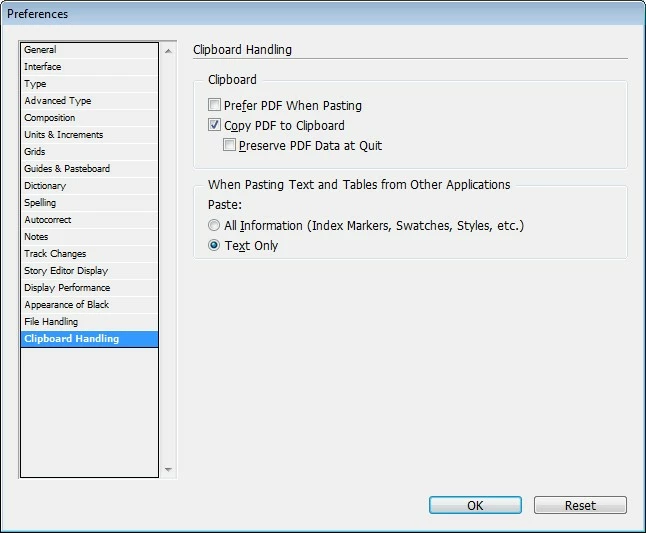
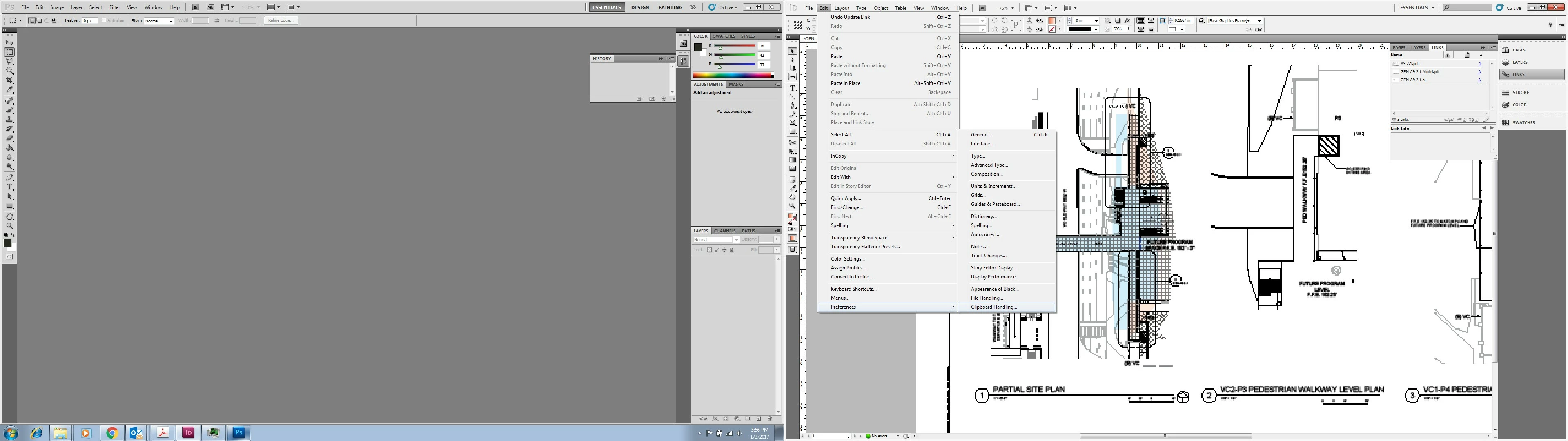
Hi all. I have a simple vector path in AI CS5.1 and I'm trying to copy and paste-in-place to INDD CS5.5 (Windows). I need it to remain an editable vector. I've read that I need to go to Edit>Preferences> FIle Handling and Clipboard Handling but I do not see that. I see File Handling and Clipboard handling as two separate windows, neither of which have a selection for AICB preferences to preserve path or anything...where can I find this setting to adjust (if that's the issue). Am I missing something?

Thanks much!
This topic has been closed for replies.
Correct answer Steve Werner

When i use "place" it also comes in as a single object, not editable...is it supposed to do that? So I should be editing in AI and not in INDD?


The limit for vector shapes to be retained is very low, as I pointed out above. Here's a post I wrote about it a long time ago, and the limit still holds:

http://indesignsecrets.com/the-magic-number.php

1 reply

jane-e
Community Expert
Community Expert
January 4, 2017

When it's a simple path, I just copy from Illustrator and paste to InDesign with the default Preferences.

Make sure your path has an Appearance, such as a fill and / or stroke.

Look at the Transform panel for the X and Y in case you need to type the co-ordinates in again. It probably won't go in the same place.

If it is complex, don't copy and paste it. Use File > Place to place a linked file. Make the changes in Illustrator and update the graphic in InDesign.

Steve Werner
Community Expert
Community Expert
January 4, 2017

The File Handling and Clipboard Preferences is in Illustrator, not in InDesign.

Jane is correct. Only simple paths up to about 500 anchor points can remain as vectors.

Participant
January 4, 2017

Thanks! I went in AI and made that adjustment. Still not able to copy/paste it as a vector though. Any other suggestions?