Karthik681
Inspiring
February 16, 2022
Question

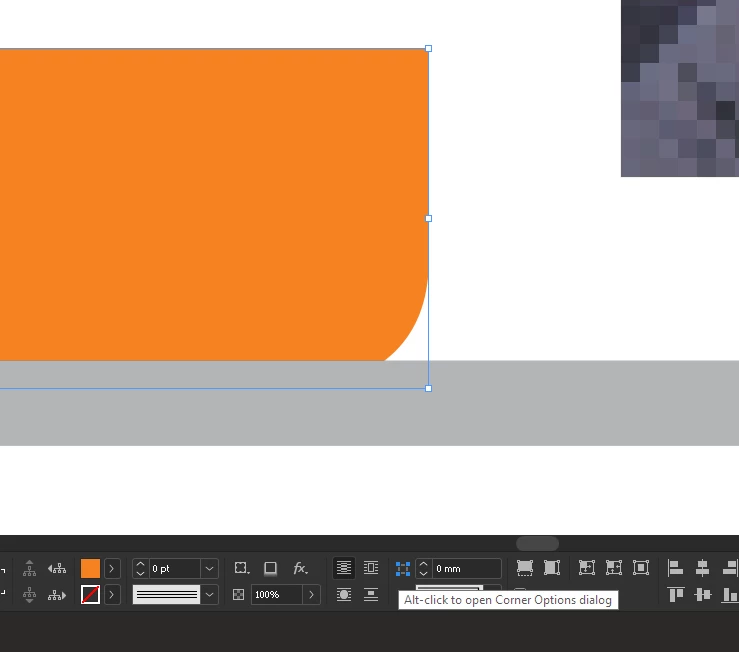
Corner Options Dialog -- not opening

  • February 16, 2022
  • 1 reply
  • 208 views

Hi,
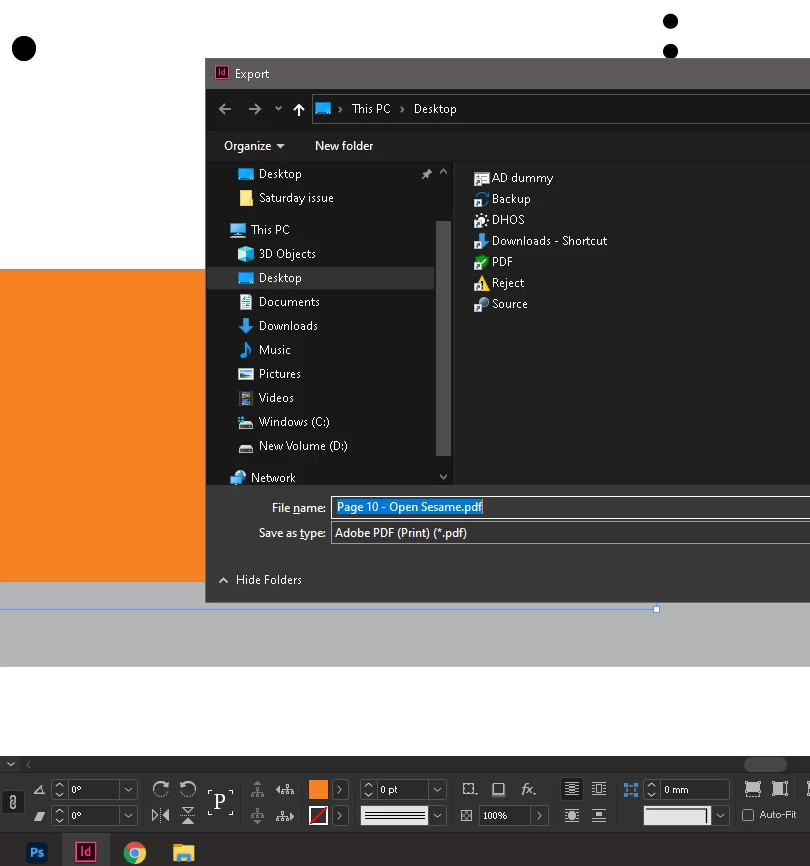
 I'm unable to open "Corner Options Dialog", when clicked, instead i am getting 'Export' dialog box 
This topic has been closed for replies.

1 reply

Steve Werner
Community Expert
Community Expert
February 16, 2022

Does this happen with just this one file, or does this happen with every file you try it on?


If one file, it could be corrupted, and you might try saving as IDML (File > Save As > InDesign CS4 [or later]. Then open the IDML file and try again.


If other files as well, try restoring your preferences and caches:


Adobe InDesign: Rebuilding Preferences and Cache Fileshttps://www.rockymountaintraining.com › adobe-indesi...


Karthik681
Inspiring
February 16, 2022

Thanks
I did the 'restoring preference method' but issue has not solved. Earlier i had rename/deleted the folders making Indesign to rebuild again, but that lead to corrupting the user profile  and had to reinstall the InDesign..

Can reinstalling InDesign solve this ?