Participant
June 7, 2018
Question

Corrupt File - Missing Information

  • June 7, 2018
  • 1 reply
  • 280 views

Hello!

I'm having some trouble with an artwork file for a catalogue (InDesign CS6). The file opens without any issues but random pages are cropped so I can't see the complete layout. I'm also experiencing that after certain page spreads a large amount of white appears before the next spread. This doesn't show up in the pages toolbar.

I've downloaded all the latest software updates, saved the file as an idml but nothing seems to rectify this issue. 
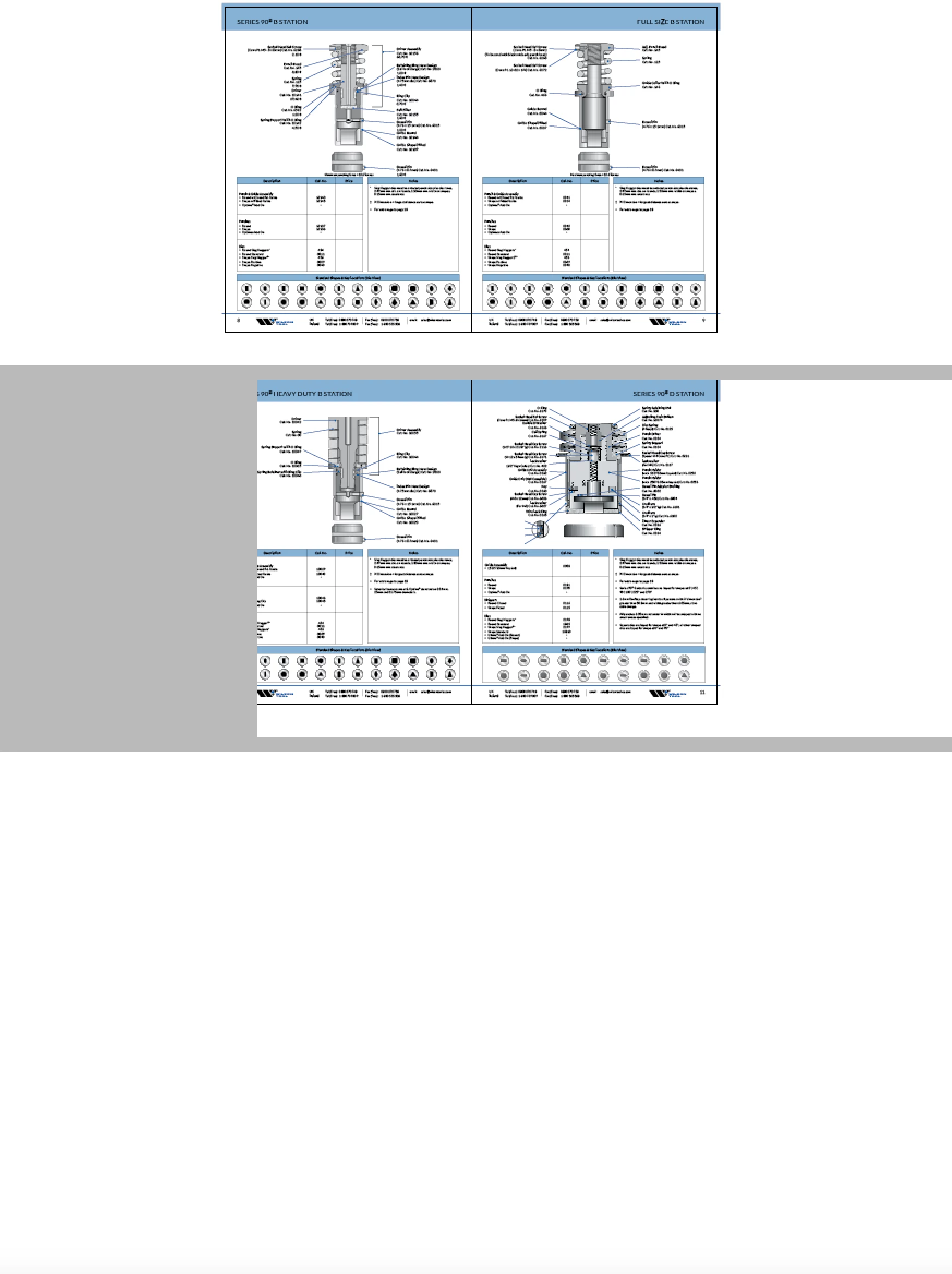
Appreciate any help on this one!

Thanks,

Helen

    This topic has been closed for replies.

    1 reply

    Community Expert
    June 7, 2018

    Hi Helen,

    wow, this is an odd one!

    Two strategies you can test:

    1. Export or save the document as IDML.

    Open the IDML file and save to a new document name.

    Check every page if something has changed compared to the original.

    2. Go to the spread with the odd view.

    2.1 Save the document to a new name with Save As

    2.2 Select All on the spread. Use the menu command for this.

    2.3 Copy.

    2.4 Do a new spread with two pages after or before the corrupt one.

    2.5 Paste In Place.

    2.6 If that works remove the corrupt spread.

    Regards,
    Uwe

    Community Expert
    June 7, 2018

    Ah. You already tried IDML without success.

    Hm. What is the OS you are working with?

    Do you have older versions of InDesign installed?
    Maybe you could open the IDML with CS5.5, CS5 or CS4?

    Regards,
    Uwe

    HA321bAuthor
    Participant
    June 7, 2018

    Hi Uwe,

    Thanks for replying to my question so quickly!

    I just tried your 2nd option in your first reply, for some really strange reason it came up with this pop-up message when trying to paste it to a new page...not sure what that means!

    I don't have an older version of InDesign I'm afraid. I'm working on OS X El Capitan, version 10.11.6.

    Thank you!

    Helen