


Participant
April 22, 2018
Answered

Could not Update/Install Indesign

  • April 22, 2018
  • 2 replies
  • 768 views

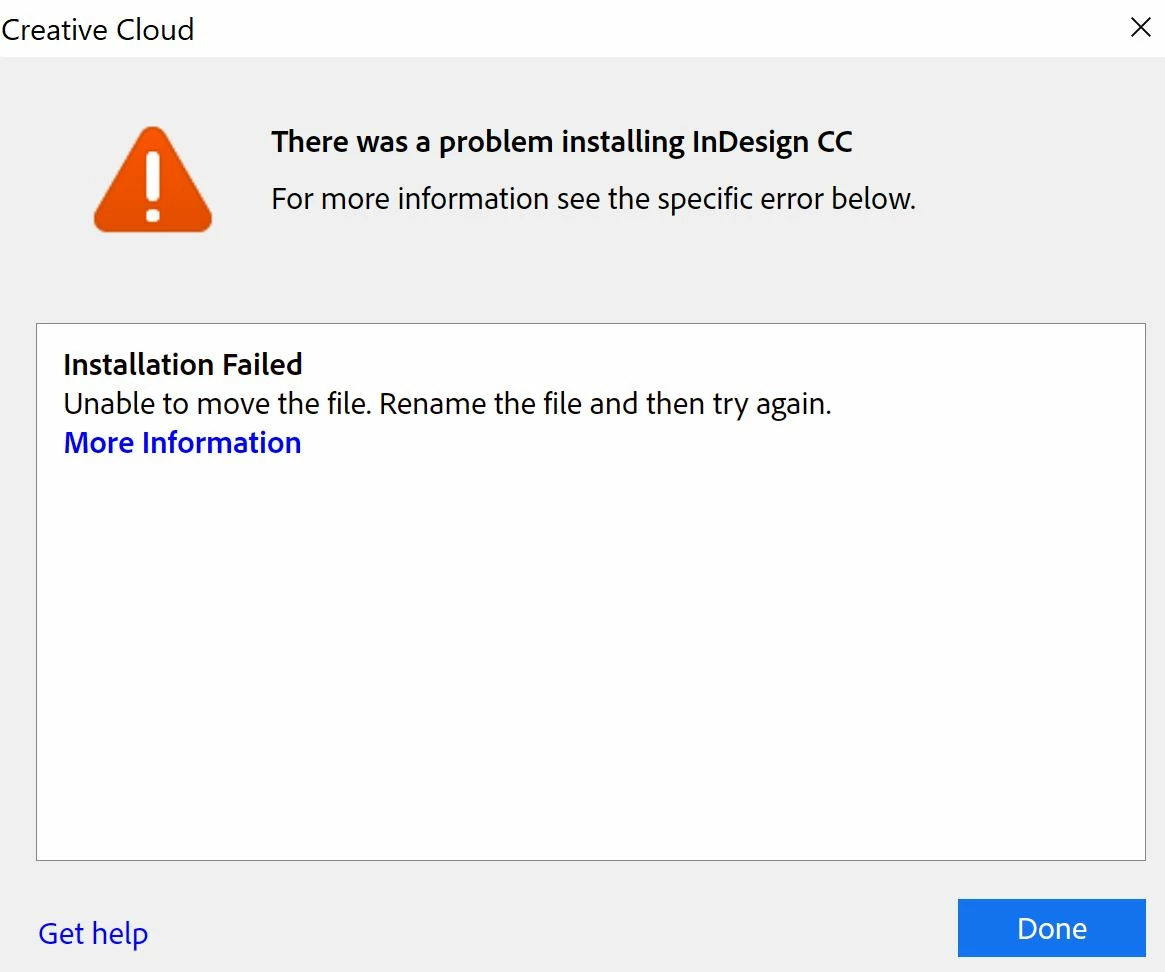
I had installed indesign previously. Since the last update I can't update this software, give me this error. I clicked More Information, get this. P.S- others creative cloud suite applications are working fine.

Exit Code: 146

-------------------------------------- Summary --------------------------------------

- 2 fatal error(s), 0 error(s), 1 warnings(s)

FATAL: Error (Code = 146) executing in command 'MoveFileCommand' for package: 'AdobeInDesignAppBase64-mul', version:13.1.076

FATAL: Error occurred in install of package (Name: AdobeInDesignAppBase64-mul Version: 13.1.076). Error code: '146'

WARN: Unable to move file at "C:\adobeTemp\ETRA6A7.tmp\1\AdobeInDesignAppBase64-mul\INSTALLDIR\Plug-Ins\Text\(Paragraph Panel Resources)\idrc_PNGD\22584.idrc" to "C:\Program Files\Adobe\Adobe InDesign CC 2018\Plug-Ins\Text\(Paragraph Panel Resources)\idrc_PNGD\22584.idrc" Error 1392 The file or directory is corrupted and unreadable.. Try setting correct permissions to the specified file/folder or parent folder, so that admin has rights to modify it.

-------------------------------------------------------------------------------------
This topic has been closed for replies.
Correct answer S_Gans

Since you had this installed before, it's possible your previous uninstallation didn't remove everything from that installation, so there may be a conflict with the installer and the little bit of remaining software. My best suggestion would be to run the Adobe CC Cleaner Tool Use the Creative Cloud Cleaner Tool to solve installation problems 

This should remove all vestiges of the old installation (should not affect your other apps (at least, it didn't on mine). After running the cleaner, restart the computer and try the installation again.
As I warn with all install/uninstalls, please be sure to have your system backed up prior to using these items, as with anything, something unexpected may occur.

2 replies

Srishti Bali
Community Manager
Community Manager
May 4, 2018

Hi there,

I hope that the steps suggested by Stephanie worked for you. If not, please contact our support team at: Contact Customer Care

Kindly update the discussion if you need further assistance with it.

Thanks,

Srishti

S_Gans
Community Expert
S_GansCommunity ExpertCorrect answer
Community Expert
April 22, 2018

Since you had this installed before, it's possible your previous uninstallation didn't remove everything from that installation, so there may be a conflict with the installer and the little bit of remaining software. My best suggestion would be to run the Adobe CC Cleaner Tool Use the Creative Cloud Cleaner Tool to solve installation problems 

This should remove all vestiges of the old installation (should not affect your other apps (at least, it didn't on mine). After running the cleaner, restart the computer and try the installation again.
As I warn with all install/uninstalls, please be sure to have your system backed up prior to using these items, as with anything, something unexpected may occur.

Adobe Community Expert / Adobe Certified Instructor