graphics_4075
Inspiring
September 23, 2026
Question

CPU Preview disabled and poor performance on 21.6

  • September 23, 2026
  • 3 replies
  • 15 views


InDesign 21.6, Tahoe 26.6.2

Mac Studio M4 Max, 16 CPU Cores, 40 GPU cores, 128GB unified memory. My hardware should not be struggling like it is. 

InDesign 21.6 introduced “new rendering technology to deliver a more consistent viewing experience” and the only consistent thing I have noticed is the performance being degraded. 

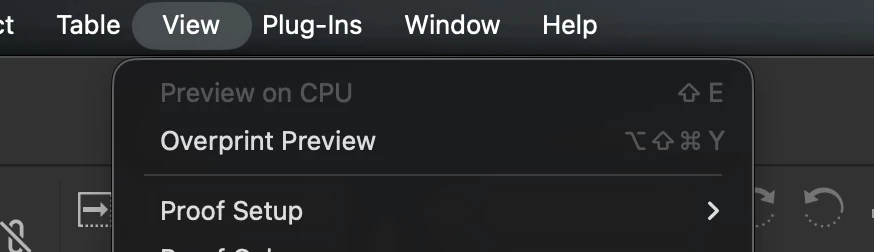
I am unable to use CPU Preview to even see if there is a performance change. Disabling GPU performance does not make CPU Preview clickable. I am not sure why this is the case, a restart did not fix. 

I am experiencing near-constant app hitching when doing any action, as well as constant white flashes while moving text boxes and graphics. If I pick up any graphic and move it, it basically freezes my app for a second or two before “catching up” with the processing and showing my movement 1-2 seconds after it happened with lots of stuttering. 

The white flash occurs every time you mouse click + drag on an item. It only occurs with the first mouse click and doesn’t persist while dragging, but it will occur with every click. 

This behavior was common for me when using CPU preview on previous versions and would occasionally happen on GPU preview, but it is now far more consistent. I will note that this happens in files with placed .PSDs possibly, if I open up a blank file it runs smoothly. It is likely due to heavy graphics/placed images, however my file size is only 40mb and all my files are linked locally… Either way, these are working files for production and I need to be able to work on them without being flash-banged every literal second. 


It also seems that as I scroll from page-to-page, InDesign is persistently reading all my .psds which coincides with laggy performance. I turned off Preflight to see if that made a difference and it seems to have not done anything. 


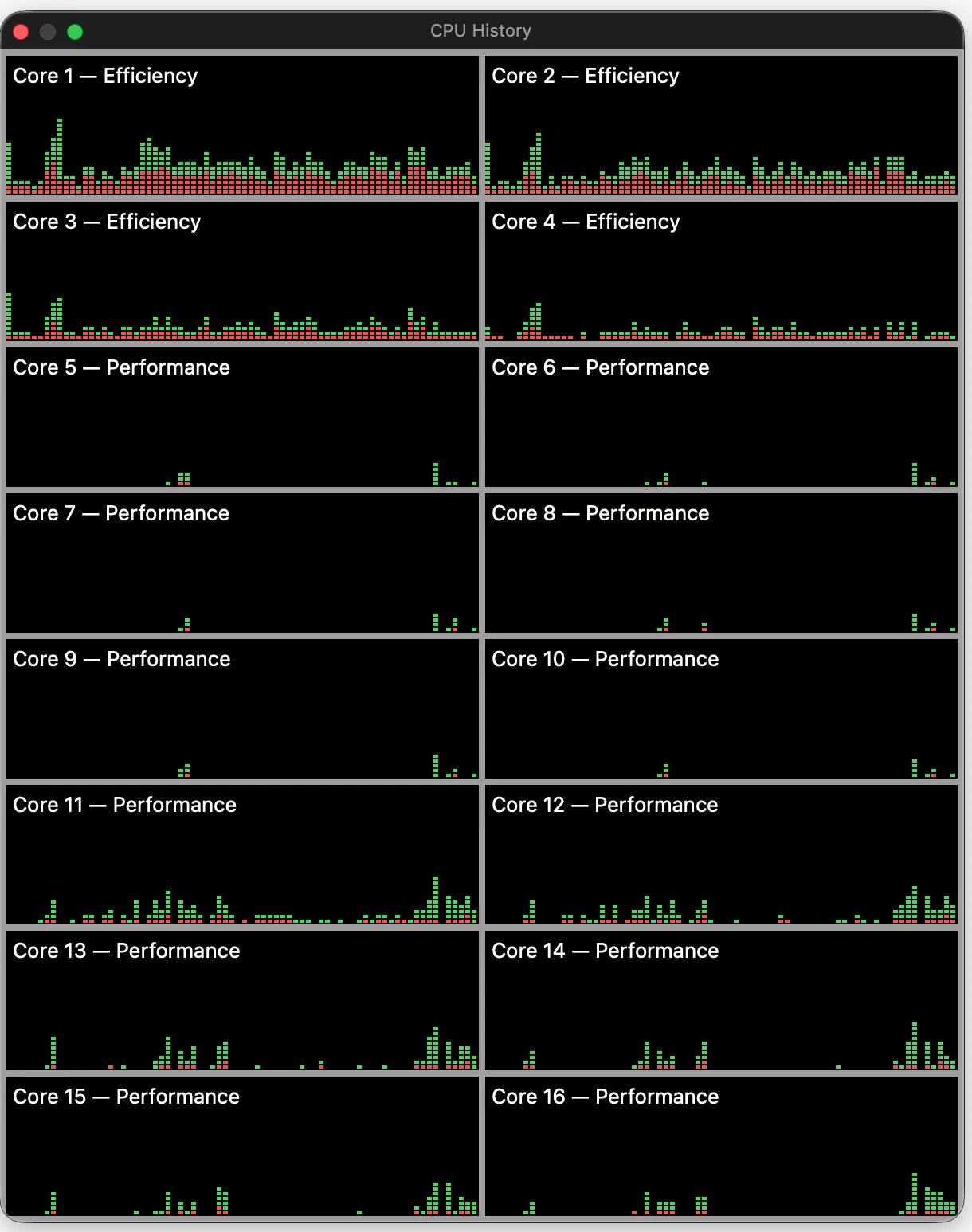
​​​CPU History while using InDesign for 5-10 minutes


    3 replies

    Anubhav M
    Community Manager
    Community Manager
    September 23, 2026

    Hello @graphics_4075,

    I'm sorry to hear about your experience. Would you mind trying the suggestions shared in this help article (https://adobe.ly/4iLauCy) and letting us know if they help?

    Looking forward to hearing from you.

    Anubhav

    graphics_4075
    Inspiring
    September 23, 2026

    I tried all of them and nothing worked. I reinstalled my entire CC App and Suite and it is still incredibly laggy. If I scroll even slowly between pages, my app lags and CPU usage from InDesign shoots up to 150-200%. Same with Cmd+Z or basically anything that requires processing. I cannot efficiently work with this performance, it has made precision impossible. I did not experience this behavior until I updated to 21.6 this morning. 


    Also for some reason after my clean install, my window tab says “GPU Preview” instead of the previous CPU Preview, and it too is also greyed out. There is also no longer an indicator on the file tab if I am using GPU preview. To me that is how I identified how my file is being rendered, and now it is unclear. This implies it has either been removed or I am for some reason rendering with my CPU. 


    img from google. [GPU Preview] is missing on my document tab


    Cheers
    graphics_4075
    Inspiring
    September 23, 2026

    I have downgraded to 21.5 and it performs like expected, with no lag, no white flashes, and CPU usage of 40-60% when using and 5-15% idle. 

    I can also switch between CPU and GPU preview again and my preview is displayed on my file name.

    How is the update to improve performance doing the opposite? So incredibly frustrating. My file is 14 pages with 21 links, I hardly consider that complex. 21.6 seemed to run fine on a blank document, but thats a blank document. I need it to work with production files.

    I am led to believe that 21.6 is relying on my CPU far more than previous versions because if I turn on CPU preview in 21.5, I am met with very similar laggy behavior, albeit not as bad. White flashes when clicking graphics, laggy scroll, delayed response to dragging graphics. 

    Cheers