

Answered
Create separate recto/verso text flows?
Okay, this should be within my knowledge base; it's not. It should have a clear answer somewhere in the discussions and help; haven't found it. I have found that most who ask are pretty frustrated with the same need and it's difficult to parse out a working solution from the answers, among which are often non-working (sometimes outdated) suggestions.
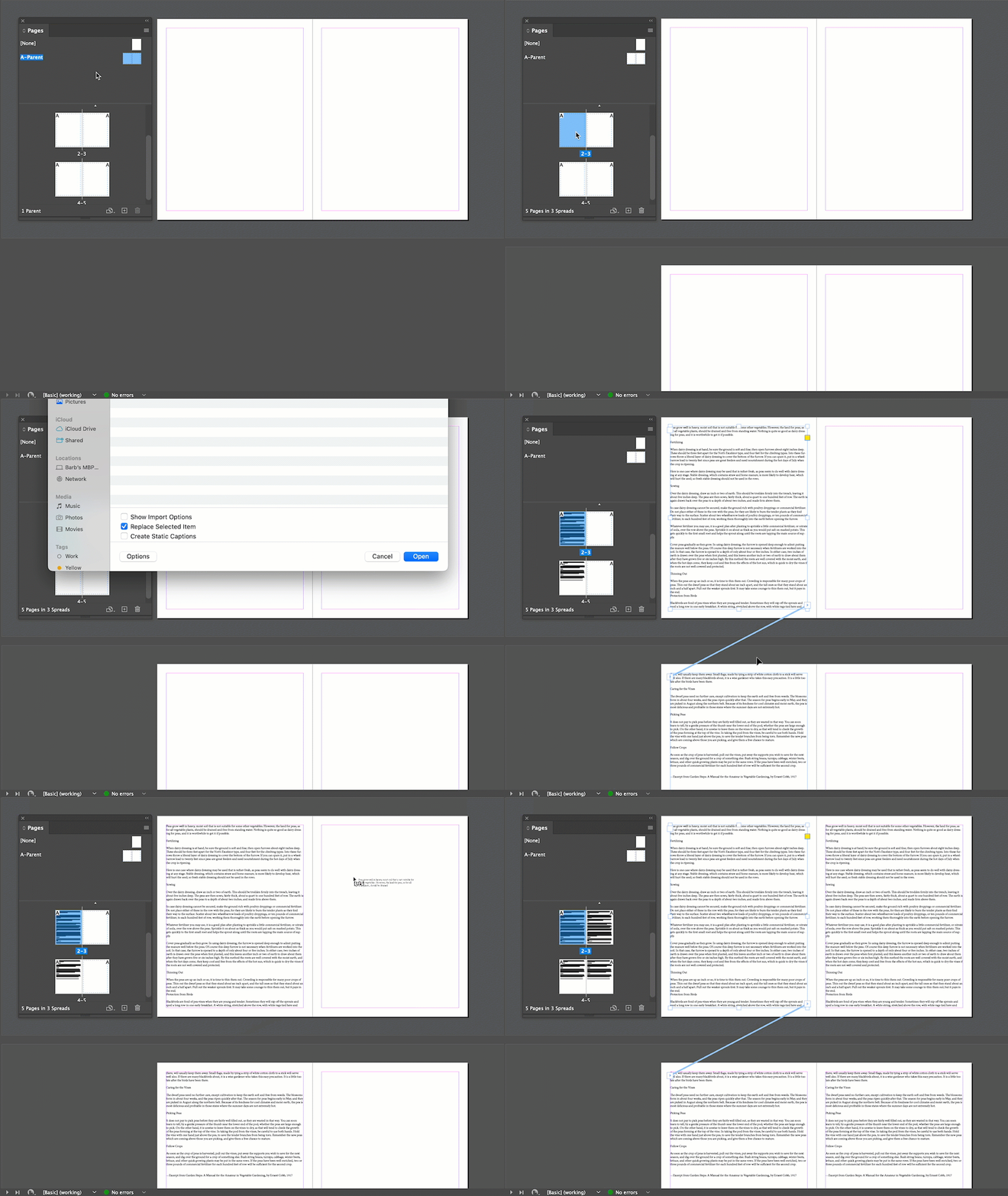
So: simple: I am doing a book that will have two parallel text flows (main text of a classic work, with parallel annotation). I want to flow one existing document down the recto pages only, and another down the verso pages only. No existing ID doc; starting from a blank sheet of screen. I really don't want to do it with manual frame placement and linking.
Steps for this, please?
—
 AdChoices