


Participating Frequently
September 26, 2024
Question

Creating a Second Cross-Reference Alters the First: How Can I Fix This?

  • September 26, 2024
  • 1 reply
  • 519 views

I'm trying to make a table with cross references to notes for accessibility so I've created text anchors at the beginning of the paragraph for the 4 notes under the table that begin with numbers. Then I created a cross referent for the first note after "Uncut" in the 3rd row of the 2nd column.
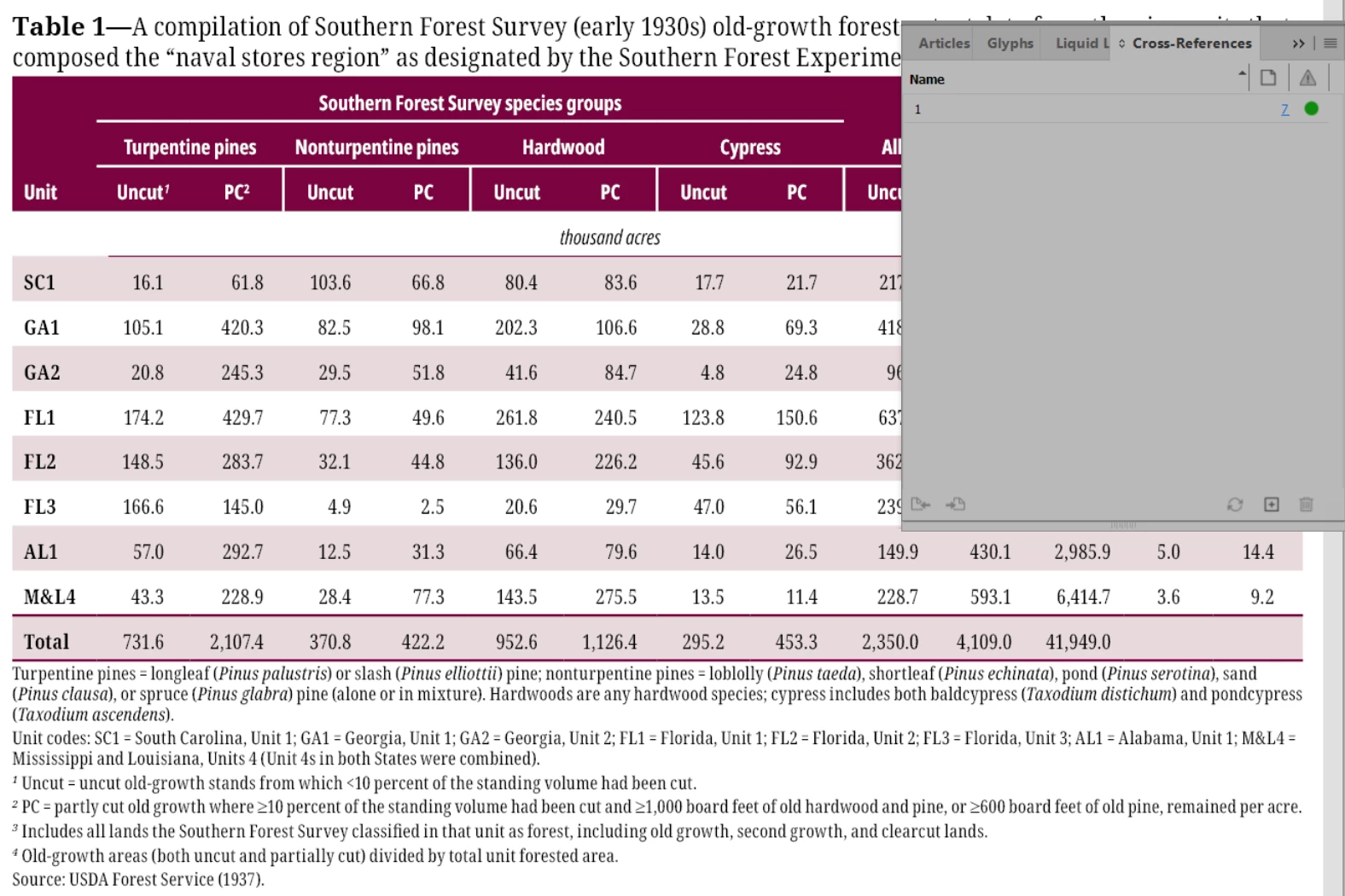
After that when I try to make another cross reference by moving my cursor after "PC" in the 3rd row of the 3rd column, as soon as I make a new cross reference its changing the first one to match the new one as well.
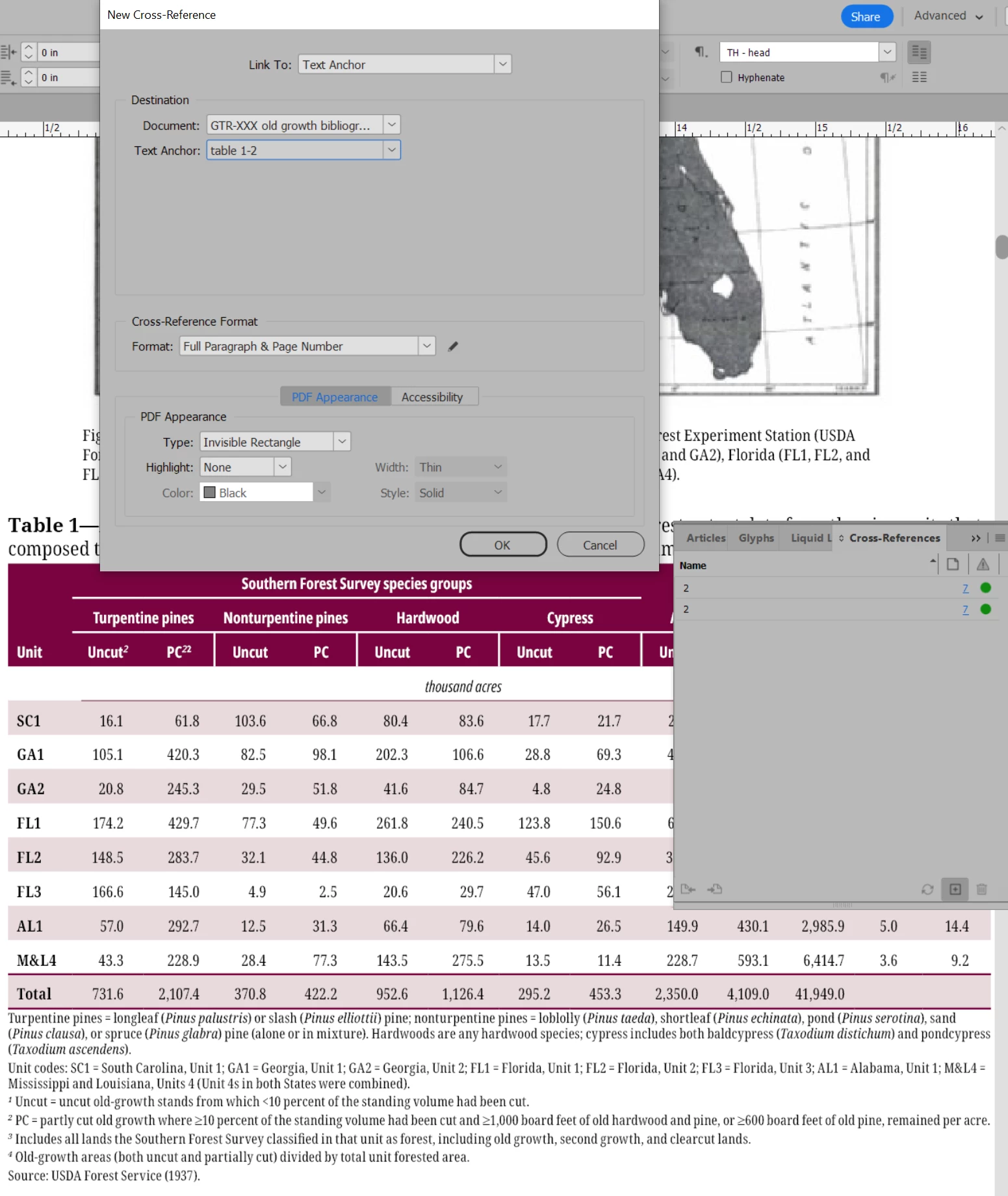
Any ideas on what I'm doing wrong to cause making a second cross reference to change the first?

Thanks


<Title renamed by MOD>

This topic has been closed for replies.

1 reply

Abhishek Rao
Community Manager
Community Manager
September 26, 2024

Hi @Christian23706628ydkp,


I’m sorry to hear you’re having trouble with cross-references! I understand how frustrating it can be when they don’t work as expected.


Could you please let me know the version of InDesign you're using and the details of your operating system? This will help in narrowing down the issue.


In the meantime, one common solution is to ensure that each cross-reference is created as a new and separate reference, rather than editing the existing one. When creating the second cross-reference, try selecting "Create New Cross-Reference" from the drop-down in the Cross-References panel. This should prevent it from overwriting the first one.


Let me know if this helps or if you're still having trouble!


Best,  
Abhishek Rao

Participating Frequently
September 26, 2024

I'm using 19.5. I just tried using the drop down menu option at the top of the cross-reference window and still got the same issue as when using the create cross reference icon at the bottom of that window.

Abhishek Rao
Community Manager
Community Manager
September 26, 2024

Hi @Christian23706628ydkp,


Thank you for sharing the details, and I'm sorry to hear that you're still facing the issue despite trying the suggested steps. I know how frustrating this must be!


Could you please share a screen recording of the workflow you're following? It would really help in understanding the steps leading to the issue, and I’ll be able to troubleshoot more effectively.

In the meantime, please try resetting the InDesign preferences by holding down "Ctrl+Alt+Shift" (Windows) or "Cmd+Ctrl+Opt+Shift" (Mac) while starting InDesign. Reference:Set preferences in Adobe InDesign


Let me know how it goes, and feel free to share the recording if the problem persists!


Best,  
Abhishek Rao