

Creating an interactive gallery (exportable PDF) in InDesign
- July 20, 2020
- 4 replies
- 2096 views
Hello everyone,
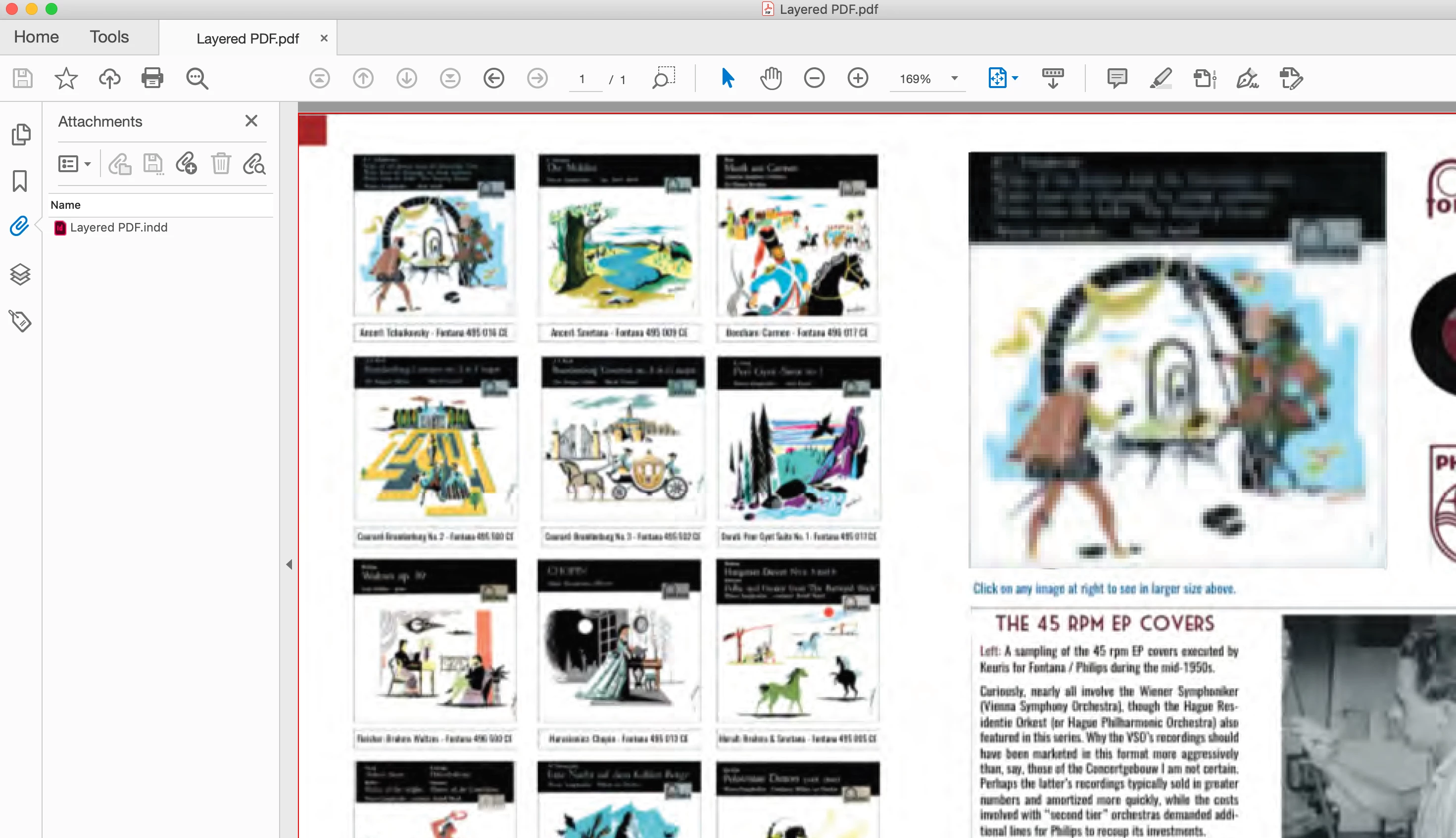
The easiest way to understand what I'm trying to do is to view the attached screenshot, a 2-page spread. On the left are small thumbnail images. The idea is to allow a visitor to mouse-over any image on the left and then see it in larger size on the right (upper-left corner of Page 2).
Is there any relatively easy way to do this? I am using buttons, placing large versions of each thumbnail into the slot on page 2, selecting / de-selecting the other images, etc., etc.. It is quite labor intensive and it seems the more I add, the more difficult it becomes to preview the finished product.
My idea is hardly revolutionary. Seems pretty low-speed to me. There has to be an easier way to do this. Is there a plug-in or some other "trick" I can use to accomplish this? Thanks in advance for any suggestions.
Best wishes, Joe
{Renamed by MOD}
 AdChoices