

Answered
Creating Cover page
Before I start, I am new to InDesign.. Please excuse me if it is a super basic question.
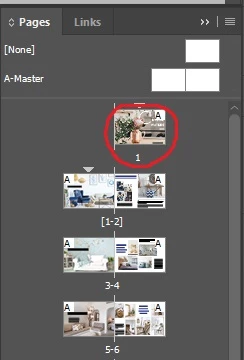
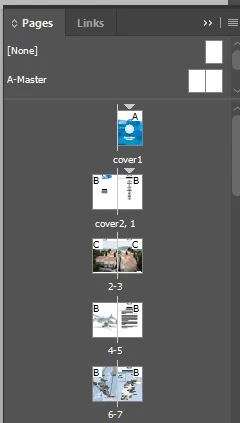
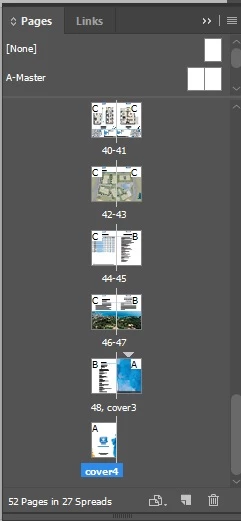
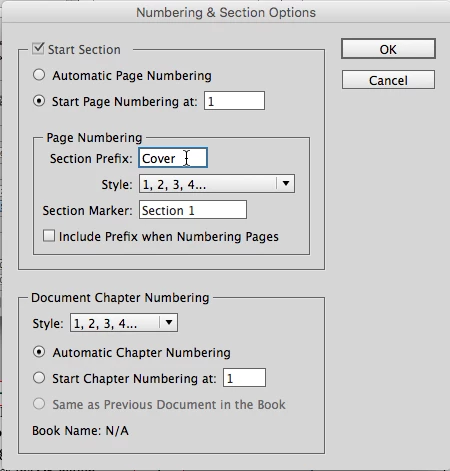
Please see the attached screenshots. I managed to start a page number where I wanted(Page 2), now I want to change the first page to a cover page. Can someone teach me how to change the fist page to cover page, or direct me to a right tutorial? I want to change the first '1' to 'cover page 1', and create 'cover page 2'. Then 'cover 3' and 'cover 4' at the end of the page.
I have tried to search for a right tutorial, but I found irrelevant tutorials such as 'how to design cool cover page'...
-My presentation-
-Right example-
 AdChoices