
Answered
Creating margins and columns via javascript
Hello
I need help.
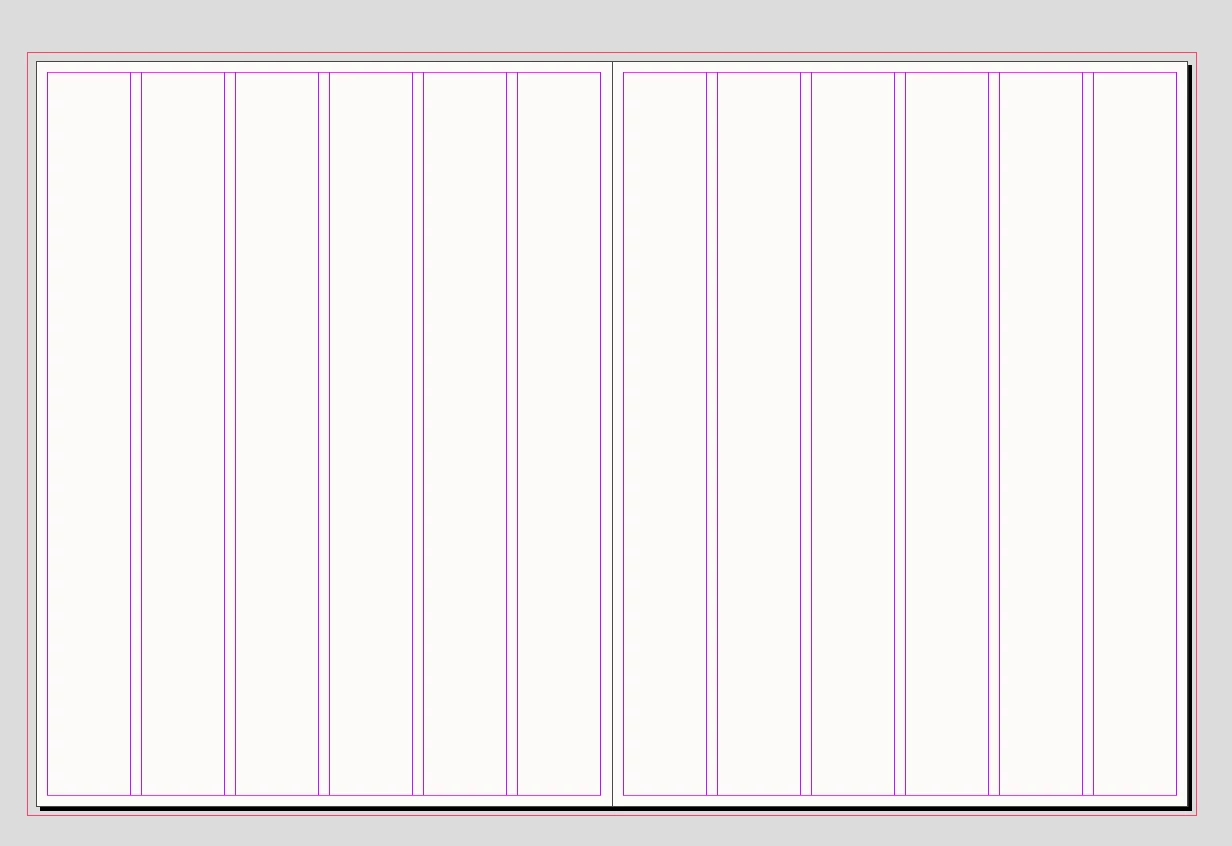
The idea is to build a page grid. Take an indent of 0.02 from the smallest side, set the margins equal to this indent. And set 6 columns with a gutter equal to 0.02 from the smallest side (the same as margin)
var myDocument = app.activeDocument;
var w = myDocument.documentPreferences.pageWidth;
var h = myDocument.documentPreferences.pageHeight;
var page = myDocument.pages.item(0);

if(h > w) {var mo = {left:w*0.02,right:w*0.02,top:w*0.02,bottom:w*0.02}};
else {var mo = {left:h*0.02,right:h*0.02,top:h*0.02,bottom:h*0.02}}
myDocument.masterSpreads.everyItem().pages.everyItem().properties = {marginPreferences:mo}
myDocument.pages.everyItem().properties = {marginPreferences:mo}
myDocument.viewPreferences.horizontalMeasurementUnits = MeasurementUnits.millimeters;
myDocument.viewPreferences.verticalMeasurementUnits = MeasurementUnits.millimeters;
How to add column and gutter parameter?


 AdChoices