

Creating pdf with 4C and spot color for printing
- 4 replies
- 823 views
- Translate
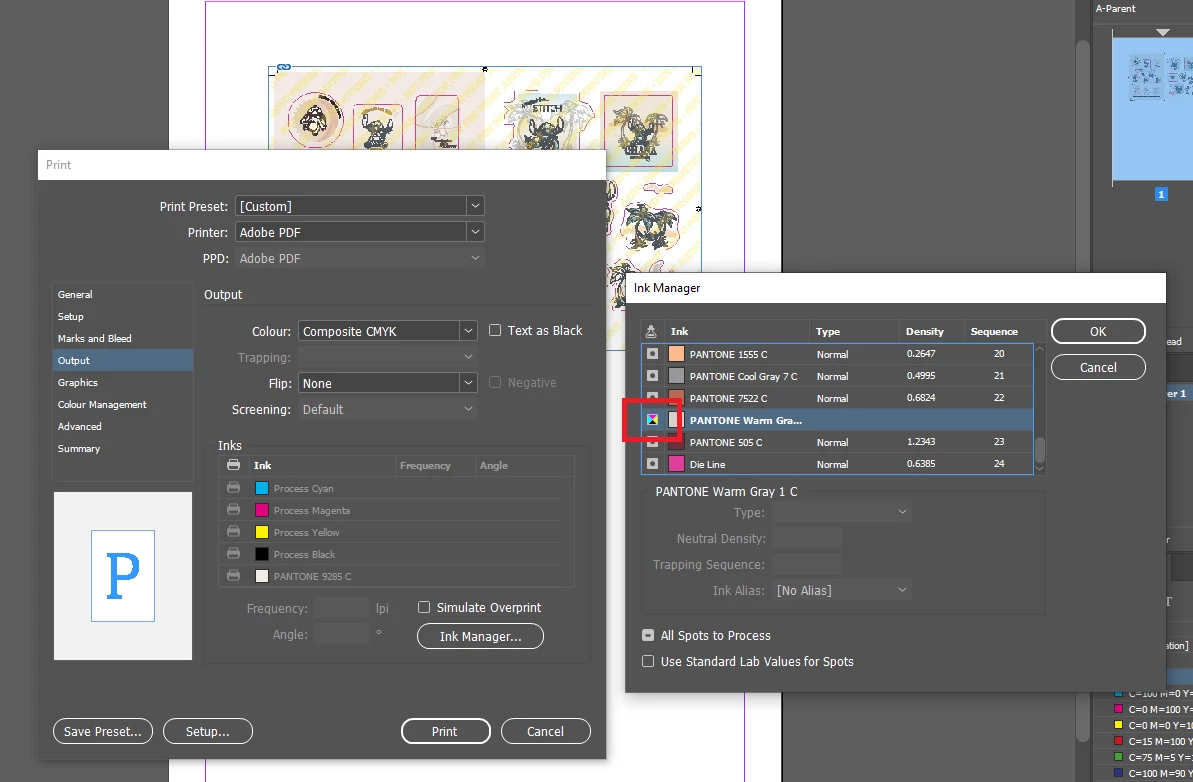
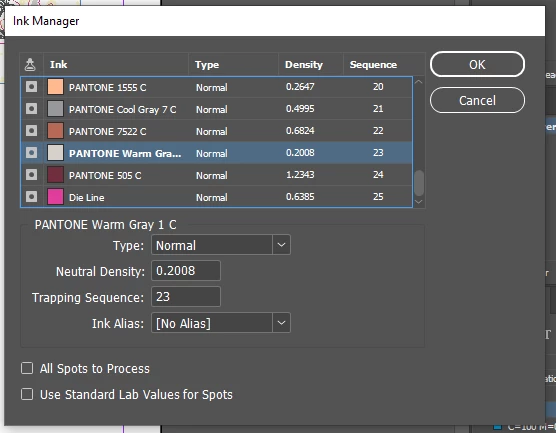
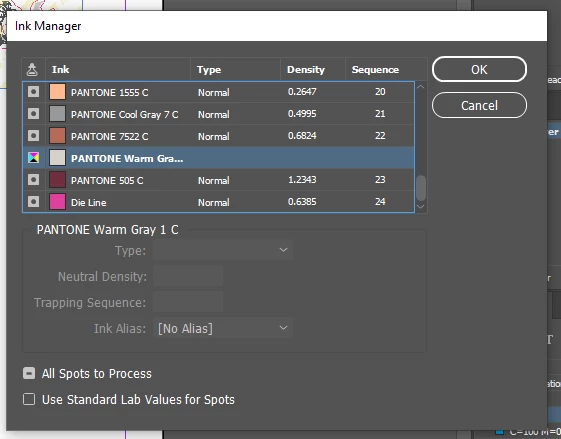
I have a 16 page InDesign file that contains hundreds of imported Illustrator images that were created using spot colors. Each image will be die cut, so I also have a layer in the InDesign file with the die lines created using a spot color set to overprint.
How do I create a pdf with the Illustrator images converted to 4-color process but with the die lines layer remaining a spot color? Is that even possible?
If it's not possible, does anyone have a suggestion for a way to output the file so that the die lines won't print along with the 4-color pages, but are there so that printer can use them for the die-cuts?
Secondarily, I'm also finding that when I create a pdf proof, some of the die lines appear as overprinting, but some do not. Anybody have a theory as to why that would happen?



 AdChoices