
Question
Cross References - setting page view
I'm working on a 900 page book with 150 figures that I need to cross reference. Example 'see Figure 12 page 333'.
I'm doing the following;
- New Hyperlink Destination
- Naming it by the figure number (so it's easy to cross reference)
- Go to the page, insert cross reference, select Link to: Text Anchor
- Then select the text anchor I've created
The issue I'm having is once I've created the PDF and click on 'see Figure 12 page 333' I only see the figure tile as shown below (top left corner).
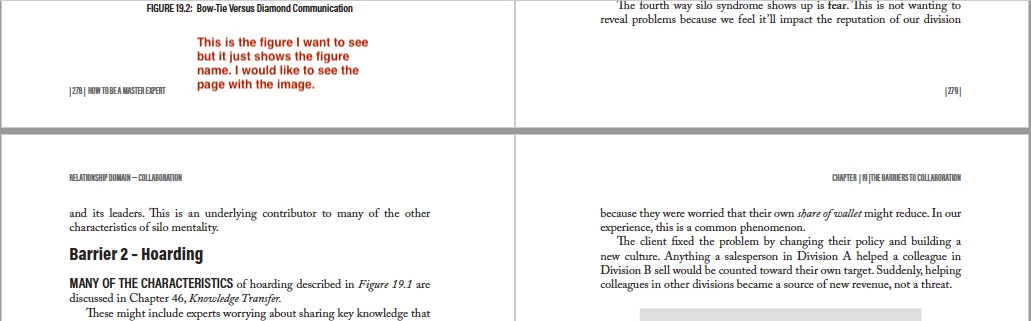
Can you set the view to fit page, like you would when you link to a page. The reason I went with Text Anchors is I could name them with the figure numbers which made it easy to find when setting the desination and if the figures moved pages I didn't have to redo them.
Any advice would be greatly appreciated.
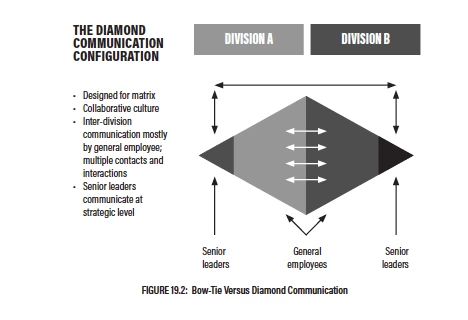
Below is what I would like to see...
 AdChoices