


Participant
October 27, 2024
Answered
Current Page Number Marker Not Syncing Properly After InDesign Update
- 4 replies
- 895 views
- Translate
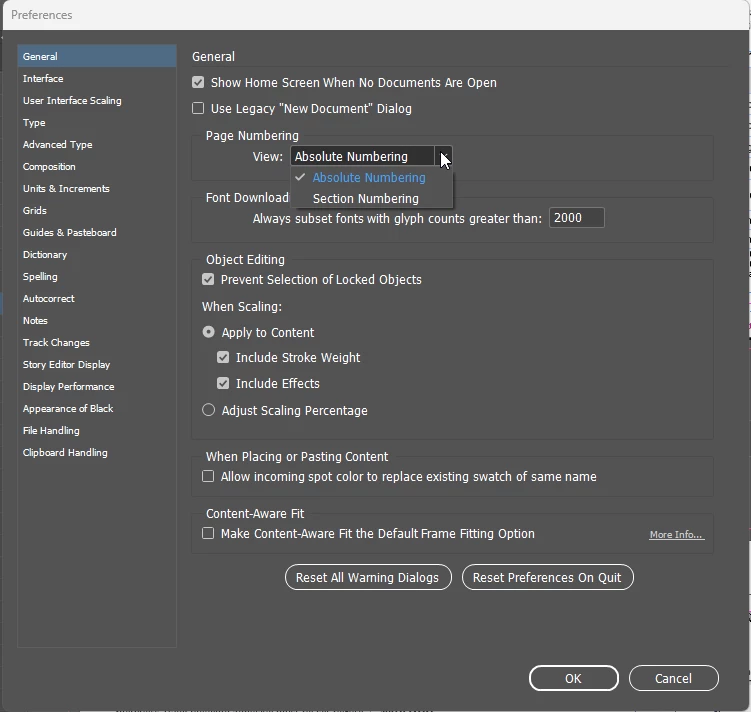
Ever since InDesign updated from version 19.5 to version 20, the current page number marker on my master pages will not sync. Now, every document in my book just starts from page 1. So, in other words, every chapter starts over at page 1. Please help. I've included a screen grab of my problem. You'll see that the page numbers on the actual document don't match the page numbers indicated in the pages window or in the book window. I've redone the marker in the master pages and resynced, but no dice...
<Title renamed by MOD>


 AdChoices