Participant
March 16, 2023
Answered

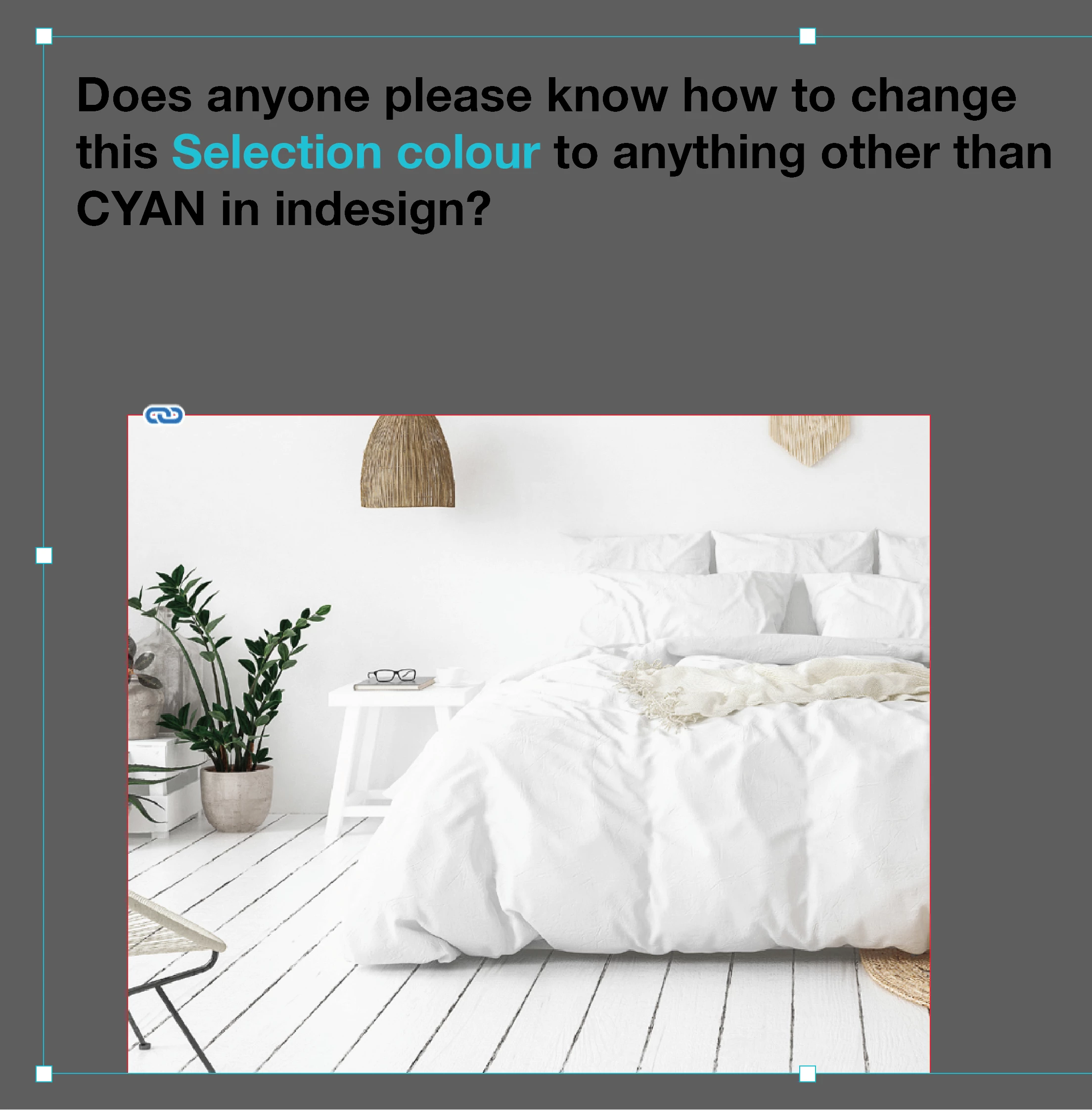
Cyan selection box colour. Is there a way to change this?
  • March 16, 2023
  • 2 replies
  • 877 views

This topic has been closed for replies.
Correct answer James Gifford—NitroPress

I am addressing exactly this question. The outlines of selected objects is a layer by layer option, with the default for the first layer being Light Blue (very close to Cyan). If you want to change this, change the associated layer color as indicated above.


When you and/or a document are sophisticated enough to be working with several layers, the different colors are essential in helping you select and manage the right elements. That translates to: avoid giving more than one active layer the same indicator color.


2 replies

James Gifford—NitroPress
Legend
March 16, 2023

Selection colors are (mostly) tied to layer color. The default for Layer 1 is actually Light Blue.


To change it, double click on Layer 1 (or whatever active layer) in the Layers palette, and choose another color.


You can change grid and guide colors in the Preferences menu, as well.


SirVea87Author
Participant
March 16, 2023

James Gifford—NitroPress
Legend
March 16, 2023

I am addressing exactly this question. The outlines of selected objects is a layer by layer option, with the default for the first layer being Light Blue (very close to Cyan). If you want to change this, change the associated layer color as indicated above.


When you and/or a document are sophisticated enough to be working with several layers, the different colors are essential in helping you select and manage the right elements. That translates to: avoid giving more than one active layer the same indicator color.


Derek Cross
Community Expert
Community Expert
March 16, 2023

Highlight (select) the words you want to change, then open the Swatches panel and select/change the colour you want to have it in (double clicking the swatch to change the colour uisng the sliders or percentages).

.

SirVea87Author
Participant
March 16, 2023
