robertc53573803
Participant
February 24, 2021
Question

DARK LINES in a Placed WORD DOCUMENT

  • February 24, 2021
  • 3 replies
  • 211 views

Hi!


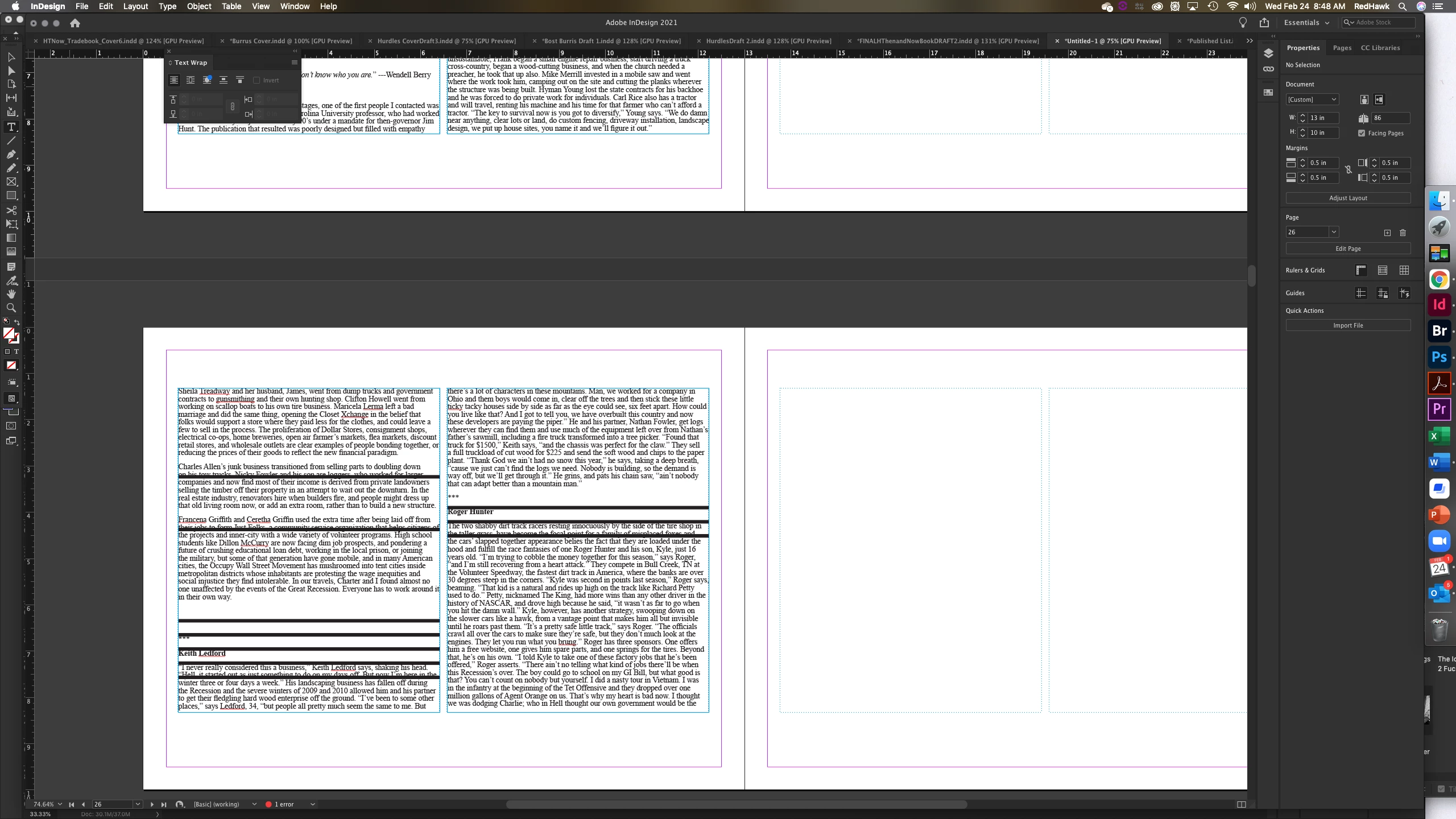
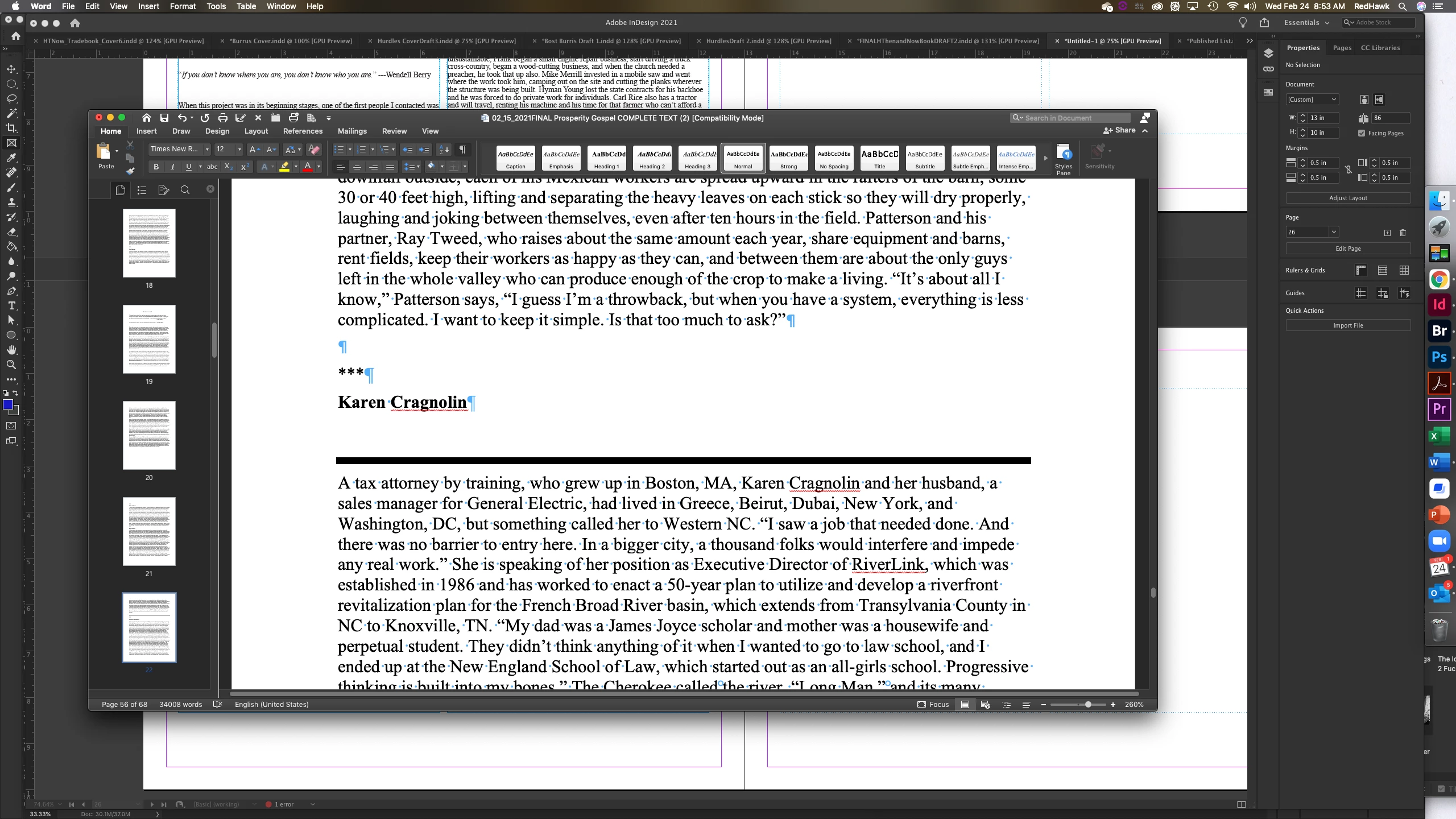
Anyone have a cause and cure for the dark lines in my placed document?

They cannot be deleted. There's only ONE in the WORD DOC File, but HUNDREDS in the placed Indesign layout.

THANK YOU!

This topic has been closed for replies.

3 replies

vladan saveljic
Inspiring
February 24, 2021

select all and remove the paragraph rules:

- Choose Paragraph Rules from the Paragraph panel menu or Control panel menu.
- Deselect Rule On and click OK.
BobLevine
Community Expert
Community Expert
February 24, 2021

If it's not rules as Barb has pointed out, it's likely to be paragraph shading. This happens a lot with documents converted from Google Docs.

Any chance your documents started out that way?

Barb Binder
Community Expert
Community Expert
February 24, 2021

Those look like paragraph rules. 

  • Click in the text
  • Edit > Select All
  • Type > Paragraph
  • Open Paragraph Rules from the Paragraph panel menu (top right)
  • Disable Rule On for Rule Above and Rule Below.

If that doesn't do it, let us know.


~Barb

~Barb at Rocky Mountain Training