Participant
January 6, 2020
Question

data merge: can't add images, " Missing images " error

  • January 6, 2020
  • 4 replies
  • 6173 views

ERROR: one or more images referenced by the data source file are missing.

OS: MacOS Mojave 10.14.6


ERROR LOG

Data Source File: BROUILLON CATALOGO BANPRESTO - Esponal (1).csv
Target Document: Crucial:Users:Adrian:Documents:catalogo banpresto.indd

Report Generated: 06/01/20 13:44

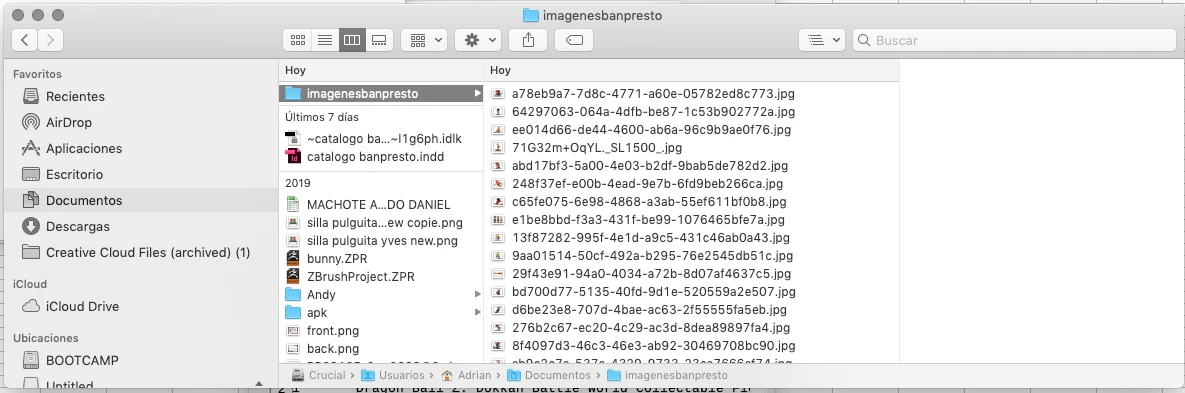
1) Crucial:Users:Adrian:Downloads:‚Å©/imagenesbanpresto‚Å©/64297063-064a-4dfb-be87-1c53b902772a.jpg


---


I don't know if the error relates to the fact that indesign is adding Å©/  instead of only /
On .csv source file there isn't any Å©/ obviously for the .jpg path on the column @IMAGE

I don't know if it is important that while creating the .csv I used Unicode (UTC-8) . Also although this may not be relevant I can't use  Unicode (UTC-16) because for some reasonletters appear in chinese.


This topic has been closed for replies.

4 replies

Brad @ Roaring Mouse
Community Expert
Community Expert
January 7, 2020

Are you using the latest version of Excel? I had this exact situation recently. It was Excel's fault since a recent update. This is what happened in my case: For some reason, a .csv file saved out of Excel, that is REOPENED into Excel changes the column header "'@image" to a "#NAME?". If you resave that file, the new header sticks, so no longer works when data merging. You can see if this has happened in your case: Open your .csv file in a plain text editor. If "@image" has been replaced, there's your problem. You can change that "#NAME?" to "@image" in the text editor, resave and it works. Anything I've tried in Excel to keep it as written is not working, so stay posted! 

Ashutosh_Mishra
Inspiring
January 7, 2020

Hi there,


In addition to the responses given earlier, I'd recommend checking out the https://indesignsecrets.com/troubleshooting-data-merge-errors.php for more information about troubleshooting data merge errors.


Hope it helps.


Regards,

Ashutosh

Colin Flashman
Community Expert
Community Expert
January 7, 2020

InDesign's data merge is intended to work with UTF-16 type text files. I've seen issues where apostrophes and other characters are turned into similar characters to ‚Å© if the text file was a PC UTF-8 file.

Open the data merge text into a text-only editor and check to see if the data is stored as UTF-8 or UTF-16.

In my older version of textwrangler, this information can be found in the bottom left corner:


If the answer wasn't in my post, perhaps it might be on my blog at colecandoo!
Community Expert
January 7, 2020

Sometimes Excel truncates long numbers of text - for some reason.

Does the excel file show the exact file name?

There's a handy script for creating your CSV file for images https://indesignsecrets.com/import-folder-full-pictures-page.php