
Known Participant
April 4, 2024
Answered

Data Merge Extended Characters

  • April 4, 2024
  • 2 replies
  • 4355 views

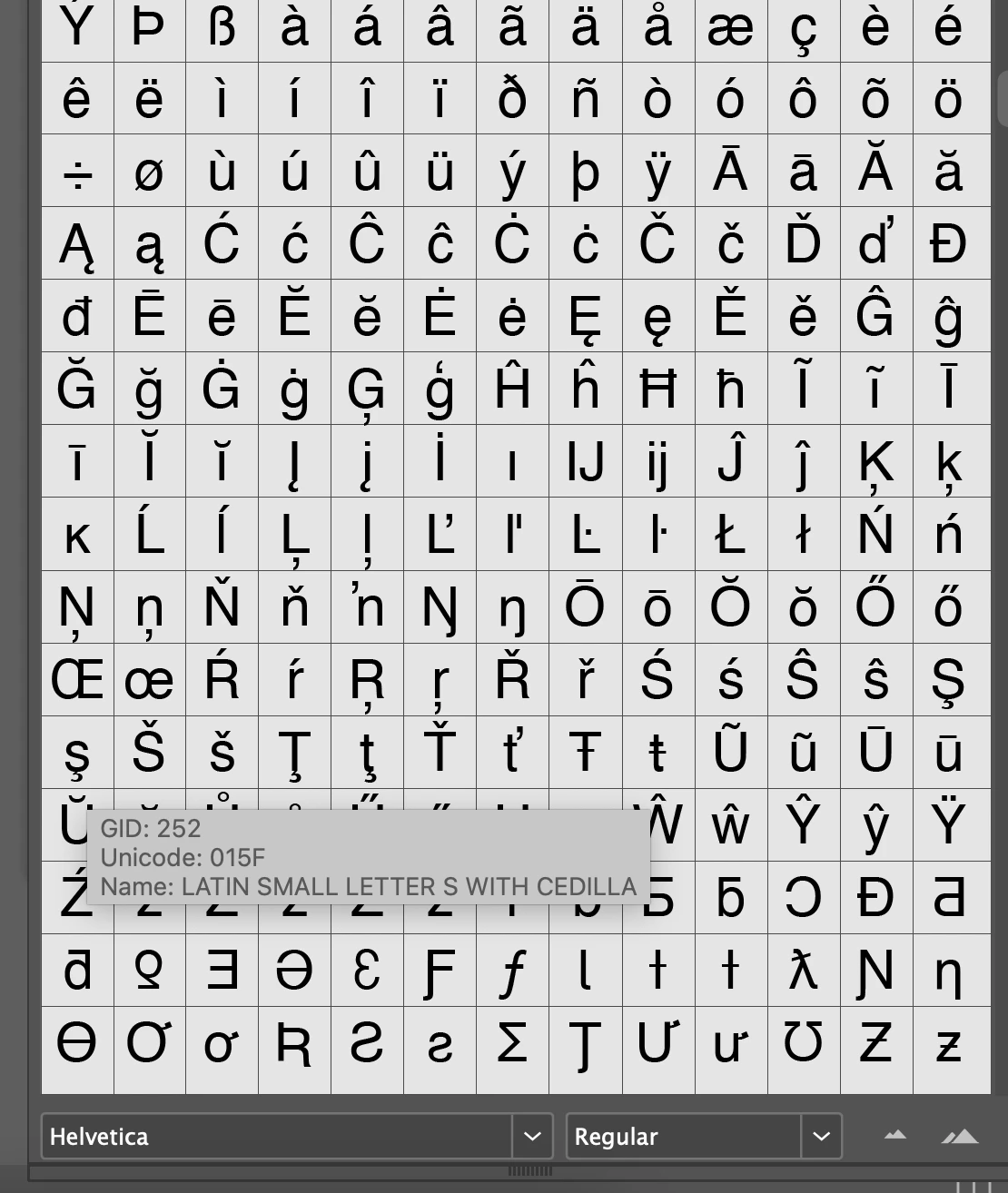
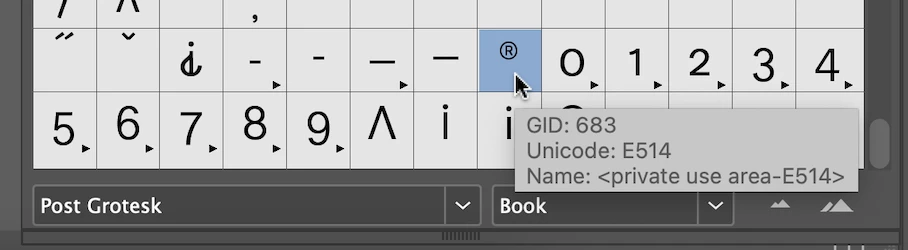
I have had the need for different characters on my last two merge jobs and it seems like I should be able to overcome it without having to edit after merge. I googled and have tried a few things but nothing I found worked, so I edited. Anyone know if/how I would have gotten these two characters to work in a data merge?
This topic has been closed for replies.
Correct answer Joel Cherney

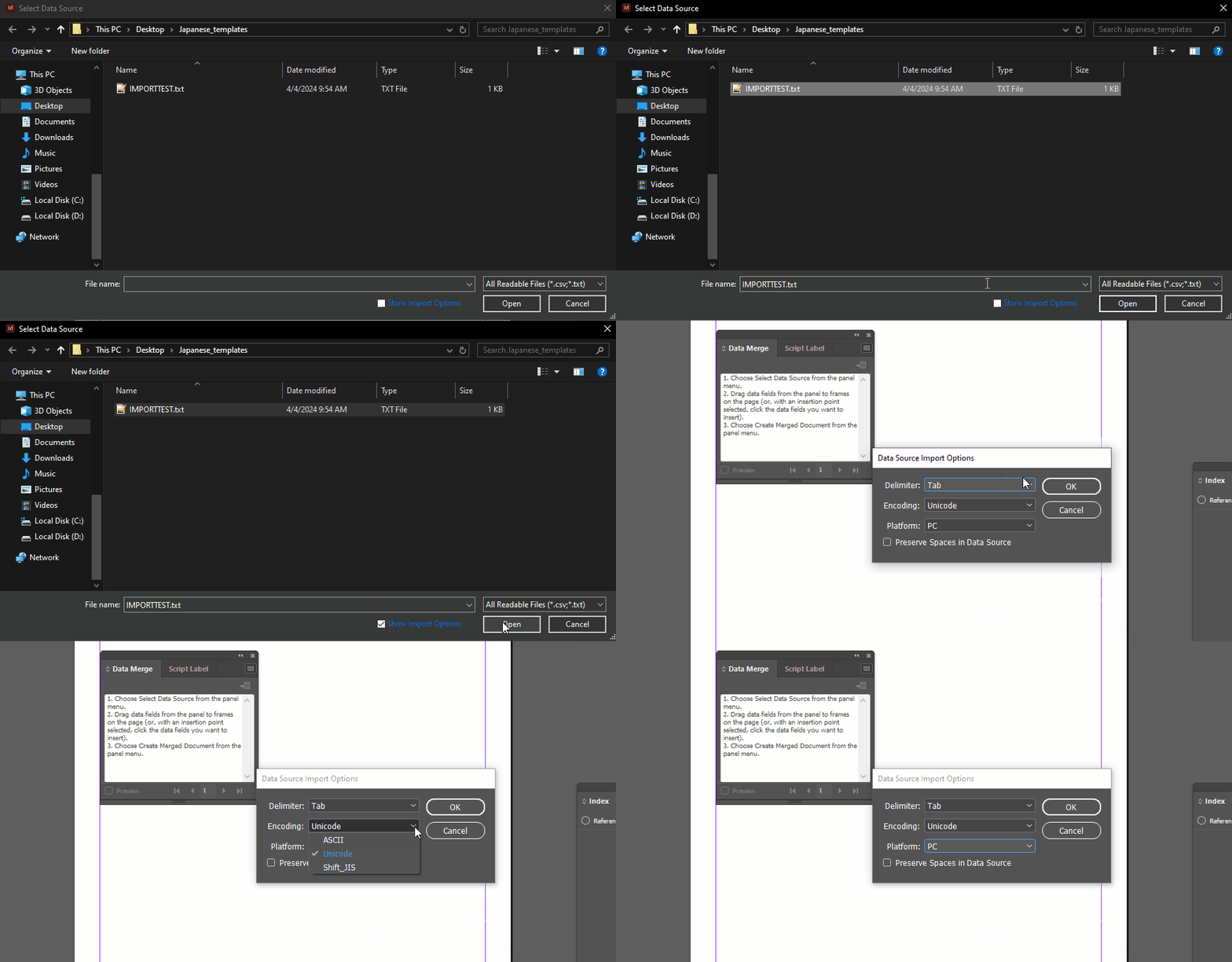
Robert's question is the first half of your solution. You need to use an encoding that Data Merge will accept. The other half of your solution is to check the Import Options box when selecting your Data Source, and specify that encoding:


2 replies

Joel Cherney
Community Expert
Joel CherneyCommunity ExpertCorrect answer
Community Expert
April 5, 2024

Robert's question is the first half of your solution. You need to use an encoding that Data Merge will accept. The other half of your solution is to check the Import Options box when selecting your Data Source, and specify that encoding:


GiGiTexasAuthor
Known Participant
April 5, 2024

I swear I tried this and got an error. Maybe I am saving my file wrong? 

Robert at ID-Tasker
Legend
April 4, 2024

Your data source file - what is the encoding?