Participating Frequently
June 5, 2025
Question

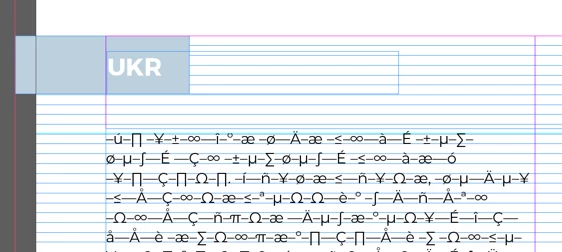
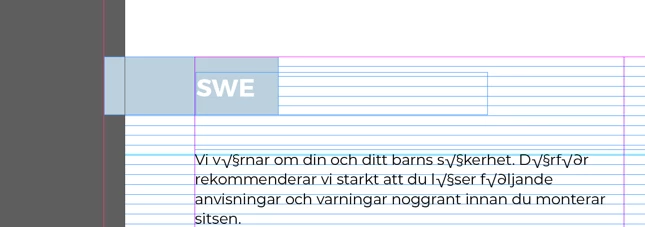
Data merge for manual with special characters

  • June 5, 2025
  • 2 replies
  • 581 views

Hi I already checked this https://community.adobe.com/t5/indesign-discussions/data-merge-with-special-characters-on-mac/td-p/11217158 but for a manual it does not work.


I work with many languages that uses special characters.

Is there a csv export that indesign allows which keeps this special characters?

Or is there an easy way to replace the characters in numbers for something indesign understands?


If it cannot be solved, is there a good alternative for Data merge? like a plugin?


2 replies

Participating Frequently
June 5, 2025

Solved it with chatgpt, I had to verify the csv with bbedit and then I could do a replace of the ; to a tab /t and save as a utf16 small endian .txt file.
This imports great.


Joel Cherney
Community Expert
Community Expert
June 5, 2025

Nooooooo


I mean, I'm glad that worked for you, but it's not a correct answer at all.  Likewise, the answer that you found in that other thread is incorrect in your case. Instead of editing incorrectly encoded translations by hand, in languages you cannot read, you should check the "import options" checkbox when selecting your Data Source, and then choose a Unicode encoding. 


Participating Frequently
June 5, 2025

Yes this is even better! it works, thanks!

Peter Spier
Community Expert
Community Expert
June 5, 2025

For characters that don't behave in data merge I generally use a substitute text string that will merge and then run find/change to replace that string with the correct character.

Participating Frequently
June 5, 2025

I could not do this to replace basically every character by hand for japanese or bulgarian.. But the trick is to import utf 16 txt file.