



Data Merge on Mac
Hi all - apologies if this has been answered previously. I have had a look through the forums but can't see an answer for this specific issue.
I am trying to speed up my brochure design process, previously I have manually made changes to our product list, but am aware that there should be a quicker way for me to make these changes, and also accomodate for updates to our listing.
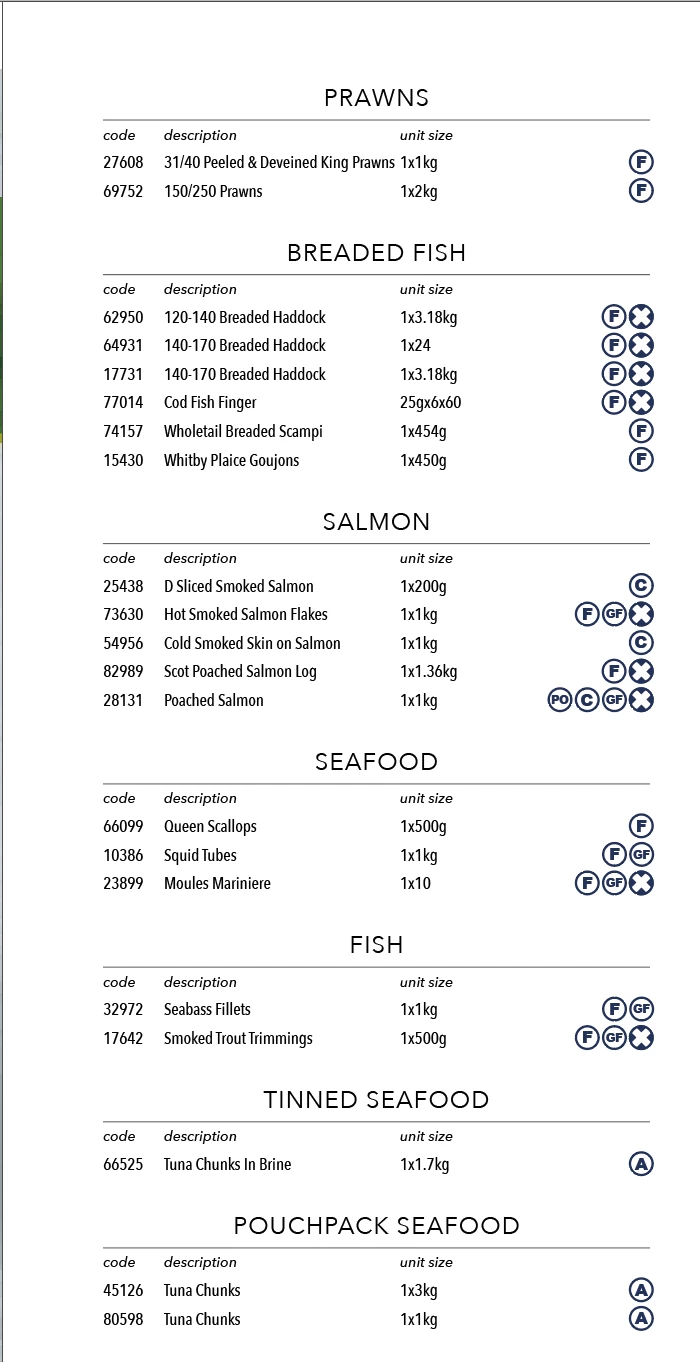
This image is an example of the end result I'm trying to achieve (based on last year's manually formatted text file):
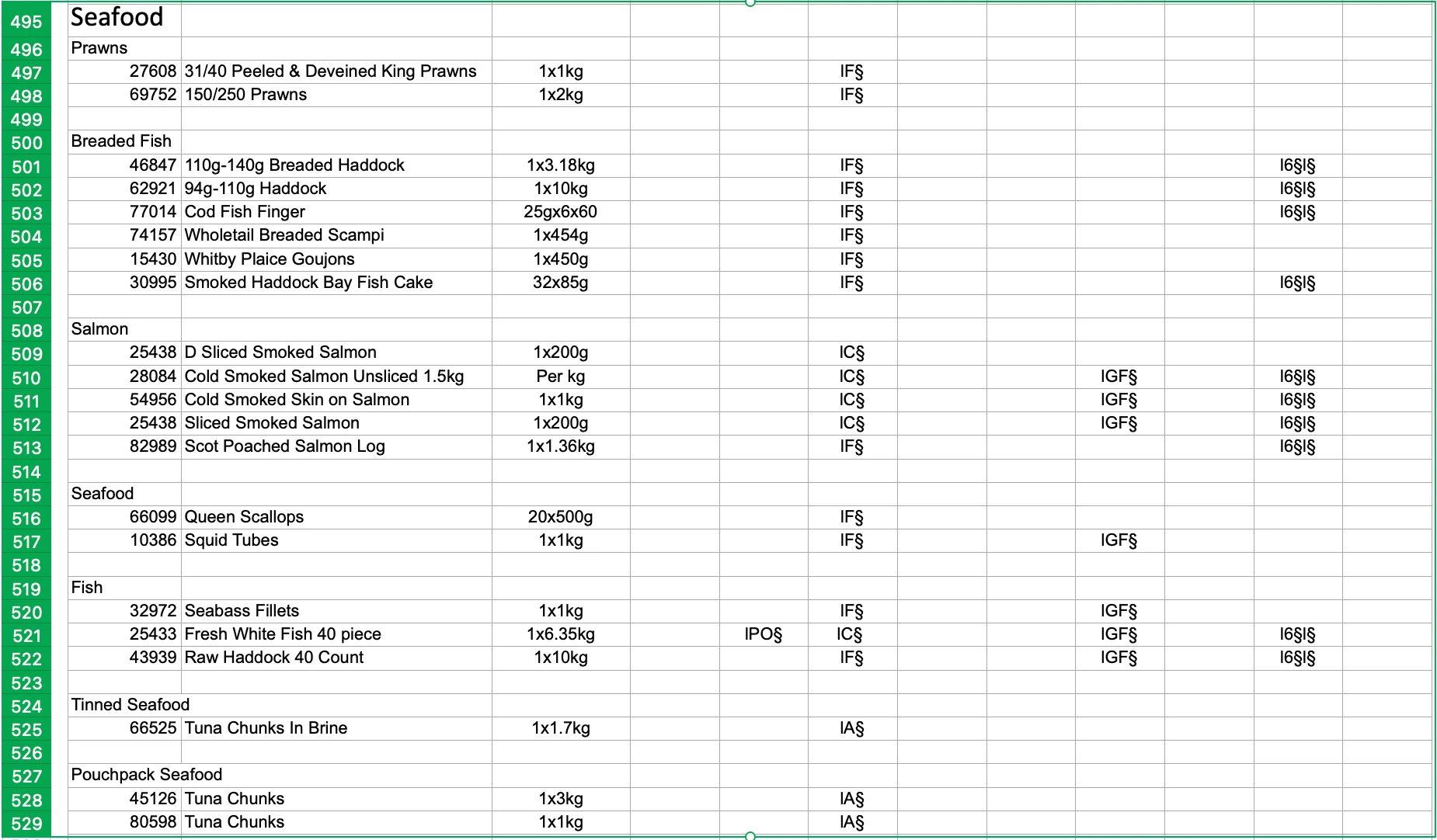
This is a screenshot of my current numbers file:
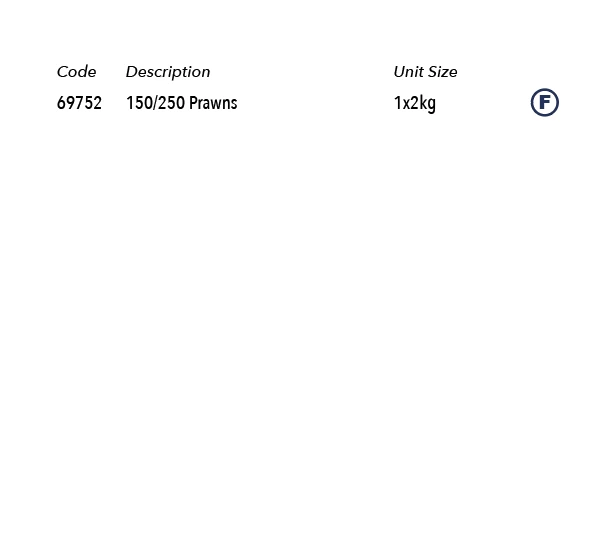
I've exported this as a CSV and selected Text Encoding as 'Mac OS Roman' - this is a screenshot of the first line of the listing formatted correctly:
I can't figure out how to progress from here - the formatting is correct, but when I choose to Create Merged Document, the option to have multiple records per page is greyed out and stuck on 'Single record' and I don't need to export to pdf, I want the whole list pasted in to the text boxes available.
Is this possible? How can it be done?
Many thanks if you've taken the time to read this, any help is greatly appreciated.
 AdChoices