



Data Merge to PDF ignoring text variables in tag line
Is there any reason that a file merged directly to a PDF (rather than to an Indesign file, then saved as a PDF) would refuse to parse text variables set in InDesign?
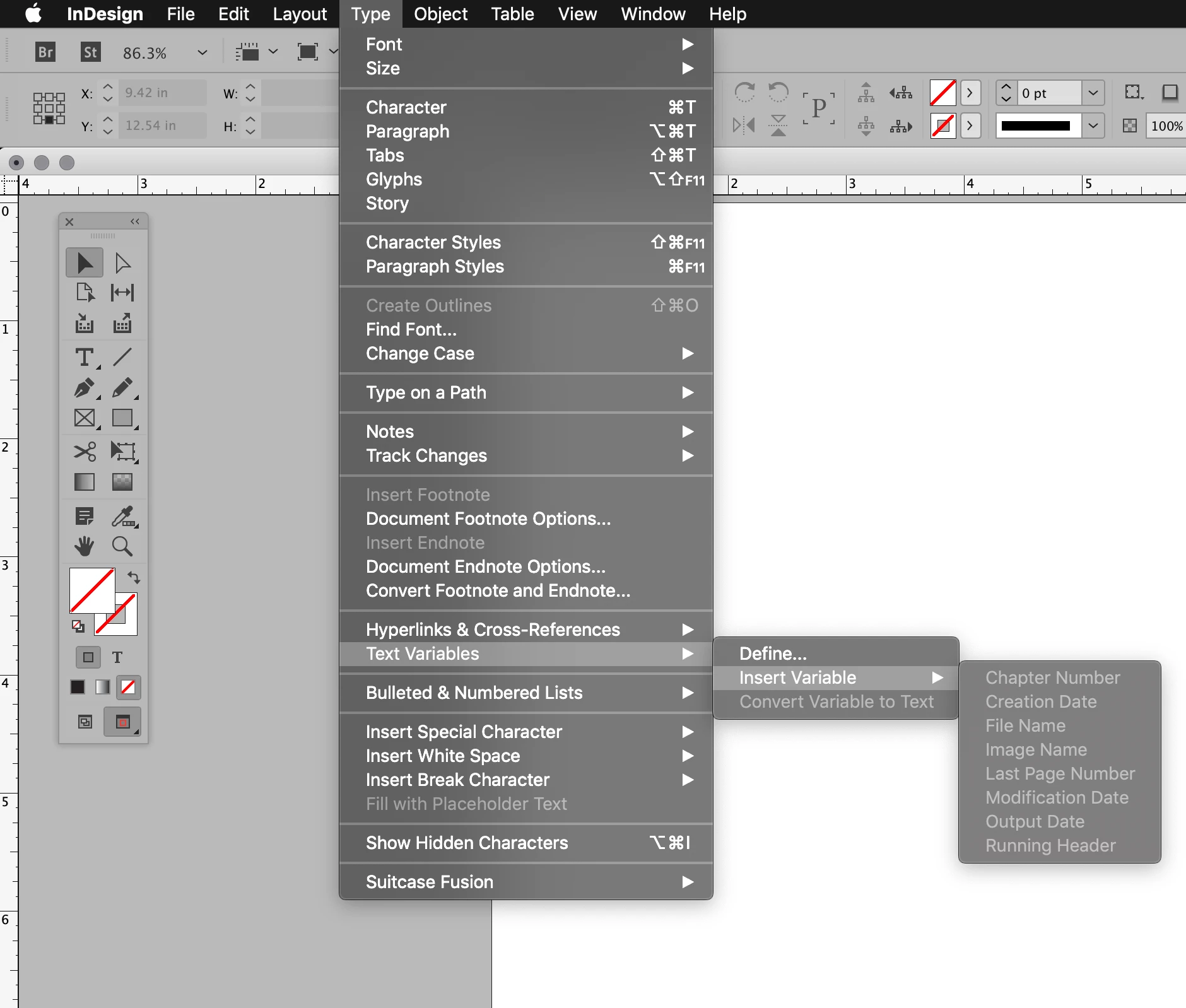
When I merge my data to an InDesign file, then save as PDF, the tag line I created with text variables print. It works but it is very time consuming and eats up a lot of hard drive space.
My tag line includes:
File Name | Output Date/Time | Sheet: Page Number / Last Page Number
Sample:

When I use the Data Merge Panel to select Merge to PDF, InDesign happily prints my file name, date and time, but ignores my text variables for the page number and last page number in document. It's treating my merge as if there is only one page!
Sample:

It's the same exact tag line. Surely using the Data panel, InDesign understands that the resulting PDF will be more than one page considering there are over 6,000 records merging. How could it not?
What is going on? Can this be fixed? Have I found a bug?
 AdChoices