
Participant
May 2, 2023
Answered
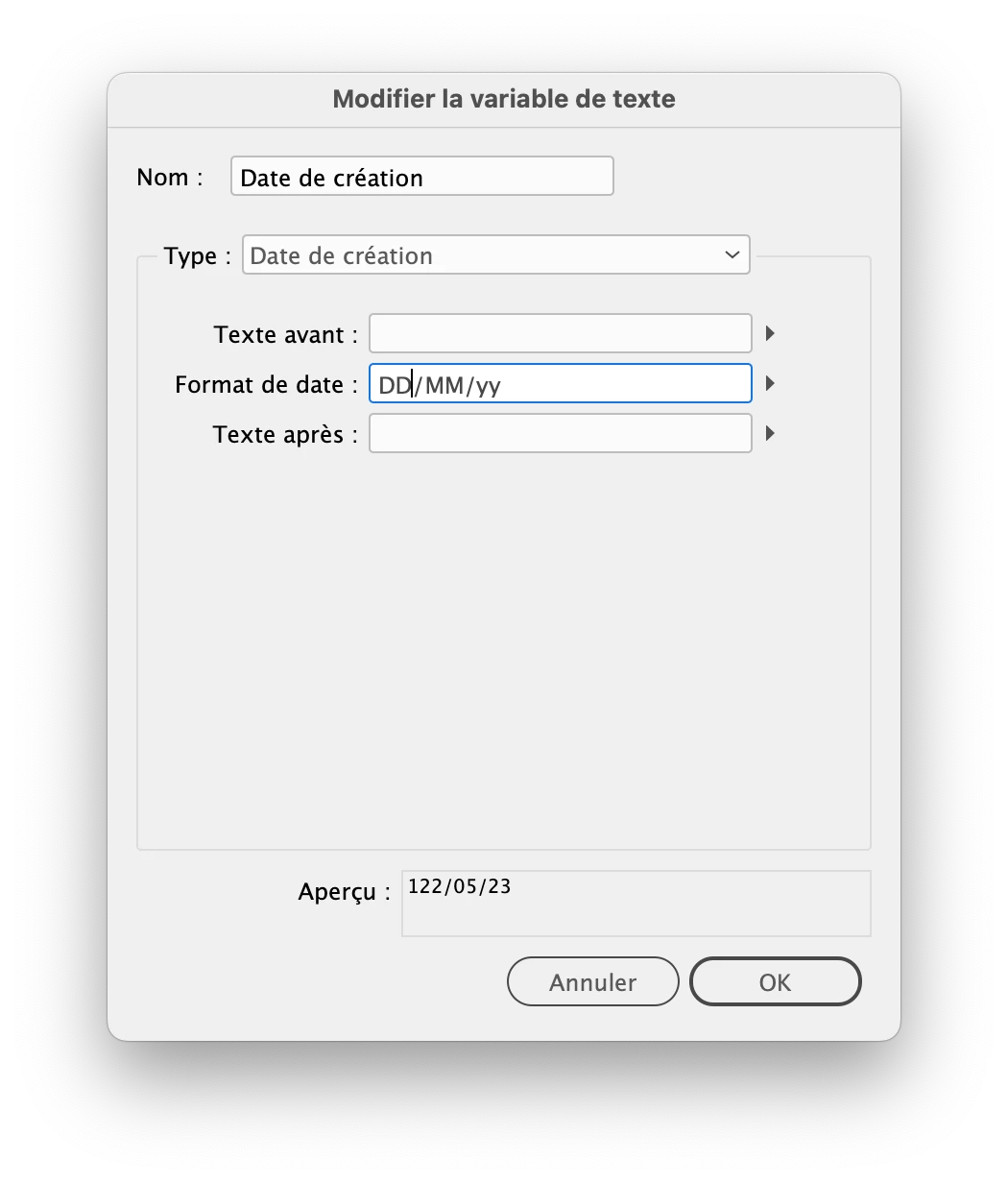
Day of the month showing up as 3 digits
- May 2, 2023
- 2 replies
- 526 views
Hi guys,
Firstly I want to say I'm trying out InDesign after years of Illustrator and Photoshop and I think I may have already popped a hernia with this deeply buggy software.
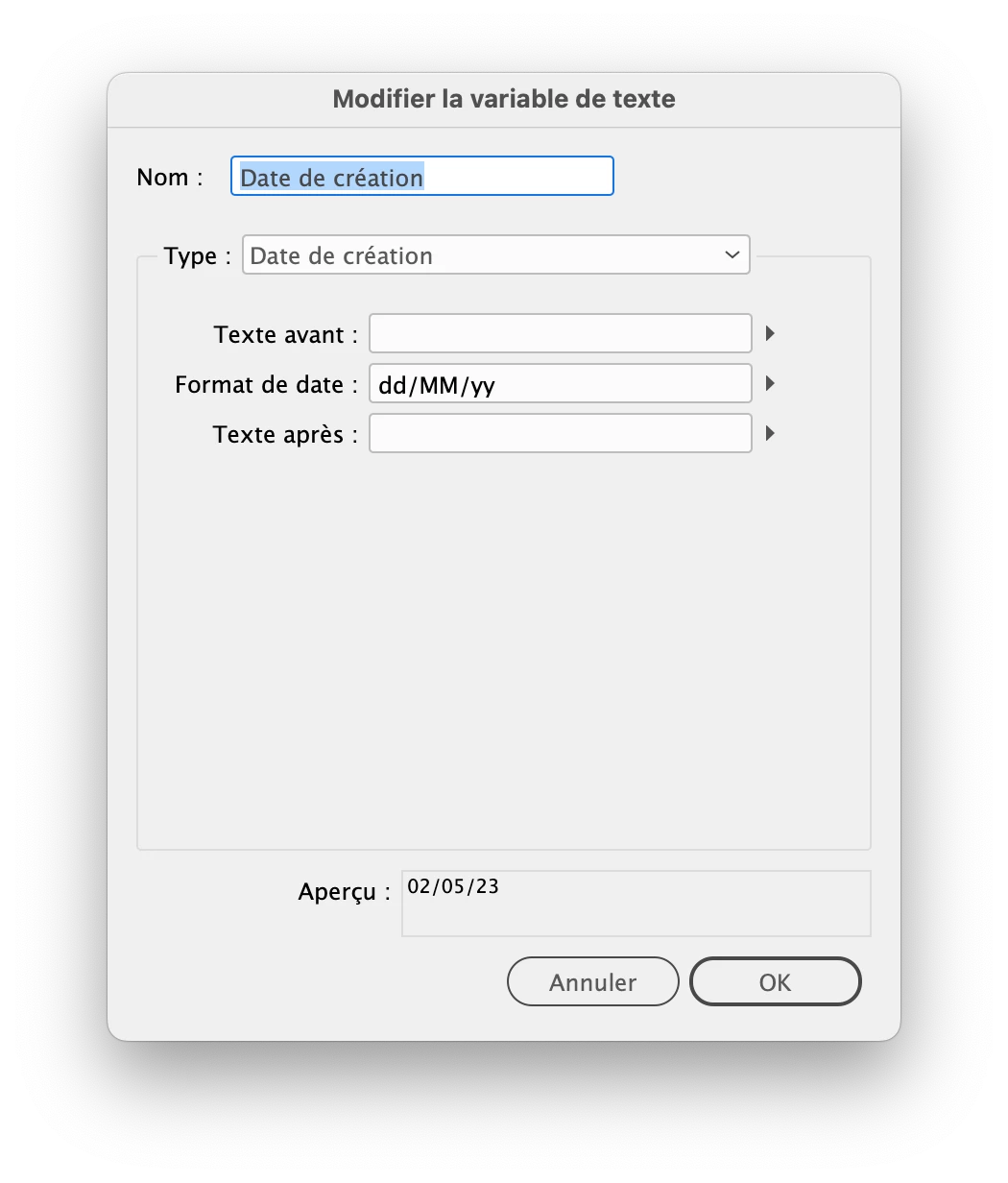
I've just now used a text veriable for the "creation date" and when I add the date format as D/MM/YYYY or D/M/YY or DD/MM/YY or DD/MM/YYYY or any variation of that, it puts the day of the month a 3 digits.
Doesn't matter what I do. I've changed the system preferences on my Mac then restarted InDesign. Nothing. Tried all different variations. It's still just displaying this nonsensical date.
I can only handle so many hernias, so please help if you can.
 AdChoices