
Siddalingayya
Known Participant
August 15, 2017
Answered

Default Stroke for photo box

  • August 15, 2017
  • 1 reply
  • 950 views

Hi,

I am working Indesign CC 2017. I want set default stroke to photo box. Can any one insist me to do so??

SIDDU

    This topic has been closed for replies.
    Correct answer Barb Binder

    Draw a graphic frame.

    Open Window > Object styles.
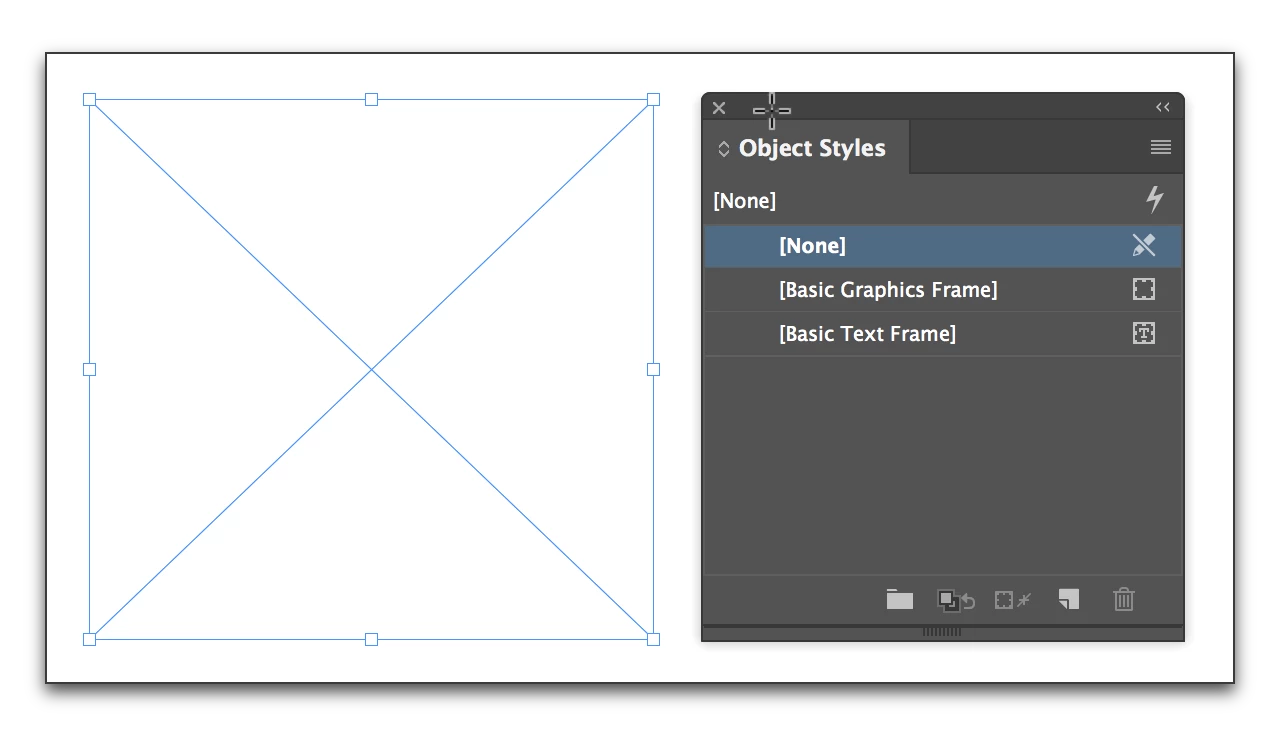
    Select the frame.

    Click on [Basic Graphics Frame]
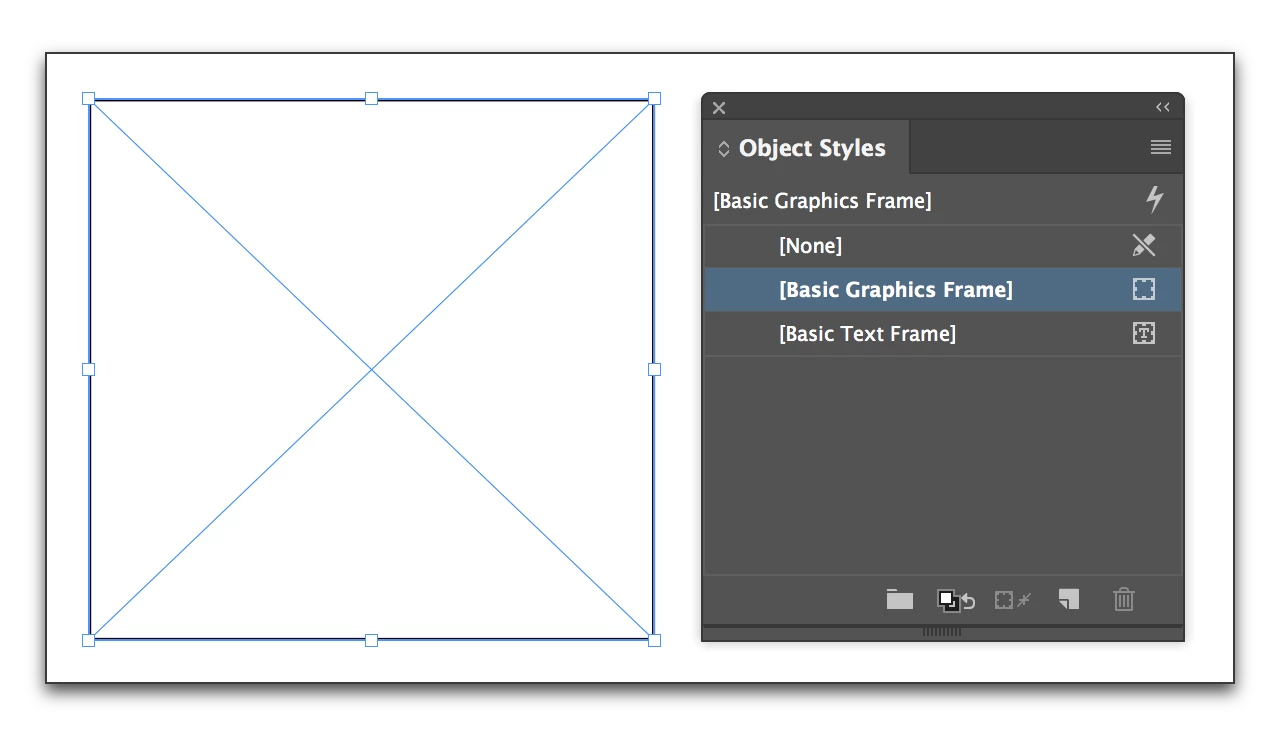
    If you need to further refine the stroke you can edit [Basic Graphics Frame] or create a new Object style.

    1 reply

    Barb Binder
    Community Expert
    Barb BinderCommunity ExpertCorrect answer
    Community Expert
    August 15, 2017

    Draw a graphic frame.

    Open Window > Object styles.

    Select the frame.

    Click on [Basic Graphics Frame]

    If you need to further refine the stroke you can edit [Basic Graphics Frame] or create a new Object style.

    ~Barb at Rocky Mountain Training
    Siddalingayya
    Known Participant
    August 15, 2017

    ThanQ,

    For rectangle tool I did not set the stroke. But  it reflects correctly. Without object style any idea ?

    Barb Binder
    Community Expert
    Community Expert
    August 15, 2017

    Are you saying this was already a stroke around a graphic frame? Either you added it, or you changed the default prior to drawing the frame. That said, the correct way to move forward is to use the steps shown above.

    ~Barb

    ~Barb at Rocky Mountain Training