
Inspiring
December 5, 2025
Question

Design best practices: image scale bars - separation bars in .tif file or as ID vector element?

  • December 5, 2025
  • 3 replies
  • 1435 views

Greetings. This is a best practices question, not a how-to.

For scientific works (see inserted sample page below) with multipanel figures with scale bars, is it better to keep the bars in the .tif file, or add them on top of the image as vector lines in ID? The ABCs are added already as transparent little text boxes from library for consistency and sharper output.

- Reasons for keeping them in .tif: Everything is bundled together, no possibllity of elements shifting (I know about grouping, use it for the ABCs and image). 

- Reasons against .tif: layered master figures of variable pixel dimension/resolution (could be standardized, but PITA), so line sizes are tricky to standardize.

Reasons for vector elements in ID: standard line sizes easier to maintain. Vector graphics sharper than pixel lines in .tif file; effect most likely limited given that they are only horizontal and vertical lines.

Reasons against vector elements in ID: More work (only about 300 figures to re-do), possible screw up in production with more individual elements in a .pdf file.


Thanks for any pointers/opinions/experiences.


P.S. Just noticed Fig.

589B. Have to use a non-breaking space. 
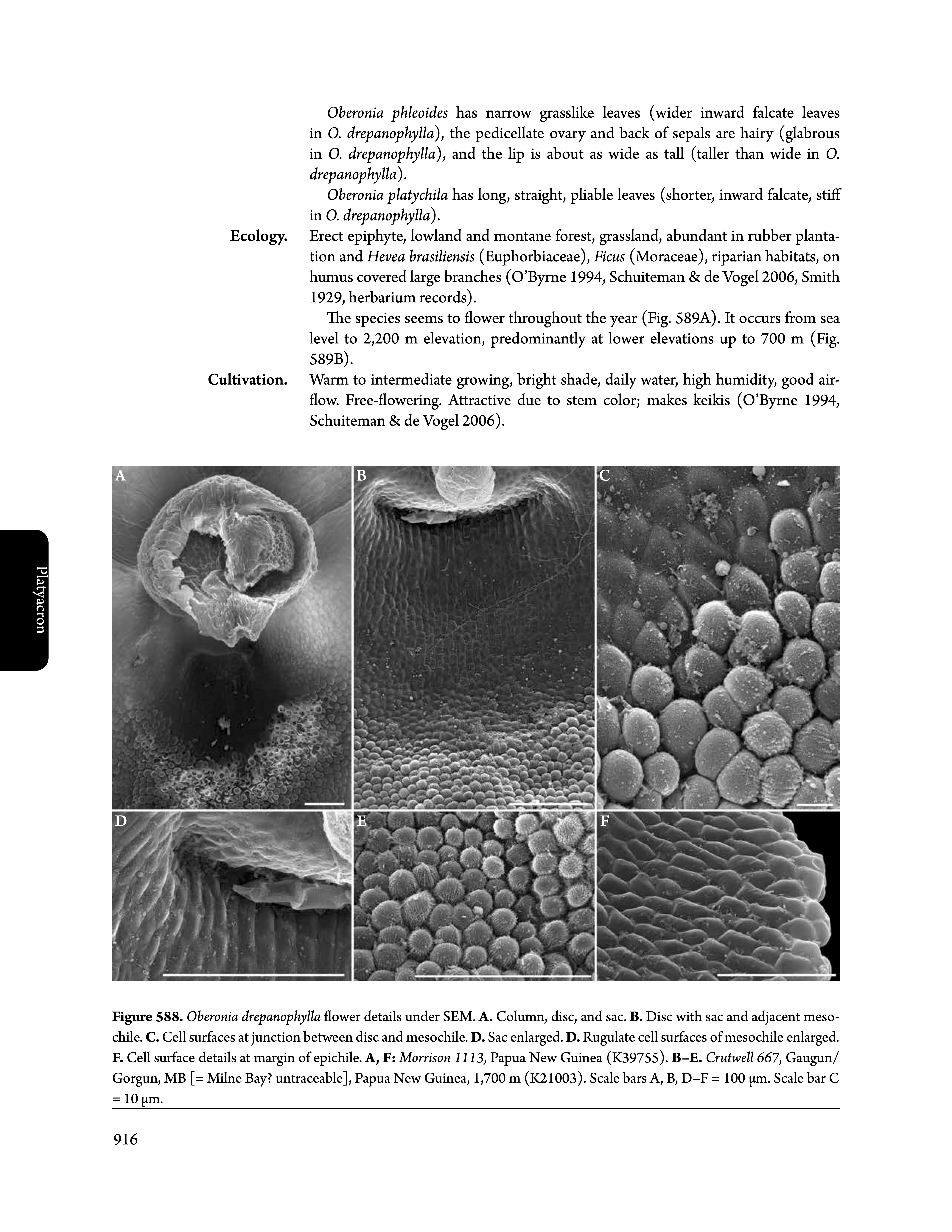
drepanophylla.jpg

3 replies

Inspiring
December 6, 2025

Thanks for the input. Two community experts, two opposite opinion. Interesting in its own right. At least it indicates there isn't an objectively correct answer, and I did not miss some major points.

- Importing the graphic as a pdf, intesting possibility, but certainly not. Too many possible problems when pdf-ing a placed pdf. That's just asking for trouble.

I use AffinityPhoto for images. I detest Adobe for their rental software. However, I am forced to use ID as no other book production tool can be configured for automatic-dynamic figure numbering and cross referencing. With hundreds of figures, I cannot do that manually. Only possible with VirginiaSystems InSeq plug in, only available for ID (no longer for QXD, not for Publisher). Sigh. Mindboggling that such an essential feature, perfect for automatization, is not available in tools allegedly suitable for long books. -- End rant.

Dave Creamer of IDEAS
Community Expert
Community Expert
December 6, 2025

Are you saying you _only_ subscribe to InDesign --or do you have the entire Creative Cloud? If you have the entire Creative Cloud, you would have access to quite a few Adobe programs, including Photoshop. 


The reason I mention Photoshop is because it has a measurements log in which you can set the scale and take scaled measurements on an image. 


David Creamer: Community Expert (ACI and ACE 1995-2023)
Inspiring
December 6, 2025

I only and reluctantly use ID, nothing else from the Adobe suite; I hate any rental software with a vengance. Don't use MS either, Mellel is a great wordprocessor, and Apple Numbers (Excel) and Keynote (Powerpoint) are prefect alternatives. Affinity is such a good deal, and for my purposes superior in some respects to Photoshop (used it from PS3 till CS6), e.g., non-destructive scaling. For my limited vector use, AffinityDesigner is perfectly fine, just for long books, Publisher is not up to the task because of figure numbering problem. Used QXP in the past, but unfortunately, VirginiaSystem is no longer compatible with QXP due to Mac OS architecture switch a couple of years back.


ID has its own flaws, such as unusably slow "performance"-crawl when using cross-referencing [I have a couple hundred cross references in the current 1200+ page project], and TOC not working on book [only first document is parsed], so have to use two more VirginiaSystem plug ins. They work great! Also adding text boxes on new pages inexplicably changes the text-box object style, so have to manually change that every time (or do a object style replacement in entire story). QXP with the auto-text boxes is much more user friendly in that regard. And when scrolling, frequently random color blocks appear over pages, and when copy-paste text, it looks like two lines of text are on top of one another. Have to scroll up/down then back to where I need to be to remove all those artifacts. 


For measurements, there is open source ImageJ, but for my purposes, typically a simple calculation is all I need.

Peter Spier
Community Expert
Community Expert
December 6, 2025

Personally I would do them as separate elements in InDesign. I think the advantage of having them locked in for the correct length in the image is outweighed by the flexibility of changing the location and maintaining a consistent stroke weight  when you have different magnification levels or need to zoom in.

Dave Creamer of IDEAS
Community Expert
Community Expert
December 6, 2025

I would be concerned with the accuracy of the scale if creating it in InDesign. 


David Creamer: Community Expert (ACI and ACE 1995-2023)
Peter Spier
Community Expert
Community Expert
December 6, 2025
quote

I would be concerned with the accuracy of the scale if creating it in InDesign. 


By @Dave Creamer of IDEAS

That's definitely a consideration. One way to secure agains errors mimght be to include a scale rule on the edge of the image canvas outside the image area to be used for reference.

Dave Creamer of IDEAS
Community Expert
Community Expert
December 5, 2025

I would do them with the layered TIFF or Photoshop file to make sure the line scales properly with the image. A straight line won't make any difference if it is raster or vector (unless you want rounded edges, but even then, it's too small). If you REALLY want vector, save the Photoshop file as a Photoshop PDF. Vector elements created in PS will stay vector.


David Creamer: Community Expert (ACI and ACE 1995-2023)