Participant
November 3, 2023
Answered

Different colour values in separation preview

  • November 3, 2023
  • 2 replies
  • 384 views

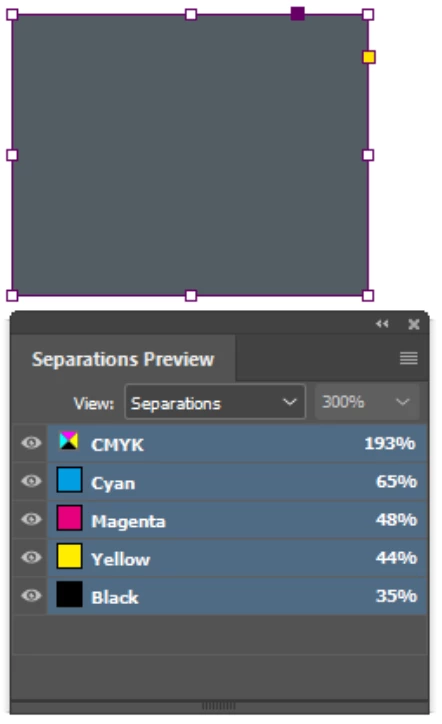
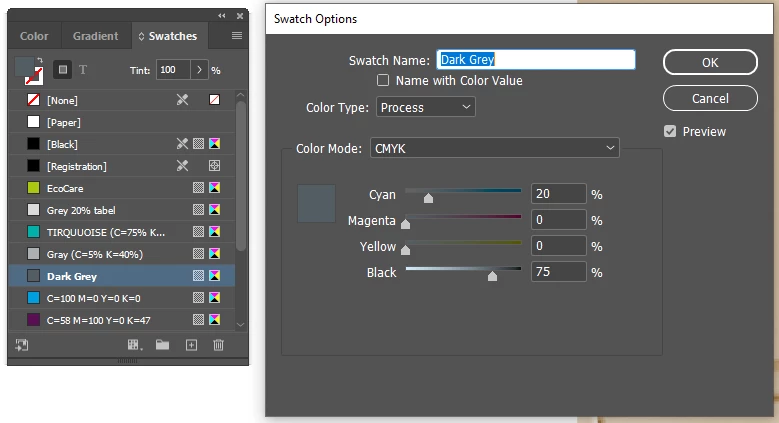
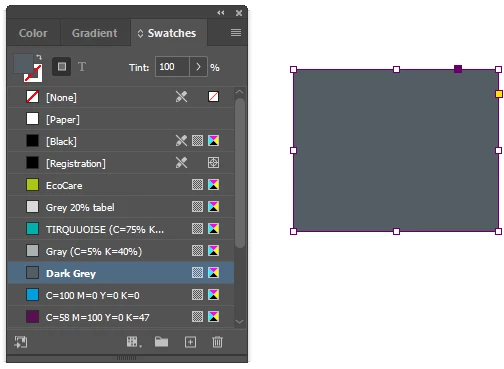
Hi. I have a problem with separation preview. I have a Swatch colour called Dark Grey with CMYK values 20/0/0/75. When checking the separation preview I get the values 65/48/44/35. I noticed this when preparing a press file by distilling a .ps file. If I export it directly with the same setting the colour stays as it is supposed to be.
This topic has been closed for replies.
Correct answer tomo kugy

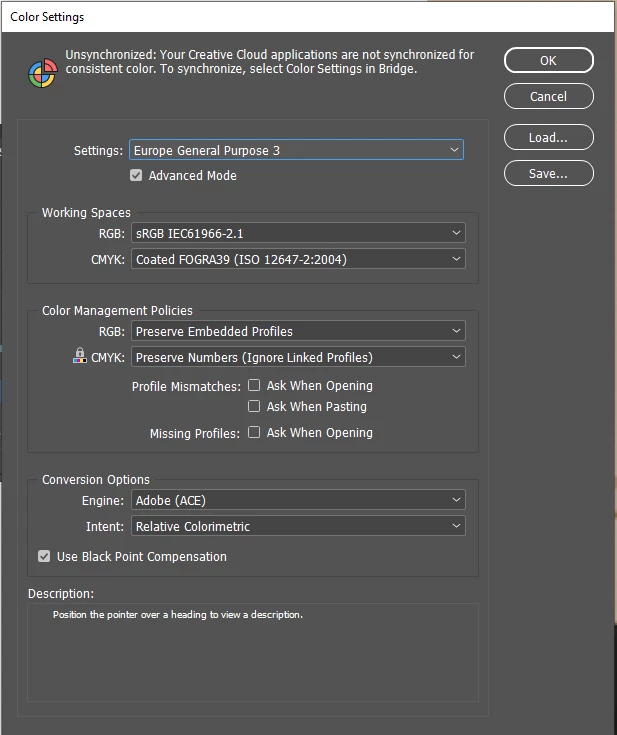
I solved the issue. I had the "Transparency bland space" set to "Document RGB". Why and when this happend to my document, I have no idea. Anyhow, another tip to check the file.

2 replies

rob day
Community Expert
Community Expert
November 3, 2023

Hi @tomo kugy , Do you have Proof Colors turned on? If you do Separation Preview shows the color conversion into your Proof Setup.

tomo kugyAuthor
Participant
November 3, 2023

Hi Rob. If you see my follow-up post, you can see I found the solution. When changing the settings to Document CMYK, it worked like a charm. Thanks.

tomo kugyAuthorCorrect answer
Participant
November 3, 2023

I solved the issue. I had the "Transparency bland space" set to "Document RGB". Why and when this happend to my document, I have no idea. Anyhow, another tip to check the file.