OK I think I can see where I am going wrong but still not quite right.
I have A master for my left pages and B master for my right pages. My slighter larger margin of 16mm needs to be on the inside of the book, yet the margins settings for master pages doesn't have inside, it has left and right. The settings for pages have inside and outside.
So, I have set A master to have a right margin or 16
and B master to have a left margin of 16
Thought I had cracked it.
Added two new pages and applied the A master to the left and the B master to the right
B page (right side page) is great, 16mm on inside, left side
The A page (left side page) has the 16mm in the outside box in settings yet actually it applies this to the right side edge. So I thought I mixed up the terminology but when I increase the outside setting...it increases the left side!
I am so confused. Does anyone know what I am talking about?!
yet the margins settings for master pages doesn't have inside, it has left and right. The settings for pages have inside and outside. |
Sounds like you set the document up with Facing Pages unchecked and later went to Document Setup and checked Facing Pages–if you do that the pages become facing, but the masters remain as single pages:
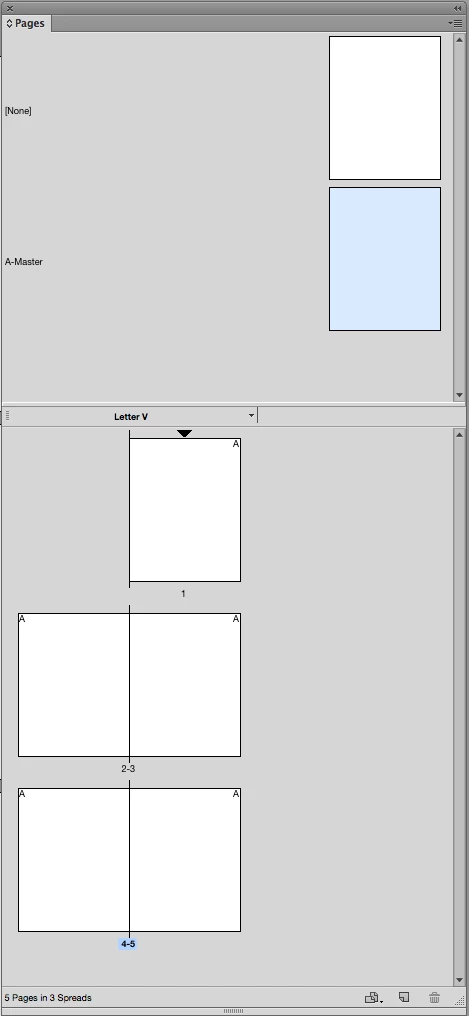
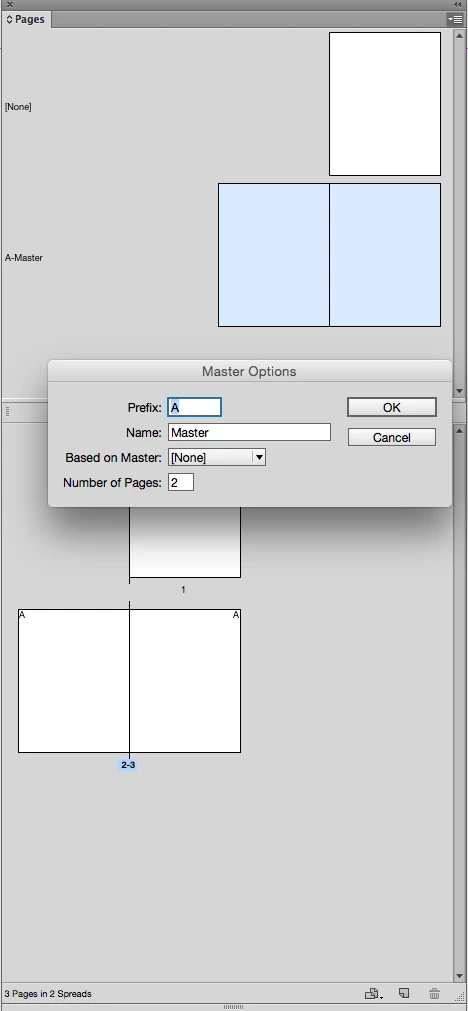
If you open the master's Master Options dialog you can change the number of pages and create a spread
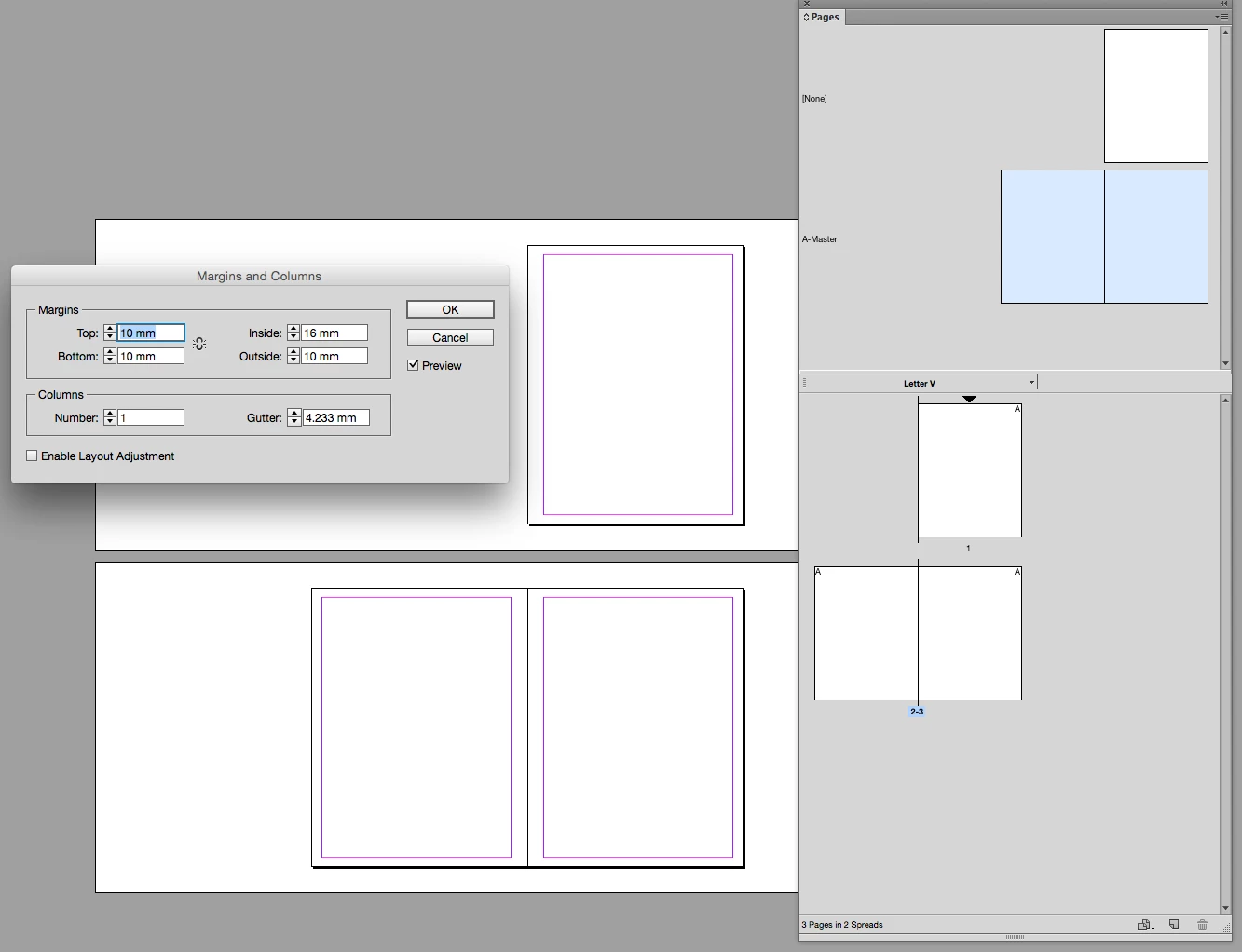
Now you should have Inside and Outside margins for the master spread

 AdChoices