bartonlew
Legend
February 3, 2023
Answered

display image thumbnails in a spread

  • February 3, 2023
  • 1 reply
  • 1939 views

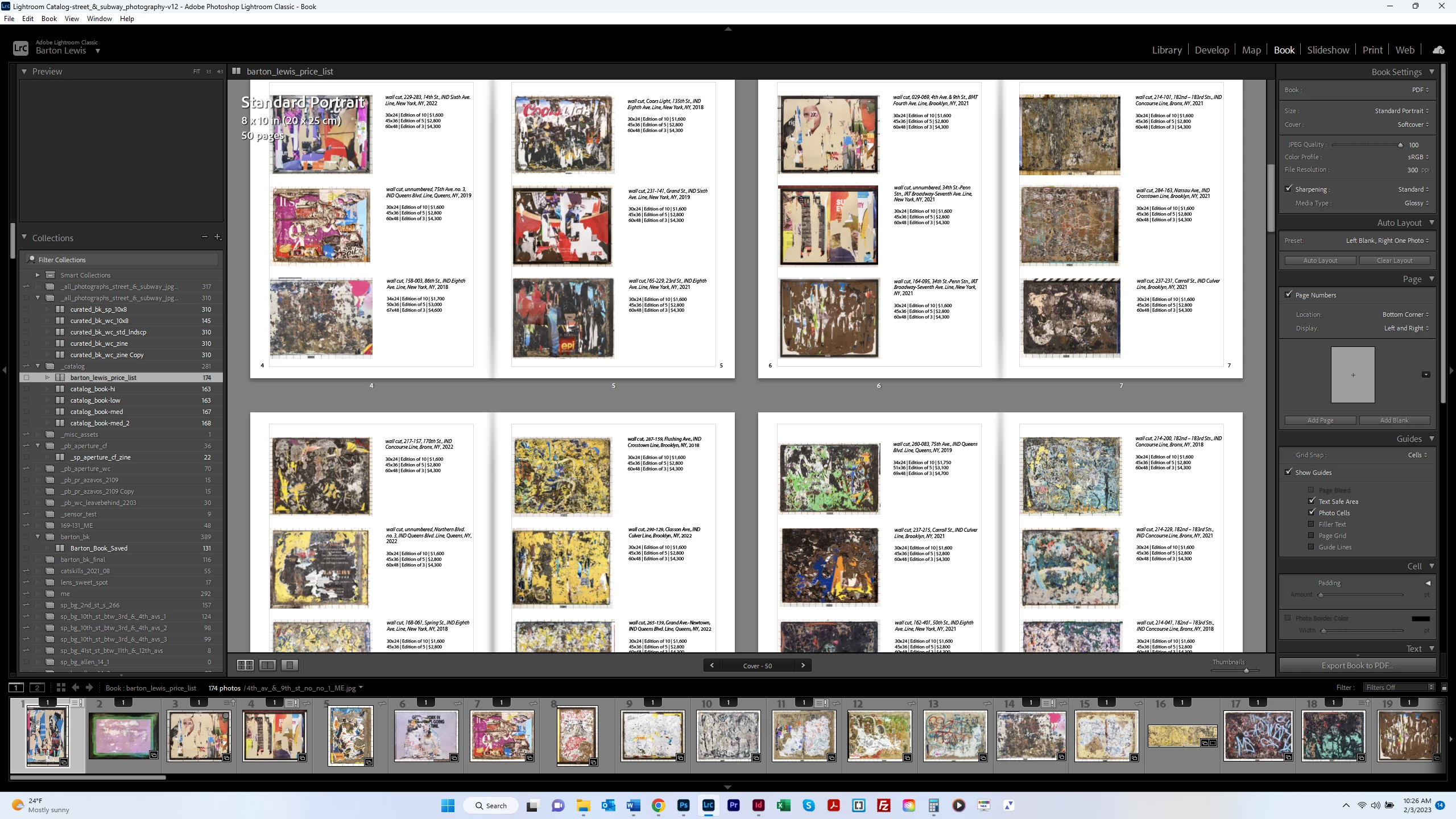
Does InDesign have a feature where you can display your images as thumbnails to see many of them at once?  Sort of like what you can do in Lightroom (screen shot below)?  I looked through the View tab but didn;t see anything like that.  Thanks.


This topic has been closed for replies.
Correct answer jmlevy

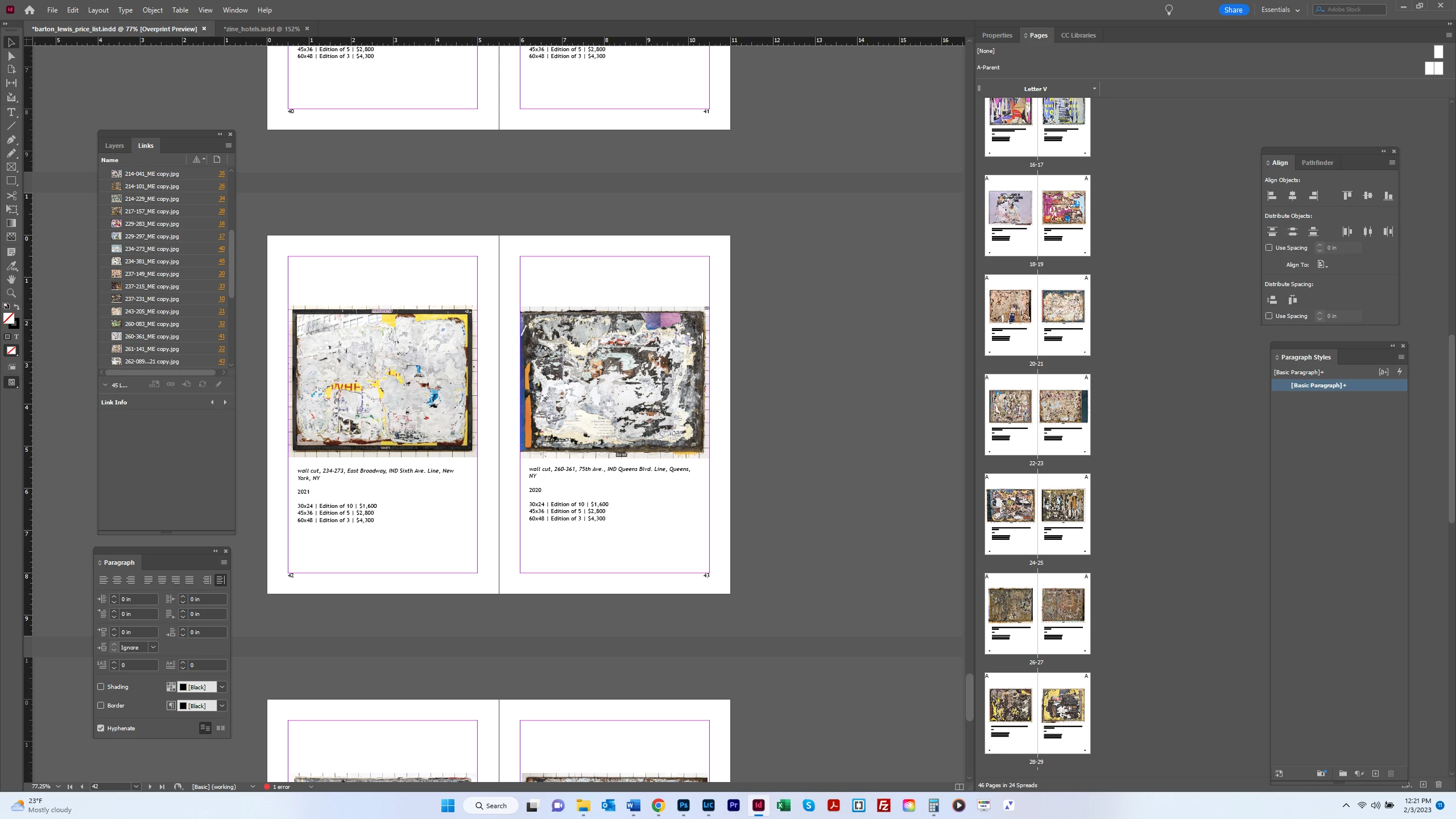
Got it, thanks.  The thumbnails are pretty small, and they appear only 2 to a row.  Are there options for making this presentation different?  


These are the thumbnail pages, so, if you have only 2 images on a spread, you won't get anything else. What do you want to get, exactly?

If you need a catalog of all the placed images, you can use the ImageCatalog.jsx script which is shipped with InDesign

1 reply

Derek Cross
Community Expert
Community Expert
February 3, 2023

In the Pages Panel, you can select from the side menu Panel Options > Pages Size and select Jumbo from the drop-down menu.


bartonlew
bartonlewAuthor
Legend
February 3, 2023

I can't find Panel Options.  Can you point me to the right place?  Thanks.  


Derek Cross
Community Expert
Community Expert
February 3, 2023