Answered
Dragging multiple images into indesign, automatic gap between images driving me crazy
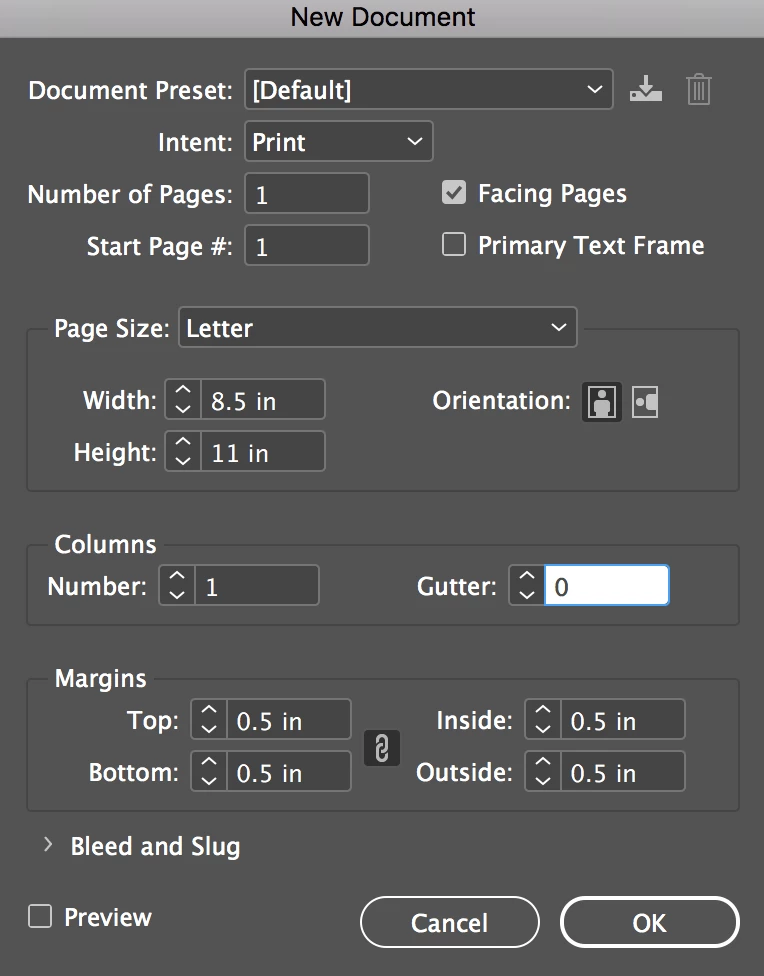
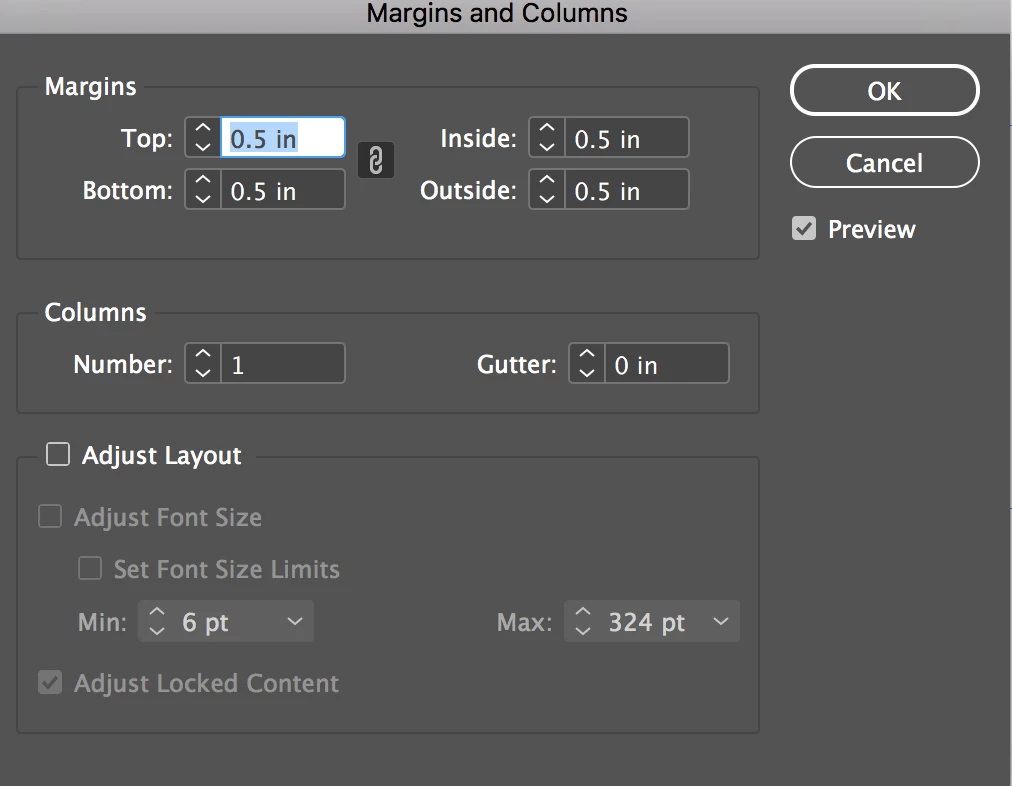
When I drag a group of images into my indesign document and then press the arrow keys to form a grid, there is an automatic gap added between the images. I can change the gap by holding the command key and pressing the arrow keys, but I don't want to do that. I ALWAYS want 0 gap. I have looked everywhere and googled my eyeballs out and I can't find anything. So before I set my computer on fire, someone please tell me how to change the default setting for this. It works as expected in other documents, but in the new document I can't find any settings anywhere that affect this behavior.
pls, for the love of all that is good and holy, someone help me with this....
 AdChoices