Known Participant
June 22, 2021
Answered

Drastic Difference in Color Between Swatch & Effects Panels...

  • June 22, 2021
  • 1 reply
  • 691 views

Hey folks, 

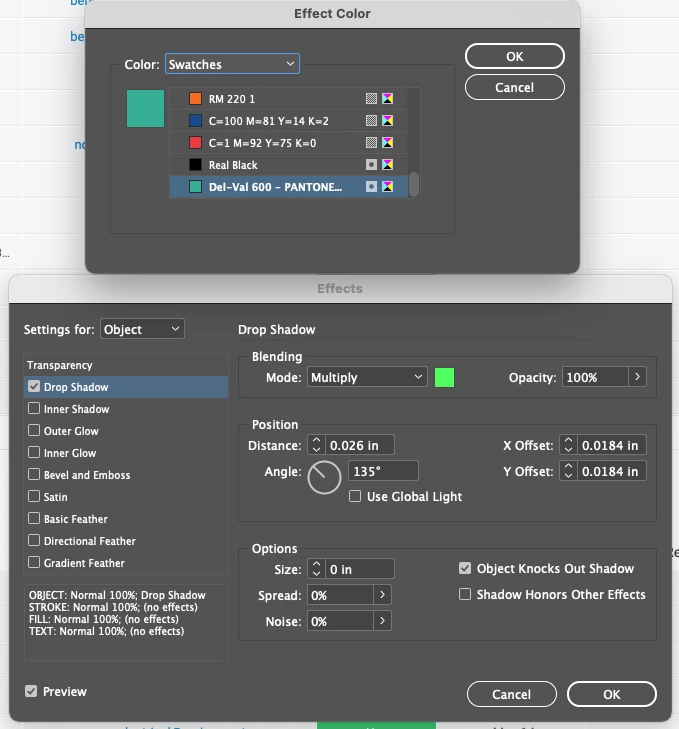
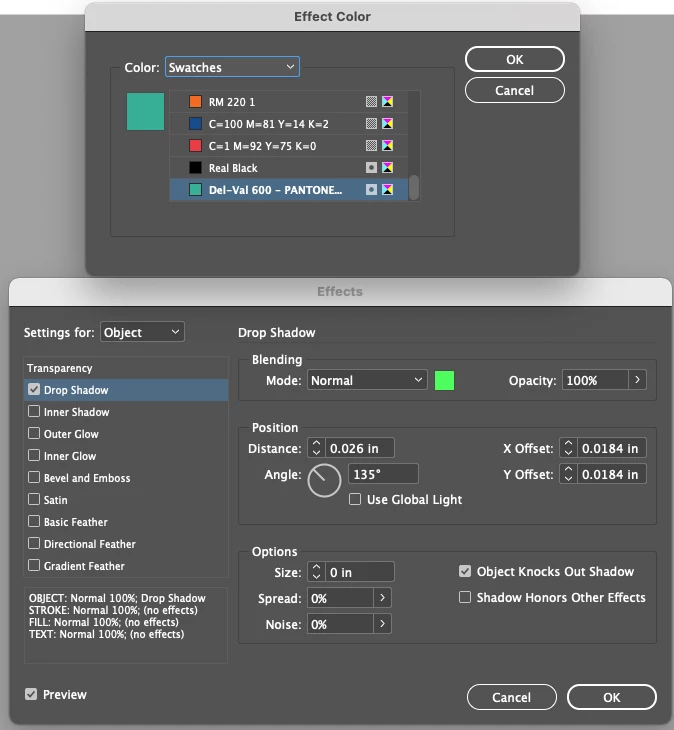
Can anyone explain why I'm seeing such a drastic difference in color between my Swatch and Effects Panel? See the attached screenshot.
 

This topic has been closed for replies.
Correct answer rob day

I’m seeing the same—looks like the panel interface isn’t color managing the CMYK appearance. It’s not affecting the appearance of the applied shadow. Try setting the Color Mode of your Spot color to Lab.

1 reply

rob day
Community Expert
rob dayCommunity ExpertCorrect answer
Community Expert
June 22, 2021

I’m seeing the same—looks like the panel interface isn’t color managing the CMYK appearance. It’s not affecting the appearance of the applied shadow. Try setting the Color Mode of your Spot color to Lab.

bryanuaAuthor
Known Participant
June 22, 2021

Thanks Rob. That does seem to fix the issue from a UI perspective; but what about when I send the file to the printer? I realize the name says PANTONE, but it was actually in CMYK color mode. Any ideas?


rob day
Community Expert
Community Expert
June 22, 2021

The problem is limited to swatch proxy in the Effects dialog UI—you should be getting the correct CMYK defined color applied when you create the shadow.


Also your Swatch is defined as a Spot color, if you are expecting it to print on the CMYK process plates set its Color Type to Process in the Swatch Options dialog. Leaving it as Spot will create an extra plate. You can use Separation Preview to check the output values:


Spot:


Process:
