


Question
Drawing circles to represent drill holes.
I use Adobe InDesign to design wall-mounted shadow boards for tools.
The individual shadow images are created in Adobe Illustrator and placed in the InDesign file where required.
The finished design incorporates a number of drill hole marks which we show as red circles. Some of the holes originate in the AI file. Some are added straight into InDesign.
The finished design is exported to pdf and sent to our printer.
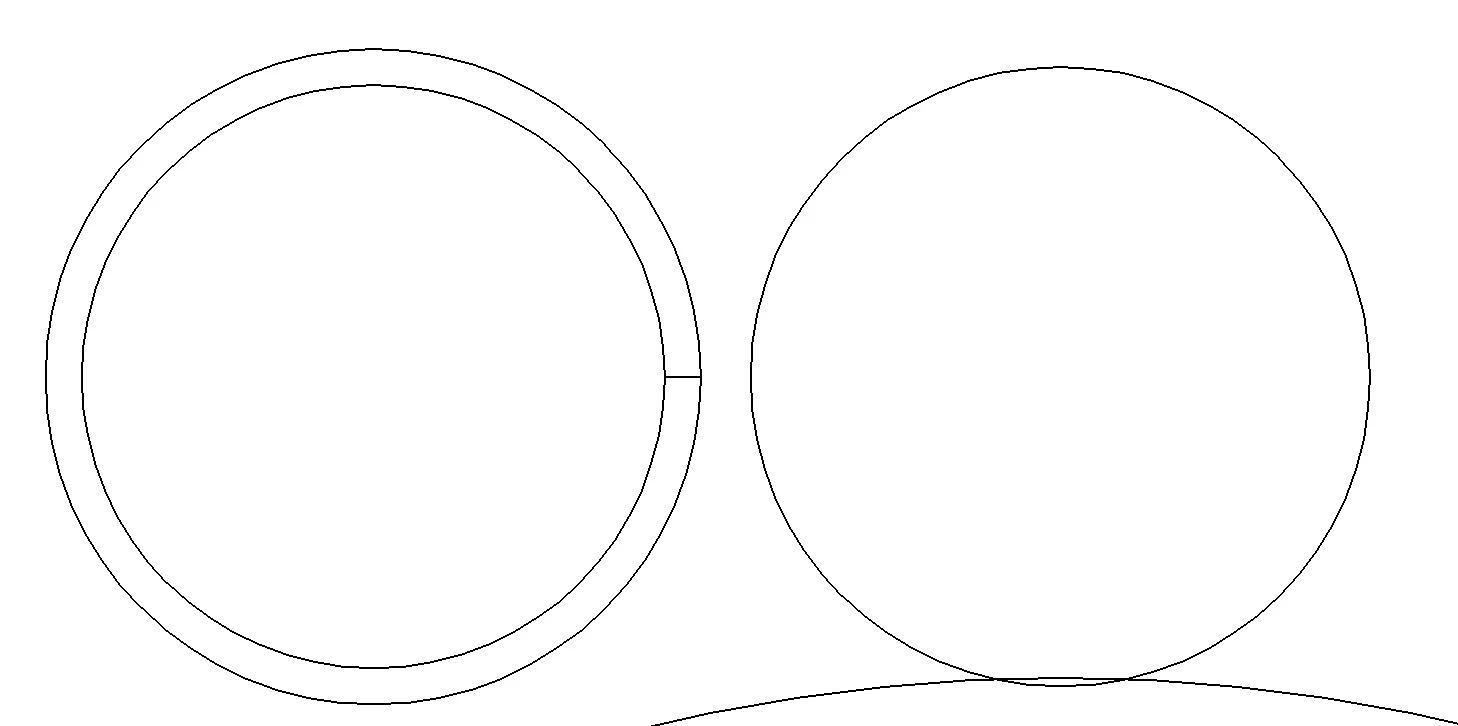
Recently our printer told us when they open the file, the drill holes are represented as a double or triple line with a fill. As such their router tries to cut the hole twice.
How do I create the drill holes (circles) as a single line entity?

 AdChoices