Participant
January 25, 2022
Answered

Dual monitor Issues w/ InDesign 2022 (GPU isnt the solution)

  • January 25, 2022
  • 4 replies
  • 225 views

Hi all,


I just bought the new M1 Max Macbook Pro 14". 
I'm using it with a 32" big monitor. 


All adobe programms working fine on both monitor (14" macbook and 32")

InDesign also is working fine on the 14" macbook Pro Screen but on the bigger 32" external monitor it has graphic isssues. More preciseley, I have issue when I zoom or scroll between pages. That's really annoying. 


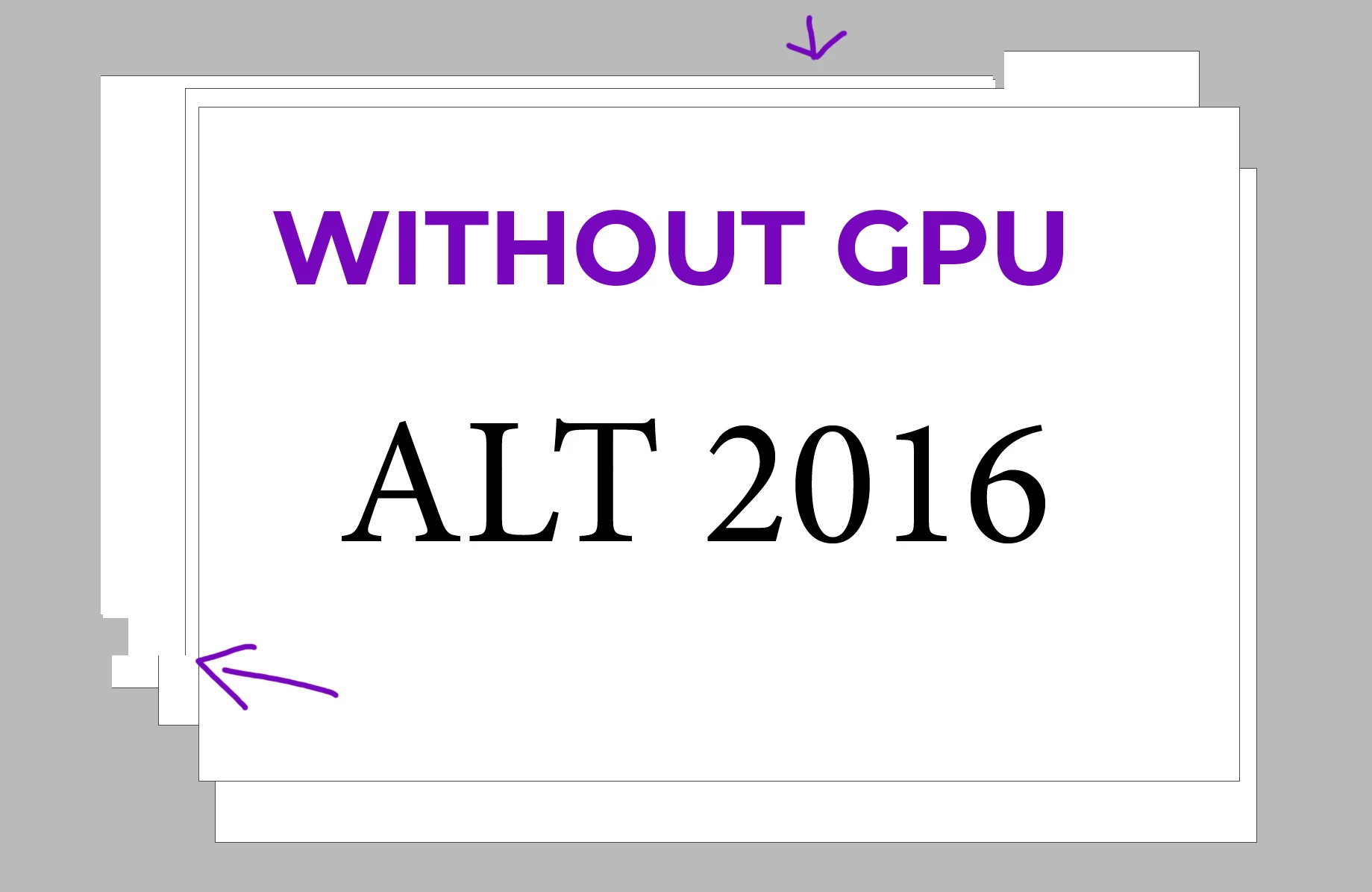
I tried to active or turn off the GPU performance. Here are the difference. Both not great …   
Used hardware:
MacBook Pro 14" 
Monitor: DELL U3219Q

Connected with USB C not hdmi


And the strange thing: It worked perfectly with my older MacBook Pro 16" late 2017.


Thanks for you help!

This topic has been closed for replies.
Correct answer ottecc

Just today Adobe Creative Cloud provided an Update for Indesign. Now it is working (Y) 


Hope that helps – happy designing!

4 replies

otteccAuthorCorrect answer
Participant
February 2, 2022

Just today Adobe Creative Cloud provided an Update for Indesign. Now it is working (Y) 


Hope that helps – happy designing!

Participant
January 25, 2022

I am having the same issue on a 16-inches Intel Macbook

Participant
January 25, 2022

I am having similair issues, but I have the latest 17.0.1 release on a Mac Pro (2013).

BobLevine
Community Expert
Community Expert
January 25, 2022

There are plenty of known issue with M1 machines that Adobe is still working on. This may or may not be one of them. Keep an eye out for the 17.1 update that is in a staggered rollout right now and should be available globally by the end of the week.