

Dynamic Image Captions from Image Filename?
Thanks again for all the help with my last project. It still has some bugs, but I am about to finish my ULTIMATE TEMPLATE with highly organized and uniformly applied Object, Paragraph, and Character Styles.. I just have a couple of questions before I am ready to use it.
Currently, I have a scanned image of a handwritten recipe that I place (with caption) in my content pages. Why on earth does InDesign have you manually place the caption after the image? I like my captions grouped with my images and was hoping they would just honor the caption style when you placed a new image. (I know put it in feedback).
I click the caption and then apply the appropriate Object Style to both the image and the caption, then group the two. I then have to edit the caption since, by default, it is the filename of the image (including the file extension). Is there any way to get it to drop the extension automatically? The Caption created when placing an image is a static caption. Is there a way to define a text variable that knows the filename without the file extension, so I could just create dynamic captions automatically?
After I get the recipe image and caption situated, I need to hide the caption. Since the layer information is not included in the Object Style (which seems really stupid) and since visibility is not a configurable option in Object Styles, I have to manuyally manage hiding the layer with the caption. Is there any better way to make the recipe name (image document name minus file extension) dynamically appear when an object sttyle is applied?
Also, do the caption settings pertain to each image or all images? If I setup a caption one way for one catagory of images (say photos) where I want the text centered and visible, can I setup the caption differently for other images using the Caption setup menu? How is that inormation stored/retreieved since its not listed in Object Styles.
And the final question...when generating a TOC, if you apply a Paragraph Style to the Title through your book (one TOC with title in every section), shouldn't you be able to use that Paragraph Style to create a TOC at the beginning? So if I have 5 chapters that all have TOC (for their chapter) and the TOC is styled as chapterTitle, shouldn't I be able to then create a new TOC for the entire book that looks up all of the chapterTitle entries and provide a TOC based on their page numbers?
To solve the problem (unsatisfyingly), I manually set the chapter titles to generate tje TOC or the book. I was hoping it would do it all for me.
I'm excited to be wrapping this up so I can share it. Thanks again for all the help.
P.S. Just wrapping up the tenth printed copy of the latest version of the book.
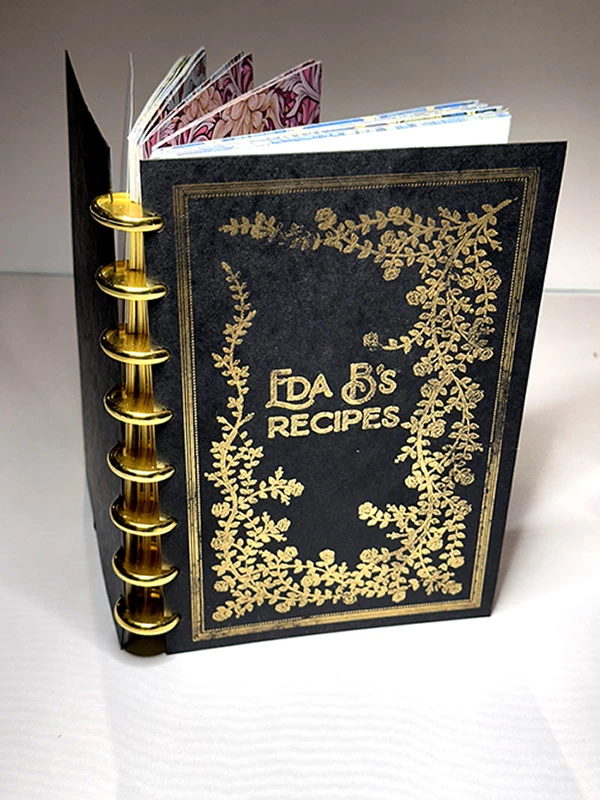
Can't wait to try it with my new template Here are some pictures. Thanks again for all your help.
.
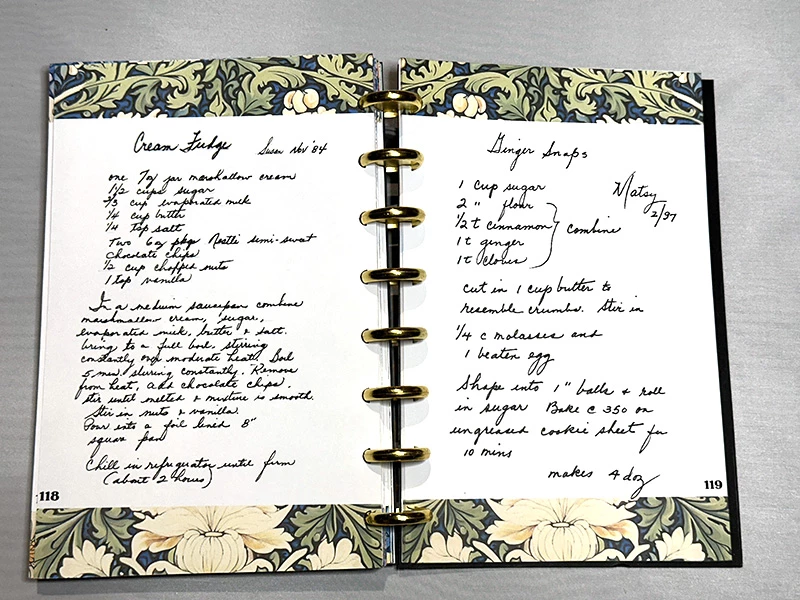
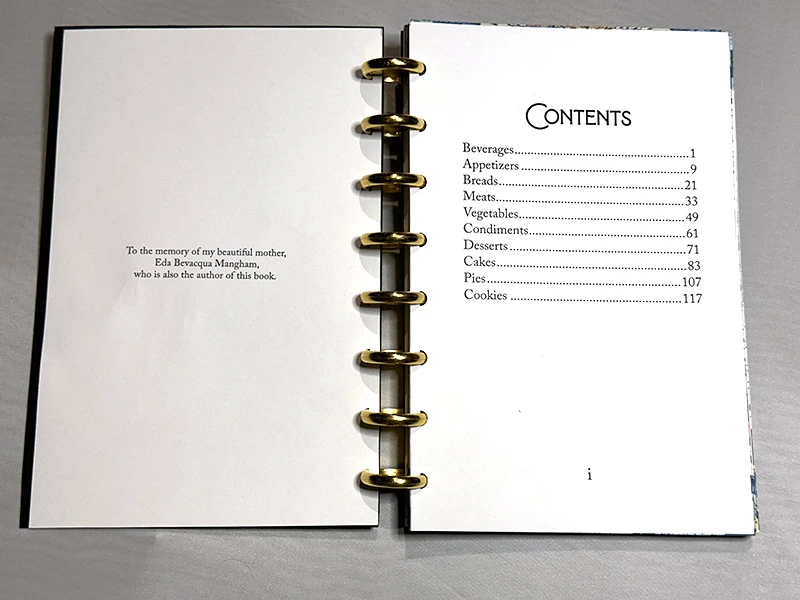
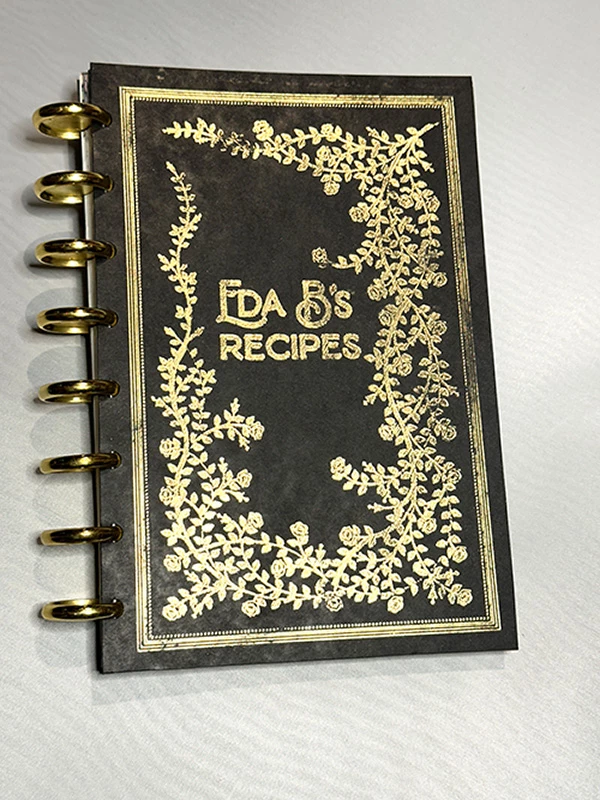
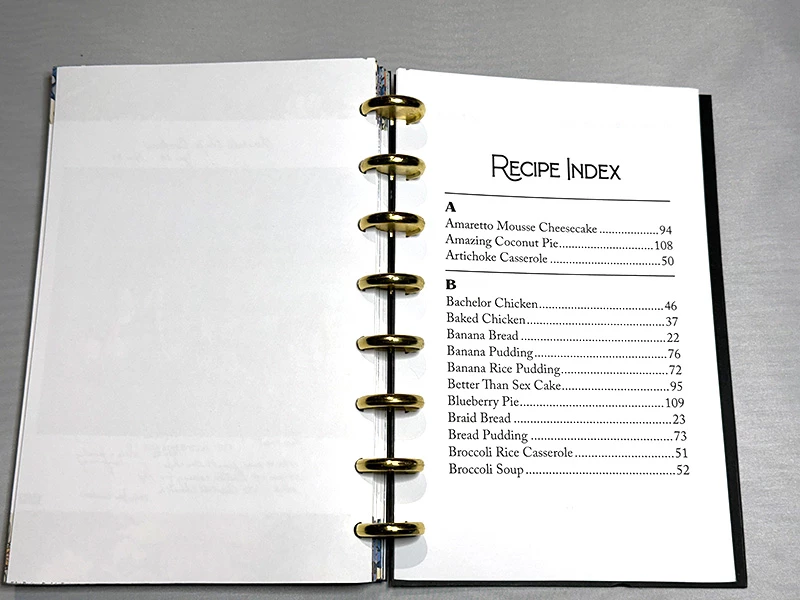
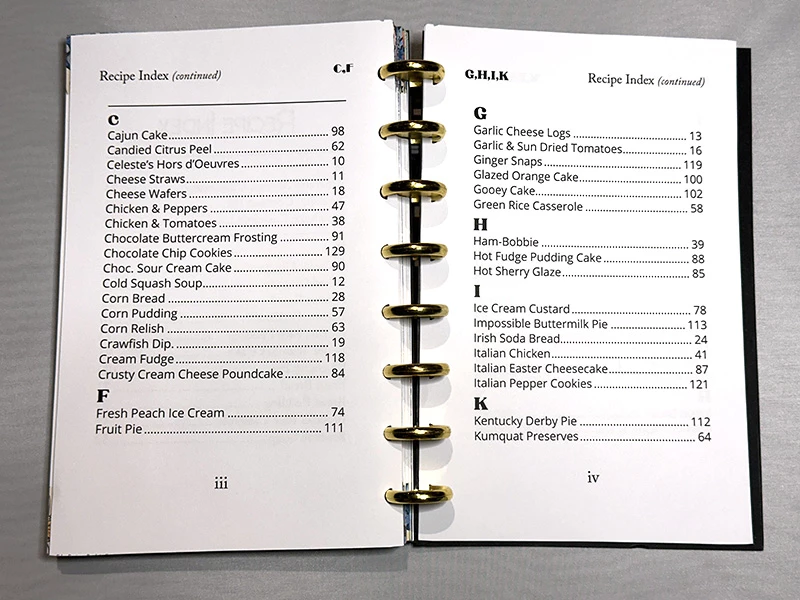
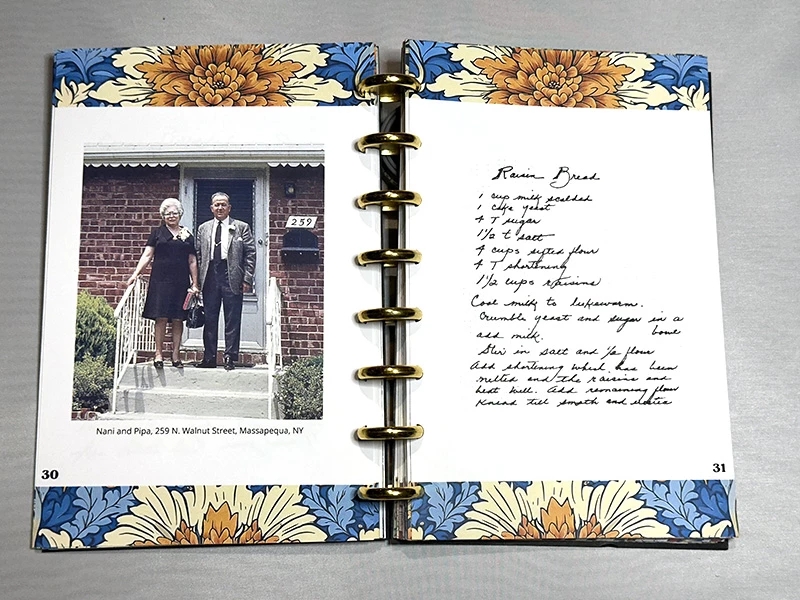
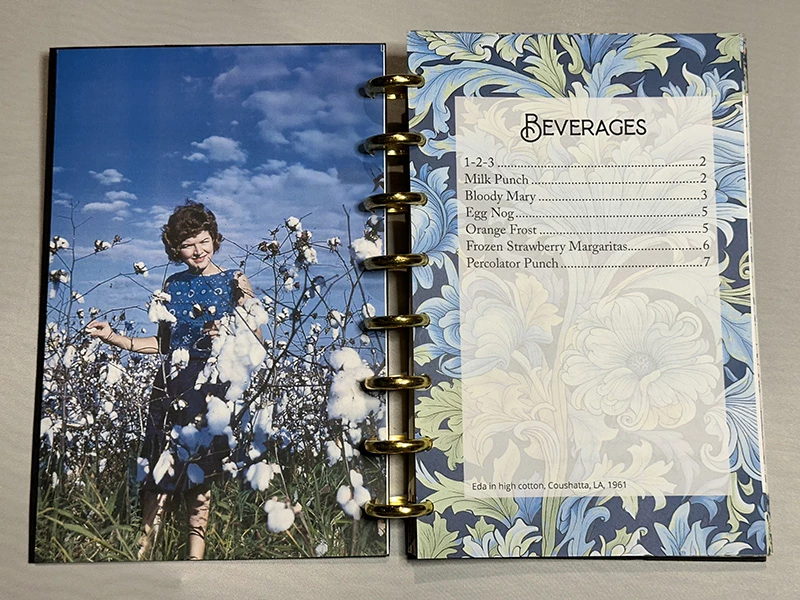
For some reason, the colors look terribly washed out in these pics. They are not in real life. The color is vivid.
 AdChoices