Dynamically resize object based on size of another object (Text Box)
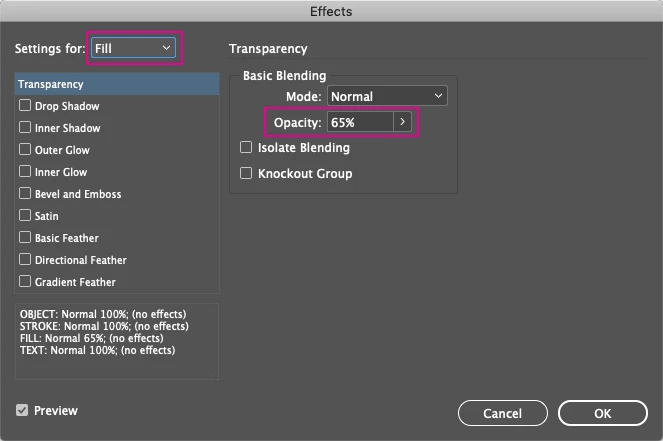
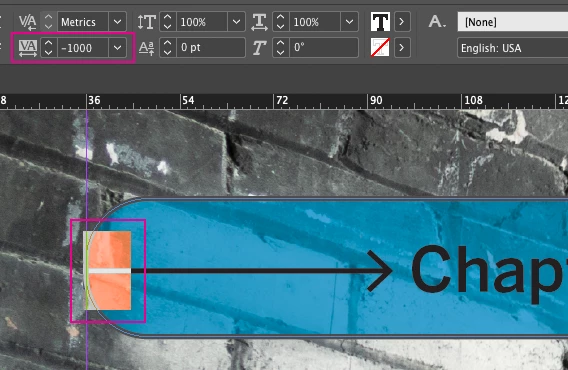
I'm trying to create a chapter heading with a chapter image in the background. This would be the Chapter Heading Master. Oddly I don't seem to be able to simply combine blue semi-transparent background with black text in the same box. I have 4 Elements, from back to front:
BG image, Mask Frame, Text BG (the shape I'm looking to resize) and the Text Object:

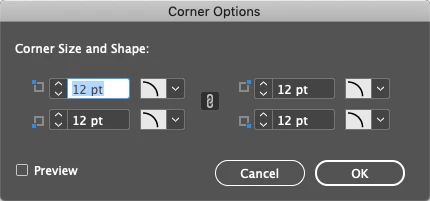
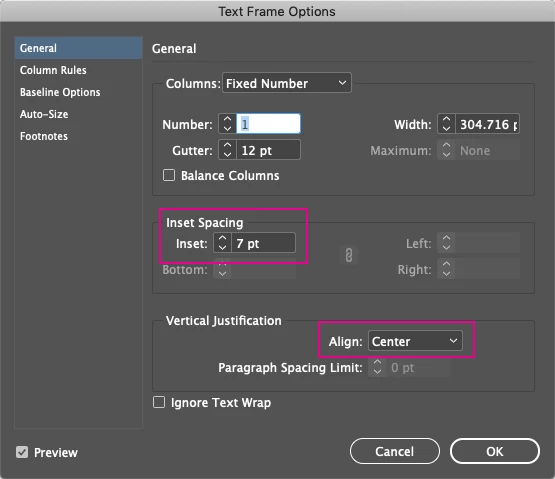
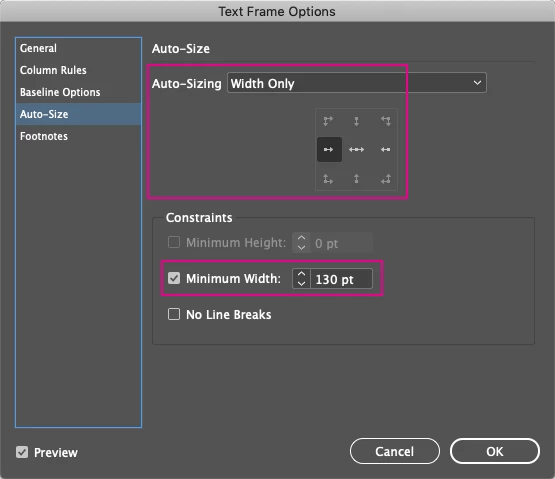
The Chapter Heading is inside a frame that changes width, depending on how much text is in it. I now want the rounded rectangle to scale relative to the size of the text box (length of the text) and it has to be slightly larger. Also note that it's cropped by a mask frame.
I found something about linked content (conveyor), but I think that just refers to bundles, where you group a bunch of elements to get easy access to them and treat the whole collection as a single object.
If there is a more simple approach, I'm open for anything.
 AdChoices