Participant
September 29, 2020
Question

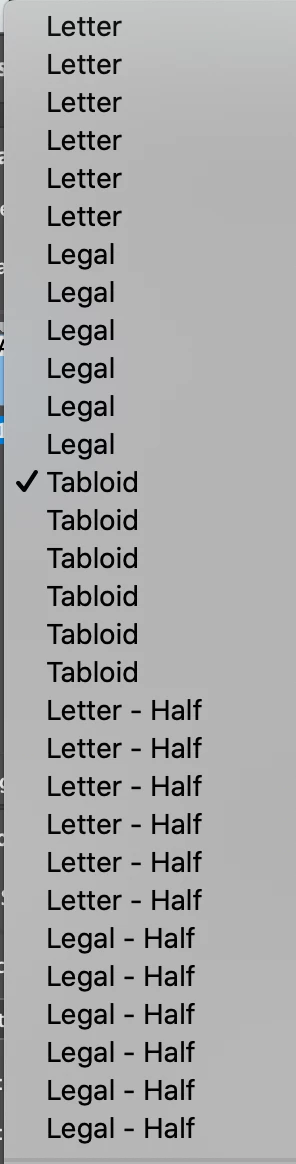
Edit Page Size are flooded of page size
  • September 29, 2020
  • 1 reply
  • 196 views

Hello, can someone share with me a way to reduce the number of page size in my Edit Page Size menu in Indesign? It is multiplied by 6 and I have to check one by one which of them is working. I have noticed a few weeks ago that the number of options went up to 3, and now they are 6 per page size.


TIA!!

This topic has been closed for replies.

1 reply

Steve Werner
Community Expert
Community Expert
September 29, 2020

Try going to File > Document Presets > Define and you should be able to select and delete document presets.

Participant
September 29, 2020

thanks for your reply! document presets define leads me to this. the multiplied page size under my "Edit Page Size" are defaults... so I don't think that's the correct way 🙂