Participant
November 3, 2024
Answered

Edit Parent pages
  • November 3, 2024
  • 2 replies
  • 357 views

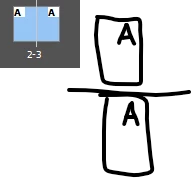
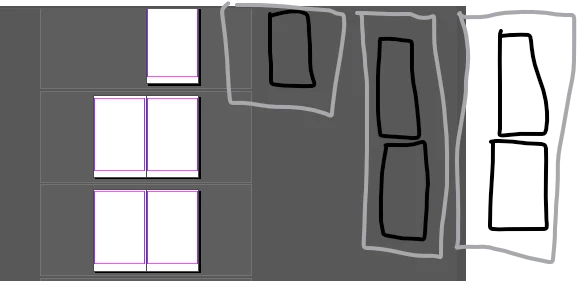
i want to make a book where it bond by the top and bottom rather than bound by the spine. Where do i go to make this edit? I would also like to view it vertical instead of horizontaly as existing.



This topic has been closed for replies.
Correct answer BobLevine

You can change the view which will allow you to work in the way it will be bound. Great for calendars. 


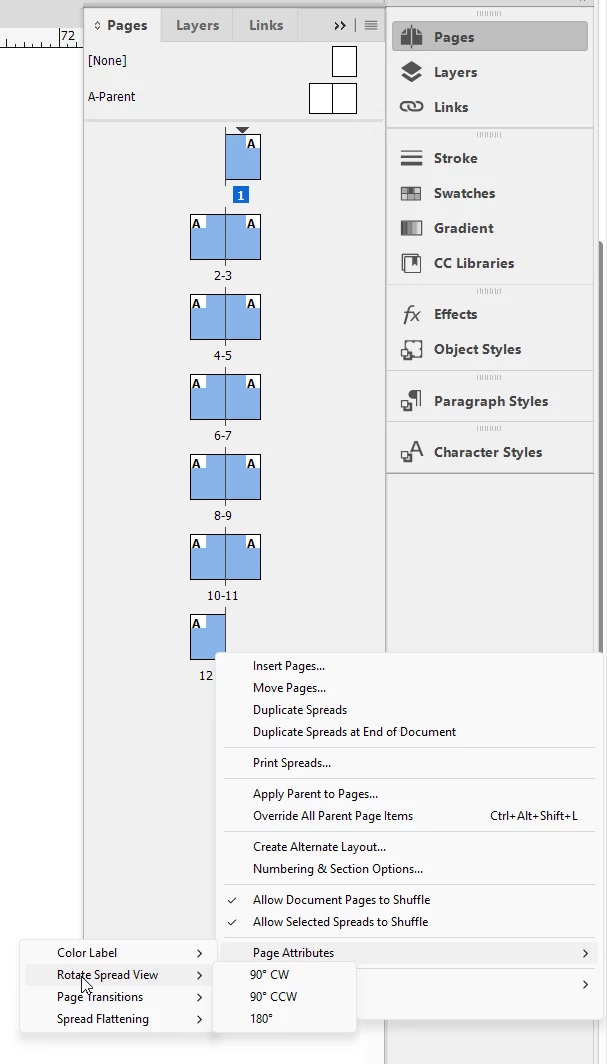
Select all pages, right click, choose Page Attributes>Rotate spread view>90 degrees.


2 replies

BobLevine
Community Expert
BobLevineCommunity ExpertCorrect answer
Community Expert
November 3, 2024

You can change the view which will allow you to work in the way it will be bound. Great for calendars. 


Select all pages, right click, choose Page Attributes>Rotate spread view>90 degrees.


James Gifford—NitroPress
Legend
November 3, 2024

Other than making your layout details support this pagination format, there is little you can do (or need to) at the page layout level. Simply make your book single-pages (not Facing Pages), format two single Parent pages as a starting point for the top/bottom orientation, and manually apply them to odd and even pages at intervals as you construct the book.


That is, ID has no inherent feature for this binding orientation, but with a little care and management of your layout, you don't need one. Pretty much everything will be in the production printing and binding of the book, not the source file layouts.