El texto salta de un cuadro de texto a otro aún teniendo espacio para terminar el párrafo.
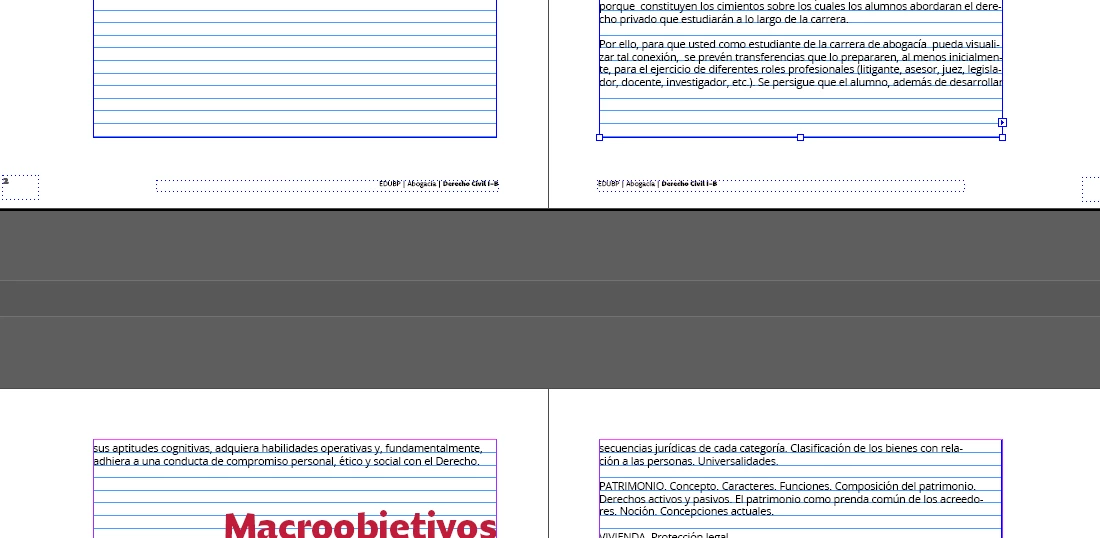
For some reason, InDesign skips the last two lines of text to the next text frame, even though it still has room to finish the paragraph.
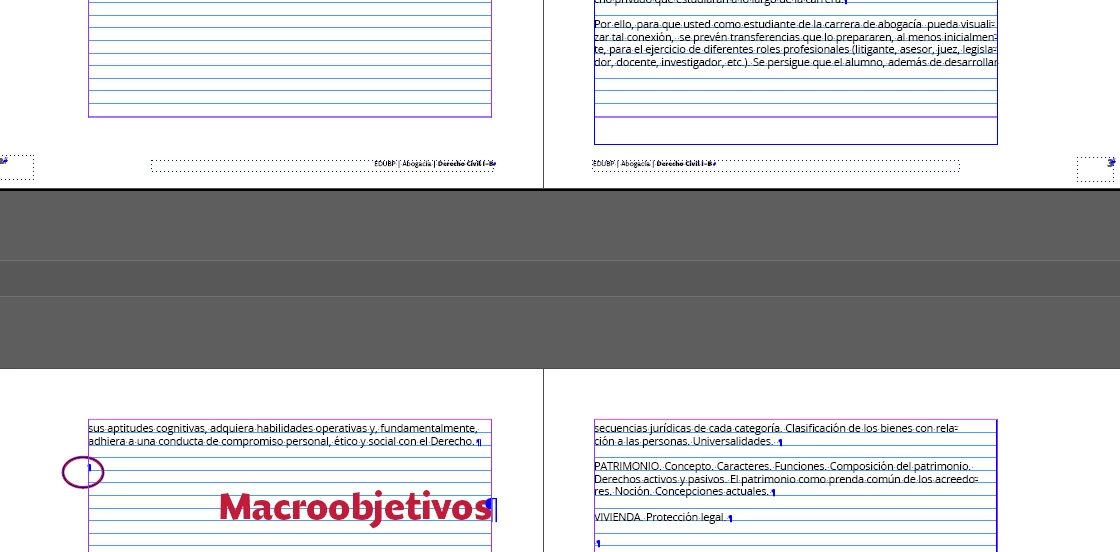
I was researching what can be programmed to avoid widows and orphans in the text and I gave him the order to keep the first two and last two lines of the paragraph together. So far so good, but in this case it keeps the last two lines together but lowers them. I check the base grid and it is correct, it is set so that it reaches the bottom margin and has the space.
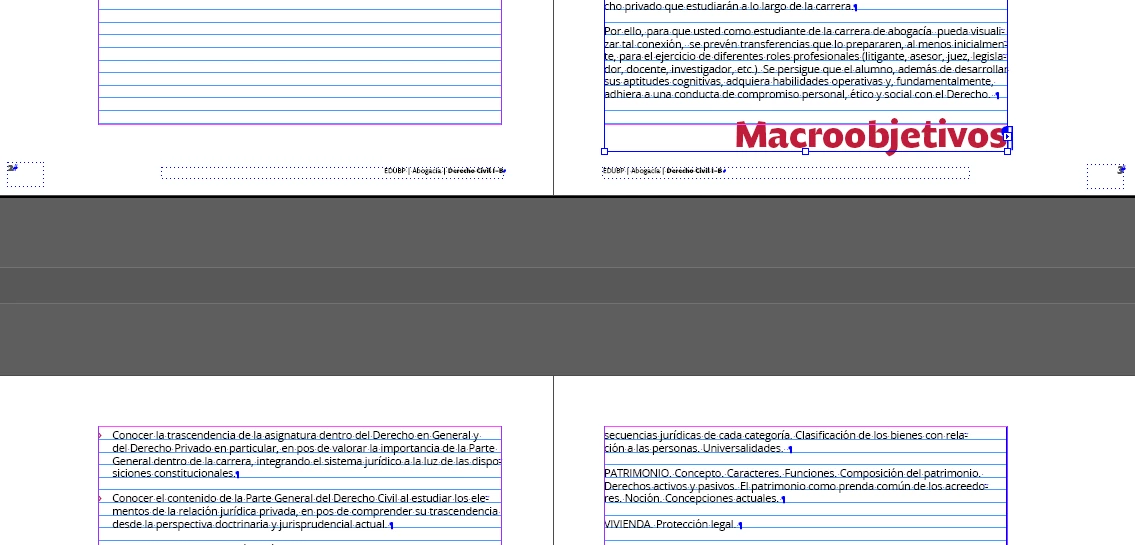
And if I stretch the text frame, it brings me the following title without being able to avoid it, since even incorporating line breaks it lowers the two lines as well:
Does anyone know how to solve it?
You need to ask program questions in the forum for the program you are using
To ask in the forum for your program please start at https://community.adobe.com/
Moving from Using the Community (which is about the forums) to the correct forum... Mod
 AdChoices