
Participating Frequently
October 18, 2023
Answered

Element labels in scripting

  • October 18, 2023
  • 2 replies
  • 1097 views

I'm afraid my question will betray my ignorance, but can anyone help me use these 'element labels' (I think that's what they're called) in a script?
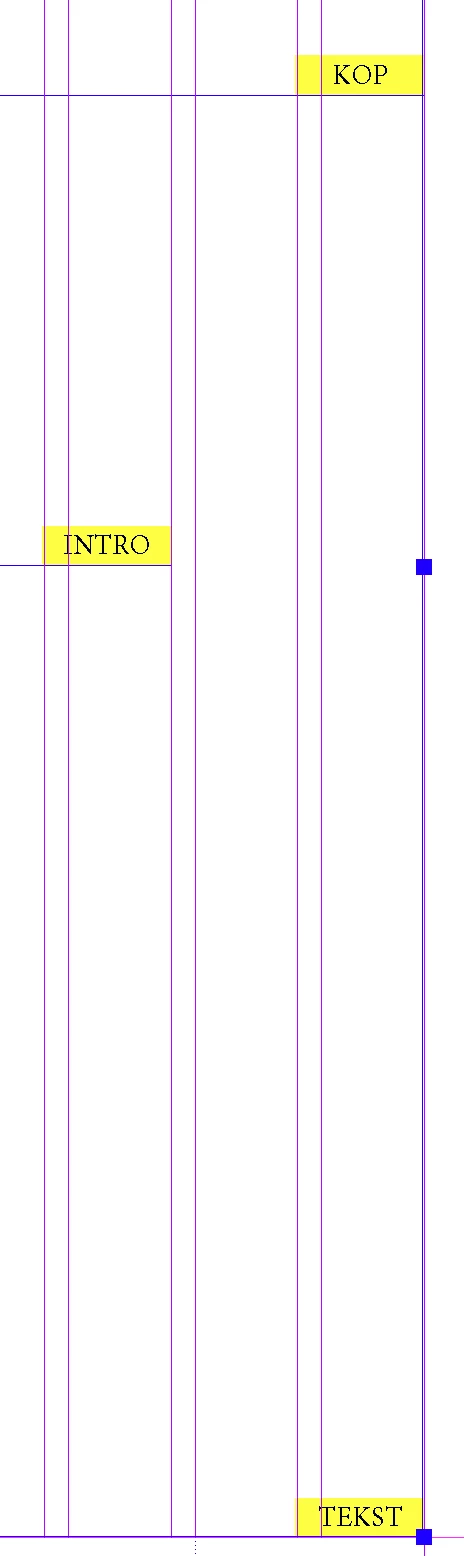
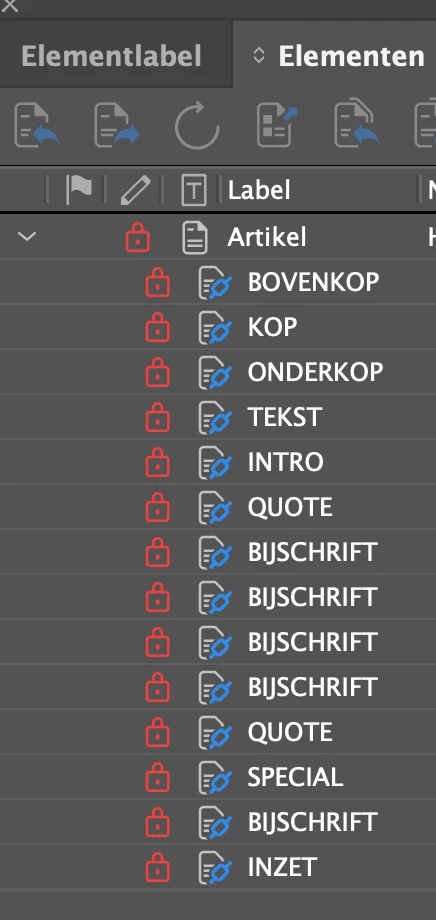
There are a number of text frames (or stories?) in the document, each with one of various labels. I want to collect elements with the same label and use their contents in a script. Unfortunately, I can't find a way to access those labels. I've tried collecting all textFrames, stories, pageItems... and then using ".label", but I don't get the expected results.

Can anyone help?

This topic has been closed for replies.
Correct answer Stefan278744972lgo

Here is a sample how to handle pageItems with an elementLabel in WoodWing

for (var p=0; p<curPageItems.length; p++) {
var curPageItem = curPageItems[p];
if ( curPageItem.hasOwnProperty(„elementLabel“) ) {
$.writeln(„PageItem: „ + curPageItem.constructor.name + „ | ElementLabel: „ + curPageItem.elementLabel);
}
}

2 replies

rob day
Community Expert
Community Expert
October 18, 2023

Hi @Robrecht5C72 , Is the Woodwing plugin setting the document’s XML structure—View>Show Structure? If it is you could access the XML elements via JS.

Participating Frequently
October 18, 2023

That could be an interesting approach! I'll check.

Stefan278744972lgoCorrect answer
Participating Frequently
October 25, 2023

Here is a sample how to handle pageItems with an elementLabel in WoodWing

for (var p=0; p<curPageItems.length; p++) {
var curPageItem = curPageItems[p];
if ( curPageItem.hasOwnProperty(„elementLabel“) ) {
$.writeln(„PageItem: „ + curPageItem.constructor.name + „ | ElementLabel: „ + curPageItem.elementLabel);
}
}
TᴀW
Legend
October 18, 2023

It looks like you're using the Woodwing Studio plugin?

Visit www.id-extras.com for powerful InDesign scripts that save hours of work — automation, batch tools, and workflow boosters for serious designers.
Robert at ID-Tasker
Legend
October 18, 2023
quote

It looks like you're using the Woodwing Studio plugin?


By @TᴀW


You are right - 2nd screenshot:


https://helpcenter.woodwing.com/hc/en-us/articles/360041448831-Components-that-are-added-to-InDesign-by-Studio-for-InDesign