Participant
May 19, 2021
Answered

Elements Disappearing in Preview mode in InDesign

  • May 19, 2021
  • 3 replies
  • 2336 views

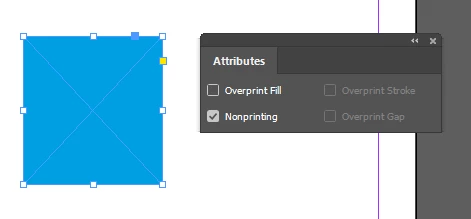
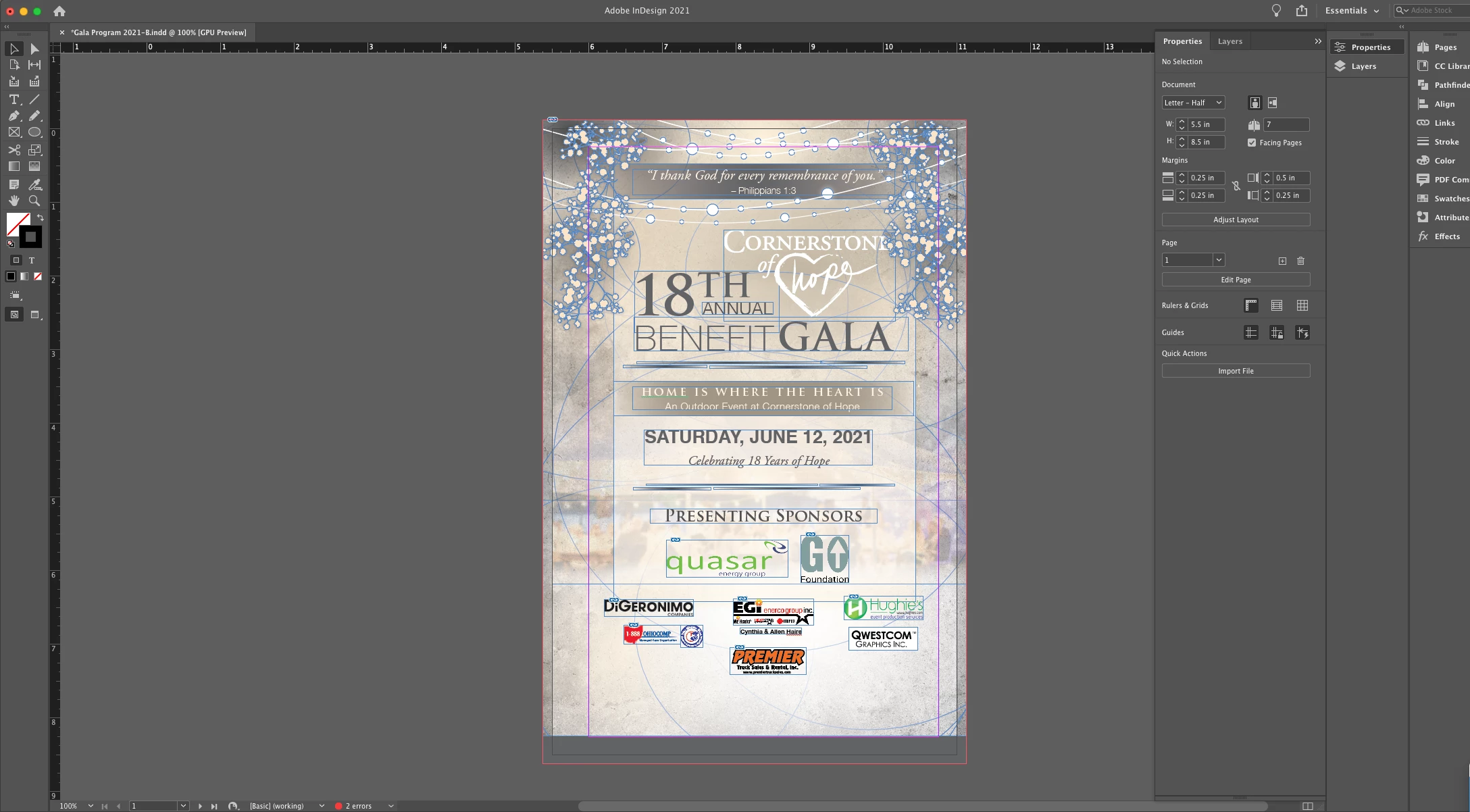
This past week I've been having issues with images and elements disappearing in both view mode and preview mode. Attached is a screenshot of the flowers disappearing in the preview mode but showing the drop shadow. I have restarted my computer numerous times, check the nonprinting mode for each element and layer, and have reinstalled InDesign. Issue hasn't been resolved. 


{Renamed by MOD}

This topic has been closed for replies.
Correct answer Robert at ID-Tasker

I am having this same issue. No effects, layer printing is on. I have tried saving as an IDML file, no luck. I have tried creating a new document and dropping it in there, no luck. It's. driving me nuts. 

On. mAc running Sonoma 14.5, InDesign 19.5


quote

I am having this same issue. No effects, layer printing is on.


By @Stephani32881463kdiy


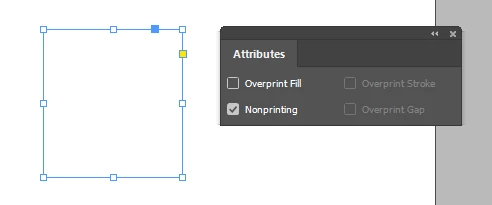
Objects ALSO have nonprinting attribute:


Preview Mode ON:


3 replies

Inspiring
October 5, 2023

I have the same issue. I draw a line (also tried circle and square). In preview mode they all disappear. Layer is set to print. No EFX.

This is really annoying. I have not idea what this is.

It cannot be my settings, because this is a brand new indesign install that reset all my settings.

Any ideas?

(Windows 11, Indesign Version 18.5 x64)

Peter Spier
Community Expert
Community Expert
October 5, 2023

Show us the properties and attributes panels with one of these objects selected, please.

Legend
May 26, 2021

You checked the non-printing mode, but have you also checked the blend mode (Window > Effects)? White or light-colored objects set to multiply could cause this to happen.

Srishti Bali
Community Manager
Community Manager
May 26, 2021

Hi there,


So sorry to hear about this trouble. Could you please confirm which OS and version of InDesign is this? Is the issue related to a specific document?

Does it show the same behavior on new document? If yes, could you please share the document with us? You can upload it to the Creative Cloud (https://helpx.adobe.com/in/creative-cloud/help/share.html) and share the download link. 


Regards,

Srishti