
Participating Frequently
November 22, 2023
Question

Embedded PDF Partially Cut Off when Exportting

  • November 22, 2023
  • 2 replies
  • 974 views

My InDesign file has 19 pages of another PDF embedded into it, but for some reason, elements of this one specific page are being cut off when exporting to PDF/X-1a:2001. I have to export using this Adobe preset by request of the book printer. As you can see from the screenshots, it doesn't appear in the ID file, only in PDF. It also doesn't seem to be affecting the page as a whole, but rather elements on the page. I have checked for hidden objects in the ID file that might be covering the embedded PDF, but there doesn't seem to be anything. Running ID 2023.
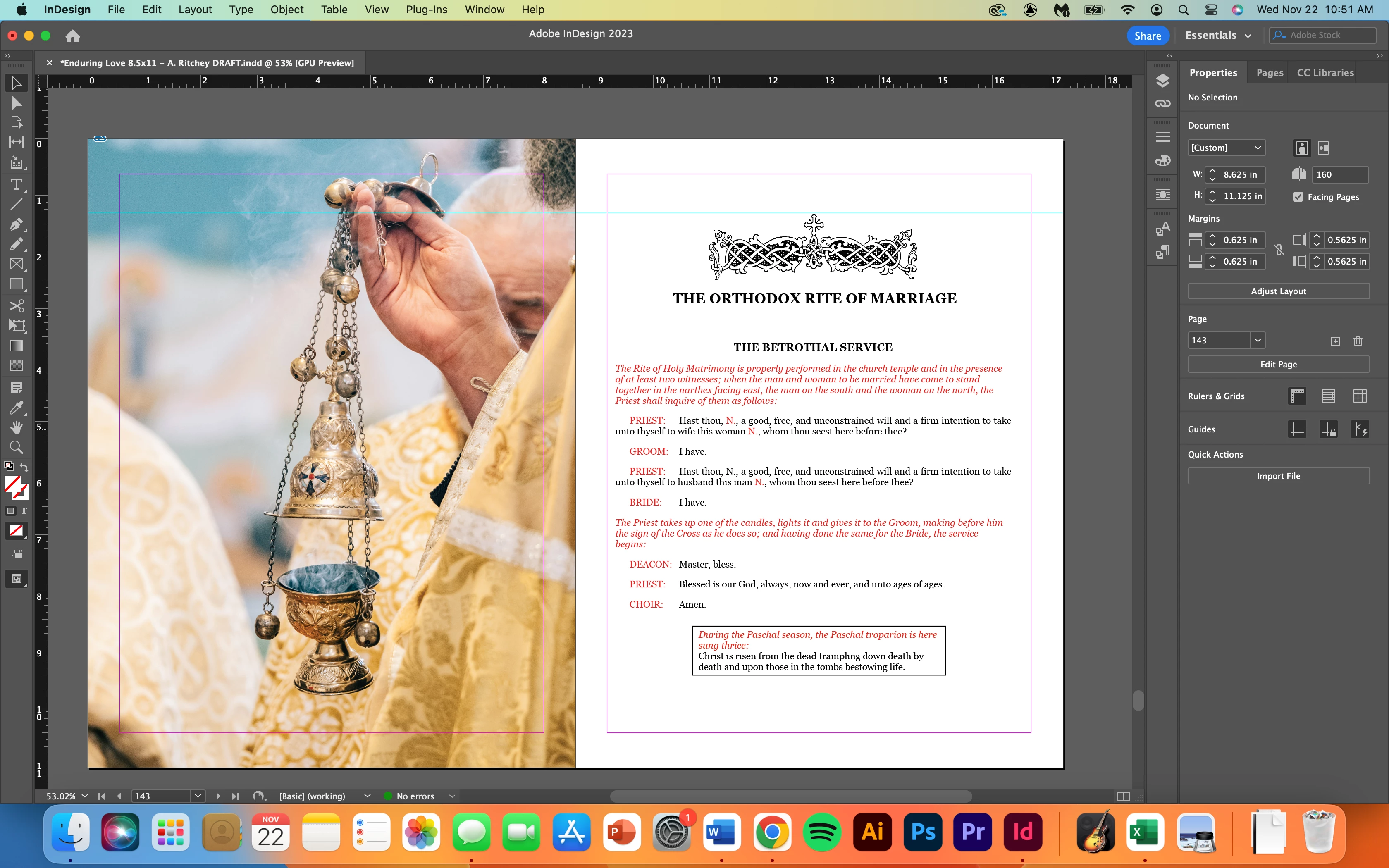
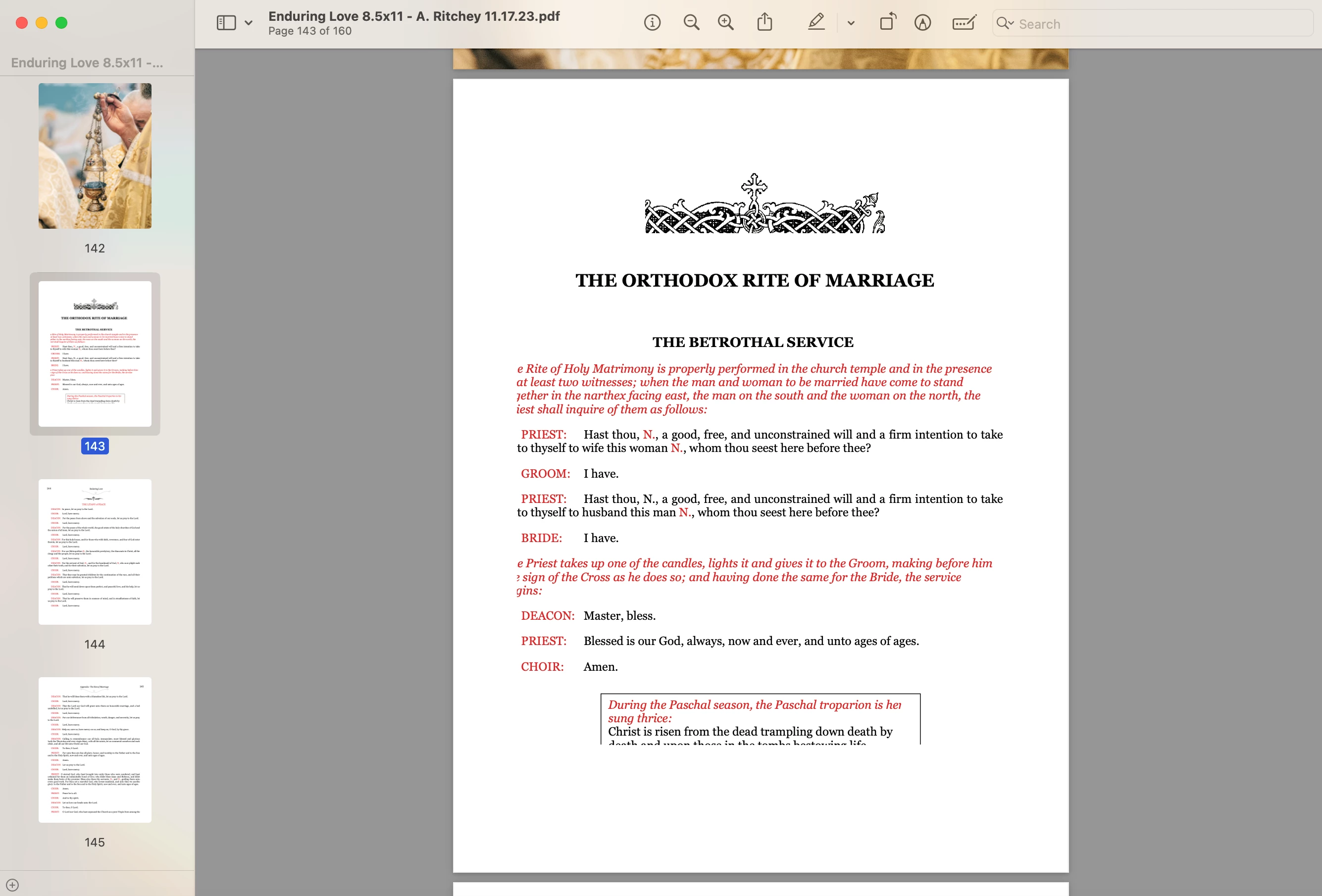
This topic has been closed for replies.

2 replies

Willi Adelberger
Community Expert
Community Expert
November 22, 2023
  1. When you import/place PDFs into InDesign use PDF/X-4, the output can be whatever the printer requires. 
  2. Never embed placed images, as it is the course of a variety of problems and damaged files afterwards up to destroyed INDD files.
  3. Are the PDF boxes correct defined? If not, correct them in Acrobat Pro Preflight Tools. 
Participating Frequently
November 22, 2023

1. How do you select this import setting?

3. Would the definition of the PDF boxes be in the PDF, then, and not the ID file?

Willi Adelberger
Community Expert
Community Expert
November 22, 2023

1. Is to define frame the creator.

3. in Acrobat, not in InDesign


4. Did you select the option when you imported the PDFs and select the bleed?

leo.r
Community Expert
Community Expert
November 22, 2023

Which version exactly of InDesign 2023?

Participating Frequently
November 22, 2023

18.5


leo.r
Community Expert
Community Expert
November 22, 2023

InDesign 18.4 introduced multiple PDF export problems. Some of the known issues were fixed in 18.5 but not all. Some new issues are still being discovered. This may or may not have anything to do with your issue. Try to revert to 18.3 - will you still have the problem? You can do this from Creative Cloud app: