Hi Eshu153,
if you have one version of your project with one single stream of text flowing from page to page in one single document, stay with this document! It would not better the situation with endnotes if you try to split the document in several ones and organize them with an InDesign book file.
So now to the question how to split one flow of text through several text frames to two stories:
Use a script for that. E.g. this ExtendScript (JavaScript): StorySplitter.jsx
https://github.com/jalberts/StorySplitter/blob/master/StorySplitter.jsx
Screenshots from my German InDesign below.
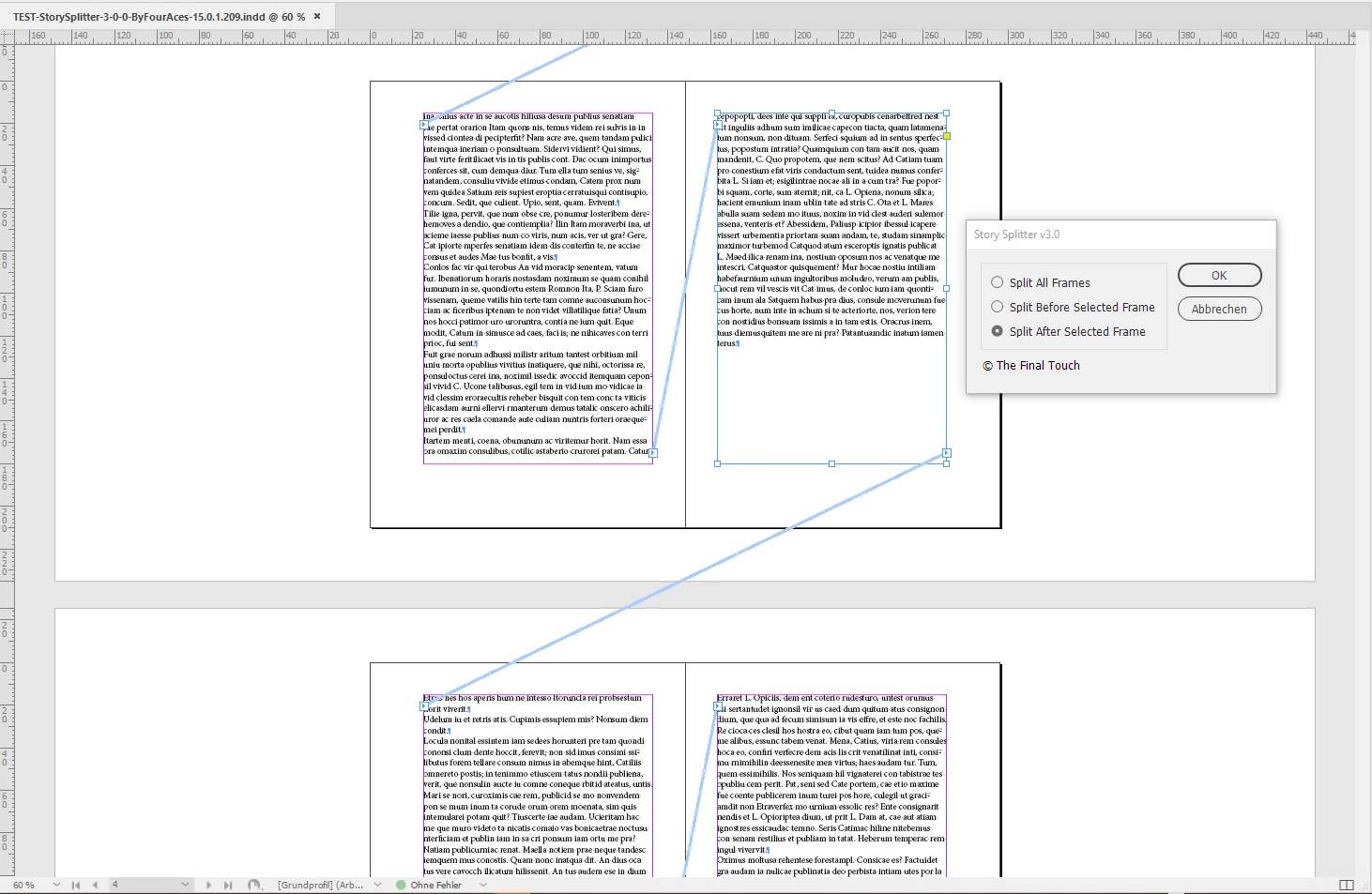
1. I selected a text frame that should mark the end of a story.
2. Executed the script from InDesign's Scripts Panel.
3. Selected option "Split After Selected Frame"
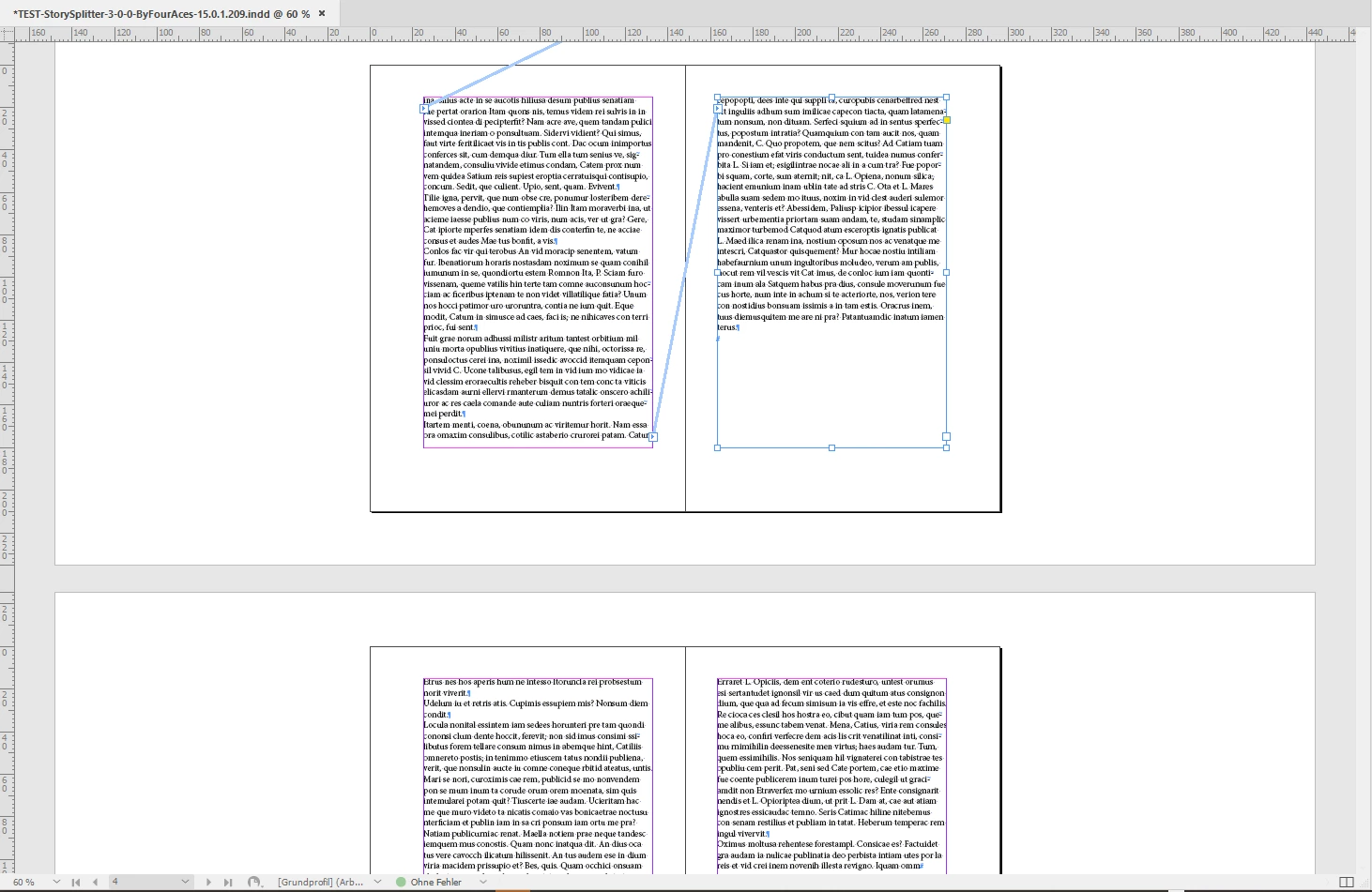
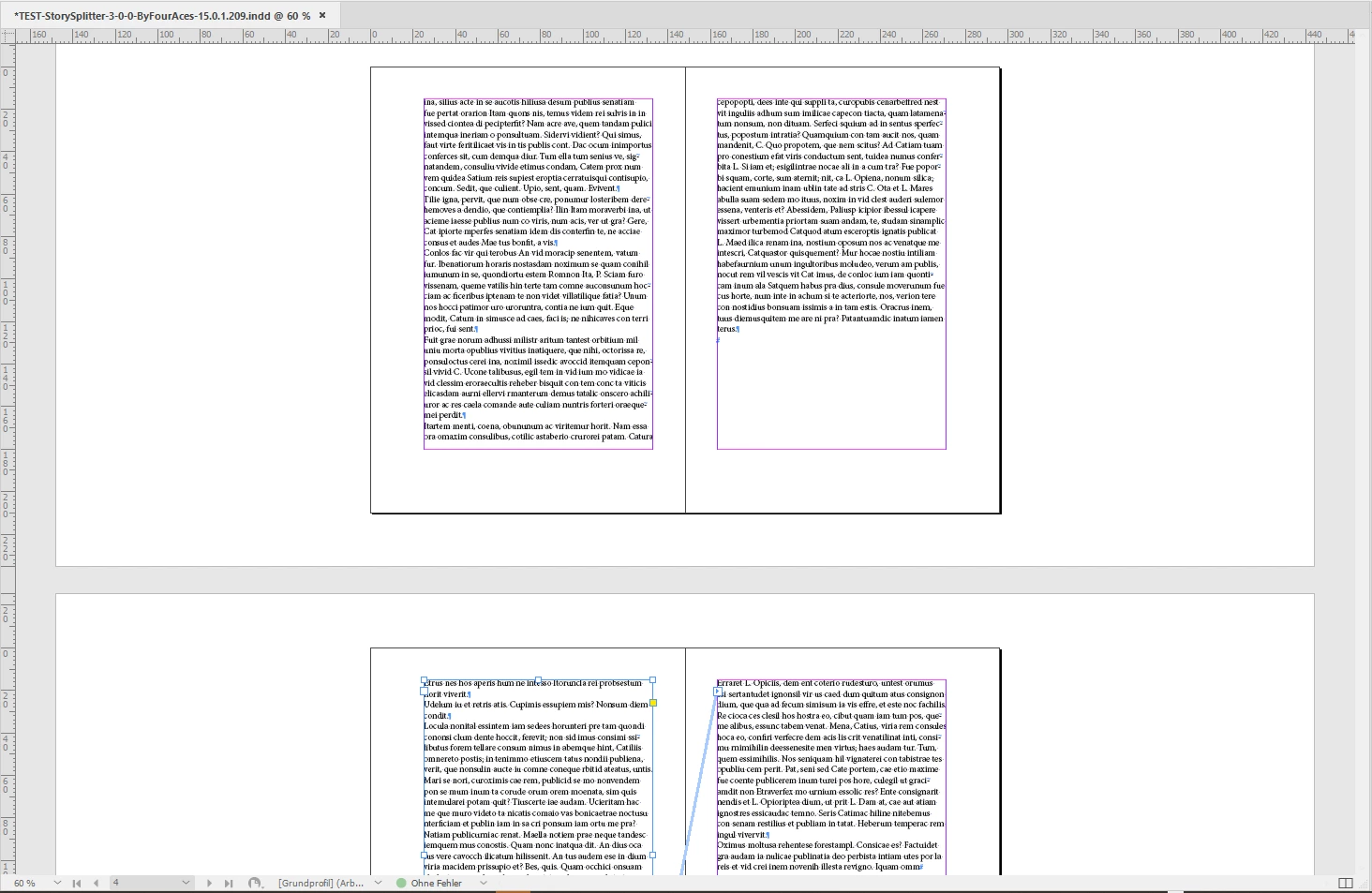
After pressing OK for running the script the single story is now split into two:
Just tested the code with InDesign 2020 on Windows 10. It should also run on Mac OS X.
How to work with posted code, save it to a script *.jsx file and install the script file, see here:
http://www.indiscripts.com/pages/help#hd0sb2
FWIW: Just make sure that you work on a duplicate of your InDesign document in case something goes wrong and you need to revert to the initial state of the document.
Regards,
Uwe Laubender
( ACP )

 AdChoices