
Known Participant
November 14, 2020
Answered
End of Story marker on Master Page how to delete
- November 14, 2020
- 3 replies
- 2744 views
Hi,
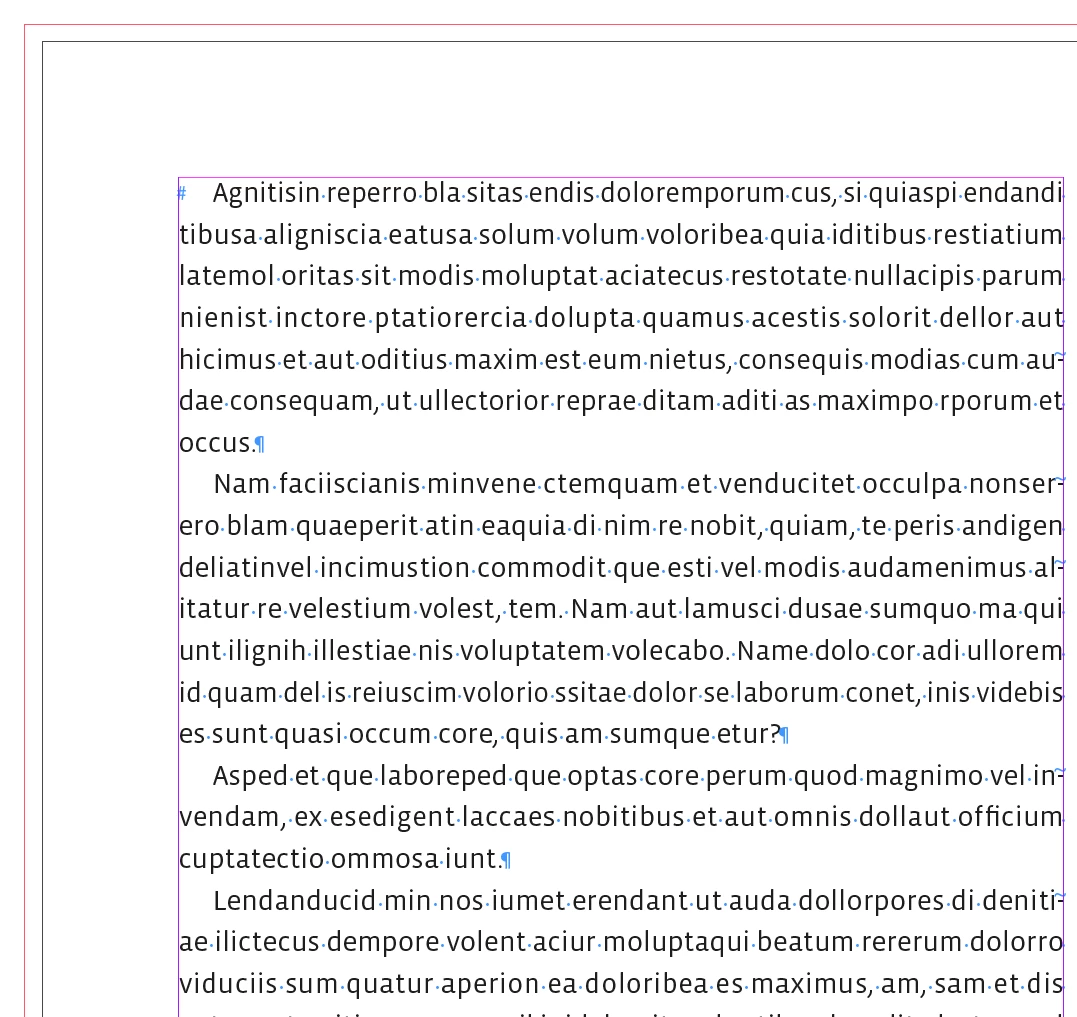
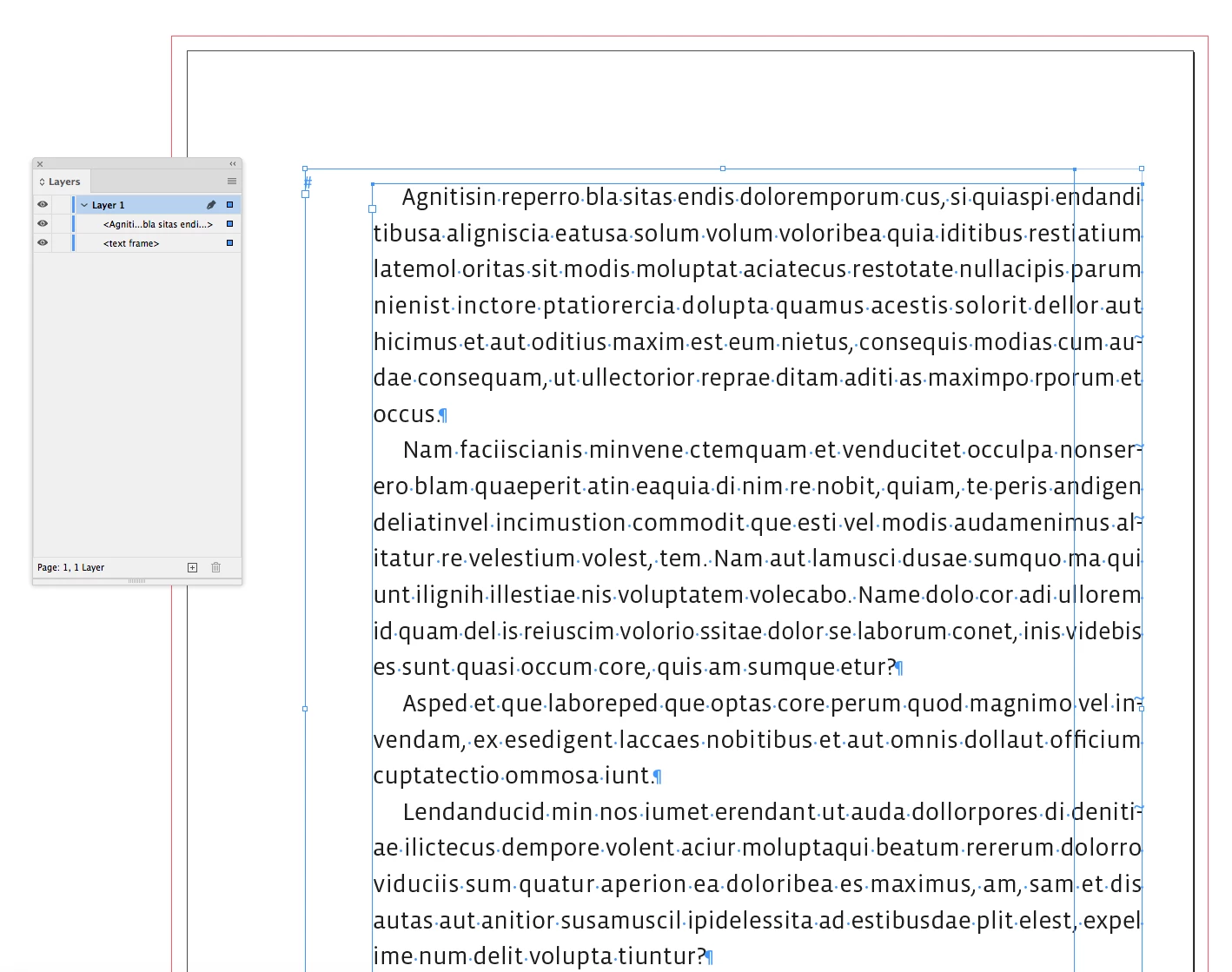
I have noticed an End of Story marker character # on one of my Primary Text Frames. This is showing up on all left-hand pages. I don't suppose it is causing an issue, but would like to clean it out if it is unnecessary.
I just opened a new document, with Primary text frames, and discovered that it may have happened when accidentally typing into the Primary Text Frame on the master page? Deleting that text does leave the # character behind - although in this case it was not visible on the Page view.
Any way to remove it? Any need to? Or do I have a setting which is showing this Master Page character on my Page View?
Many thanks
 AdChoices