Answered
Endnotes in Word doc don't display when placed in InDesgin
On Mac Sequoia 15.5, Adobe InDesign 2025. I can see the endnotes in Word but when the file is placed in InDesgin they don't show at the end of the document. HELP!

On Mac Sequoia 15.5, Adobe InDesign 2025. I can see the endnotes in Word but when the file is placed in InDesgin they don't show at the end of the document. HELP!
I stumbled on the answer and Bob was on the right track. 😉
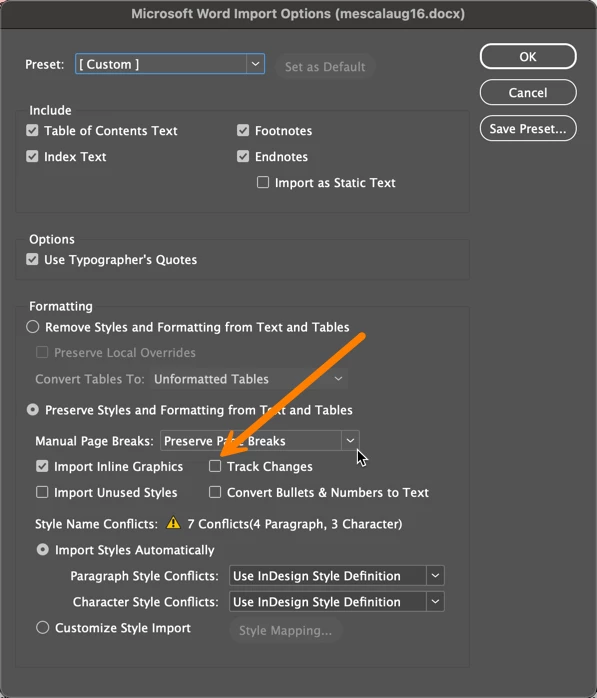
I was checking the Import Options for endnotes and there's also a checkbox to disable track changes. With it on, I wasn't able to get to the endnotes. Once I turned it off, they appear at the end of the document as expected. However, only the first page appeared—the rest are overset. You'll need to add an extra page at the end and then load the cursor and place the rest of the notes.
 \\
\\
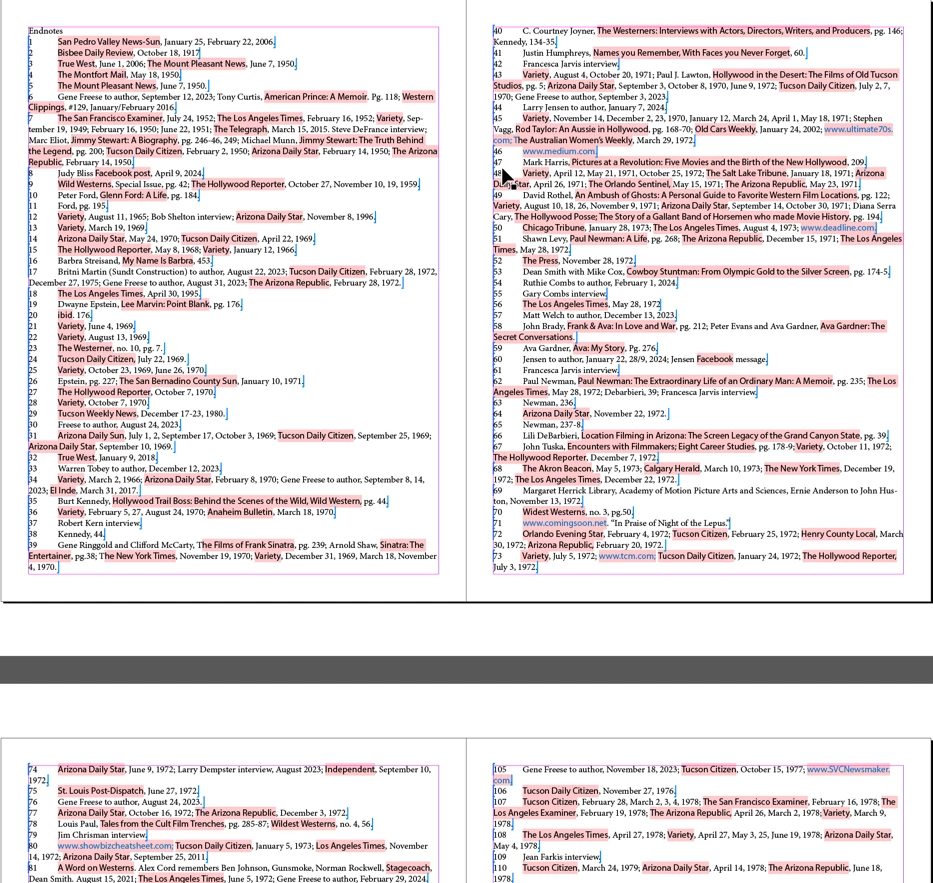
Of course, the correct workflow is to address the tracked changes before you import the file so that you can accept and reject changes selectively. I didn't retest it after doing that, but you can play with it.
~Barb
Already have an account? Login
Enter your E-mail address. We'll send you an e-mail with instructions to reset your password.


 AdChoices