
Inspiring
January 23, 2018
Question

epub displaying right to left

  • January 23, 2018
  • 2 replies
  • 3972 views

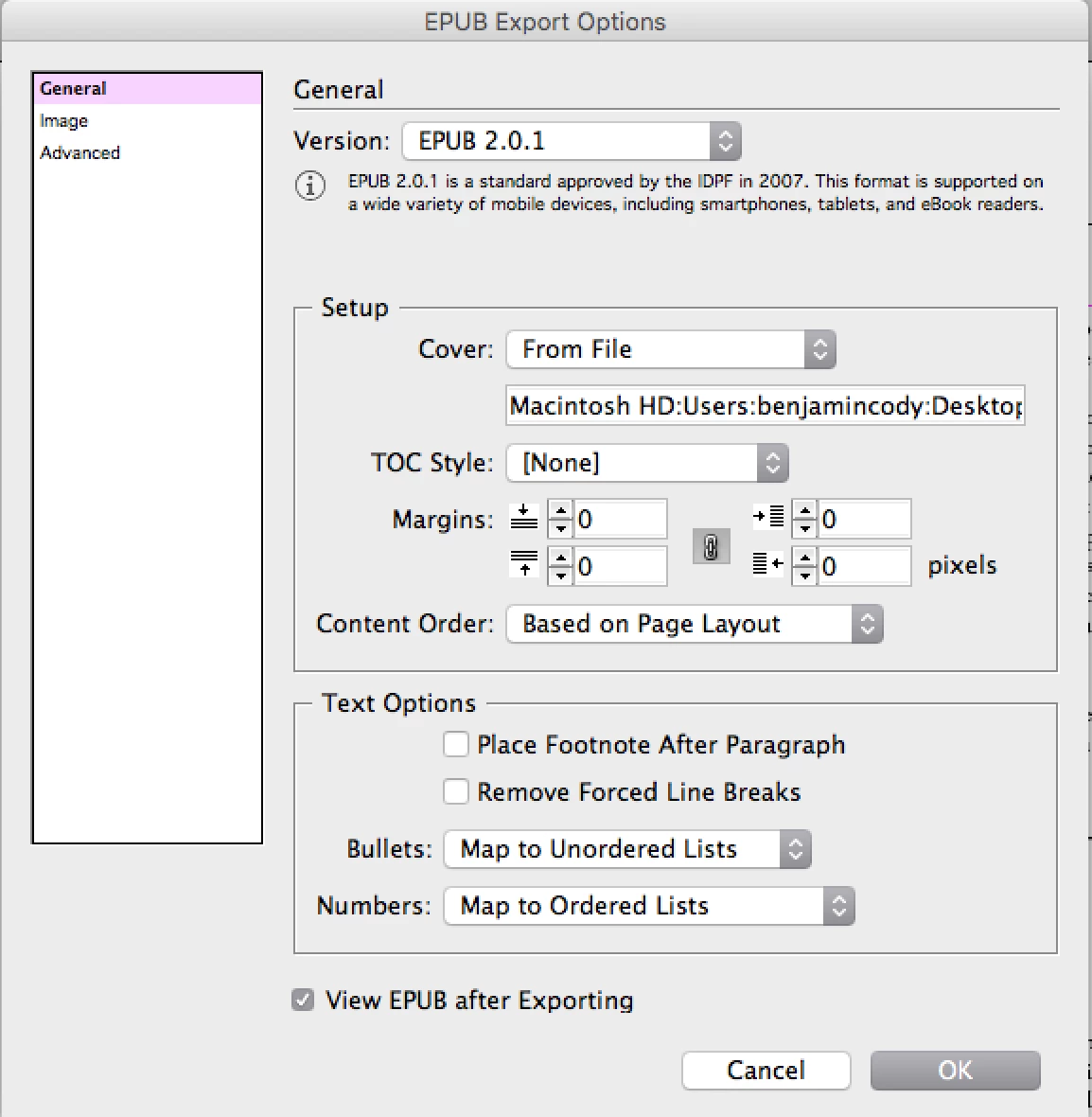
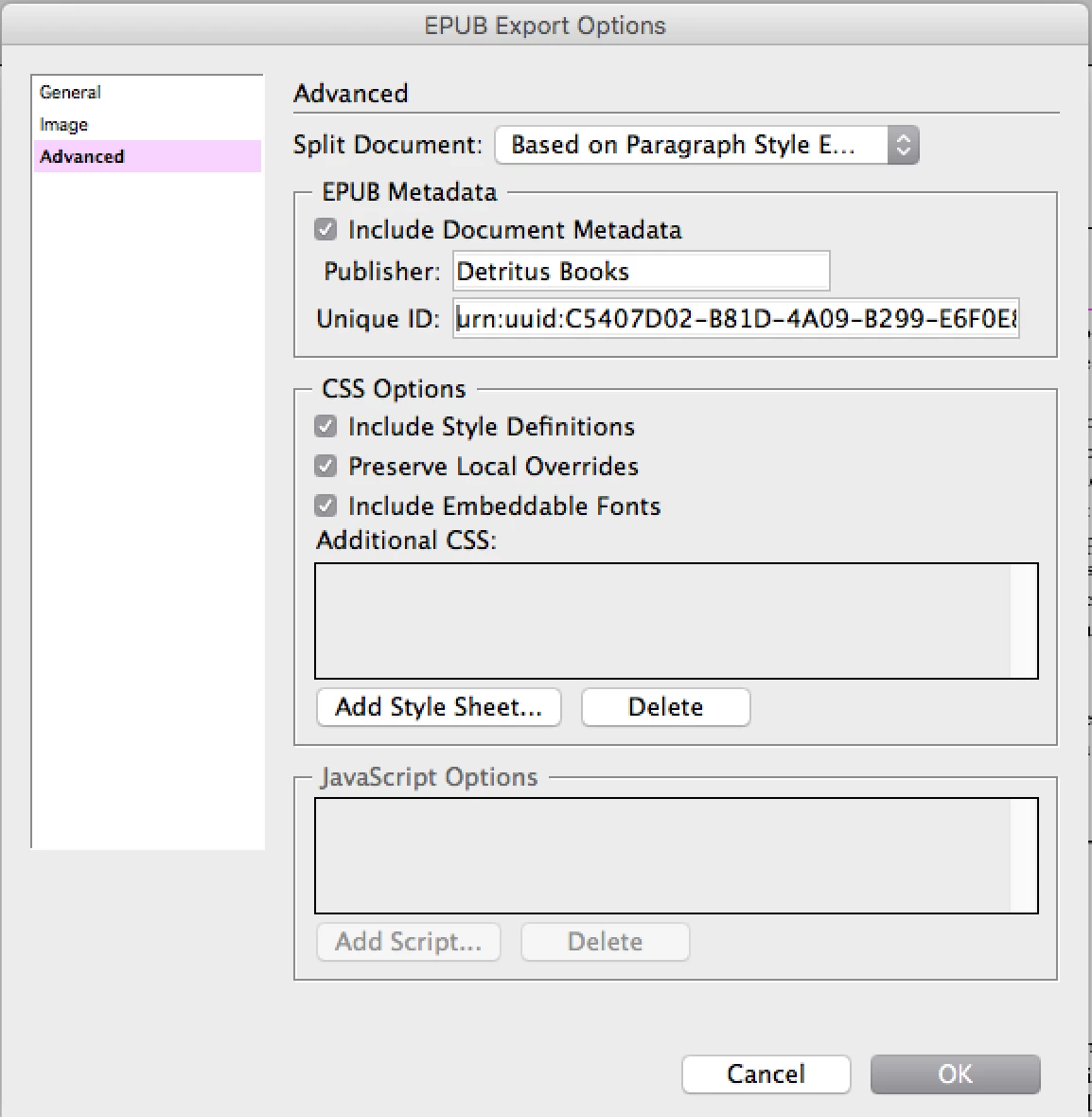
I just exported this epub, and for whatever reason when it's opened in iBooks it's reading right to left. Like, I have to click on the left to get to the next page. Which displays on the left side. I don't see any settings either in the InDesign export dialogue, or the iBooks controls that would make it do this. Ideas? Oh, CS6 and Mac.
This topic has been closed for replies.

2 replies

Participant
January 24, 2018

I had this problem when I viewed an ebook in Kindle Previewer. I found:

<dc:language>ar-SA</dc:language>

  <dc:language>de-DE</dc:language>

  <dc:language>en-GB</dc:language>

  <dc:language>en-US</dc:language>

in the content.opf and removed the

<dc:language>ar-SA</dc:language>

  <dc:language>de-DE</dc:language>
This seemed to work.
I assume you know how to expand the pub and recompress it.
You'll need ePub UnZip and Zip.

Inspiring
January 24, 2018

Alan, googling brought me some similar stuff. I did open it in either Calibre or Sigil and found <dc:language>en</dc:language> and tried to add the -US part to it, but couldn't figure out how to save it. But I also assume that just missing the -US wouldn't cause the problem? Other cyberposts suggested it might have a "rtl" bit in the code, but it didn't...

Participant
January 24, 2018

The main thing to do is remove the ar-SA and de-DE tag if it's there. That's all I needed to do.
If you like send me the content.opf and I'll take a look

Inspiring
January 23, 2018

UPDATE: just opened it in Calibre and it displayed fine (though it was single page, not side by side).

Inspiring
January 23, 2018

UPDATE: just opened it in Sigil and it also displayed top to bottom in the right order. Is this an iBooks problem? None of my other epubs are displaying this way in iBooks...

Steve Werner
Community Expert
Community Expert
January 23, 2018

Moving to InDesign EPUB forum