

EPUB ebook file is creating white boxes where transparency should be
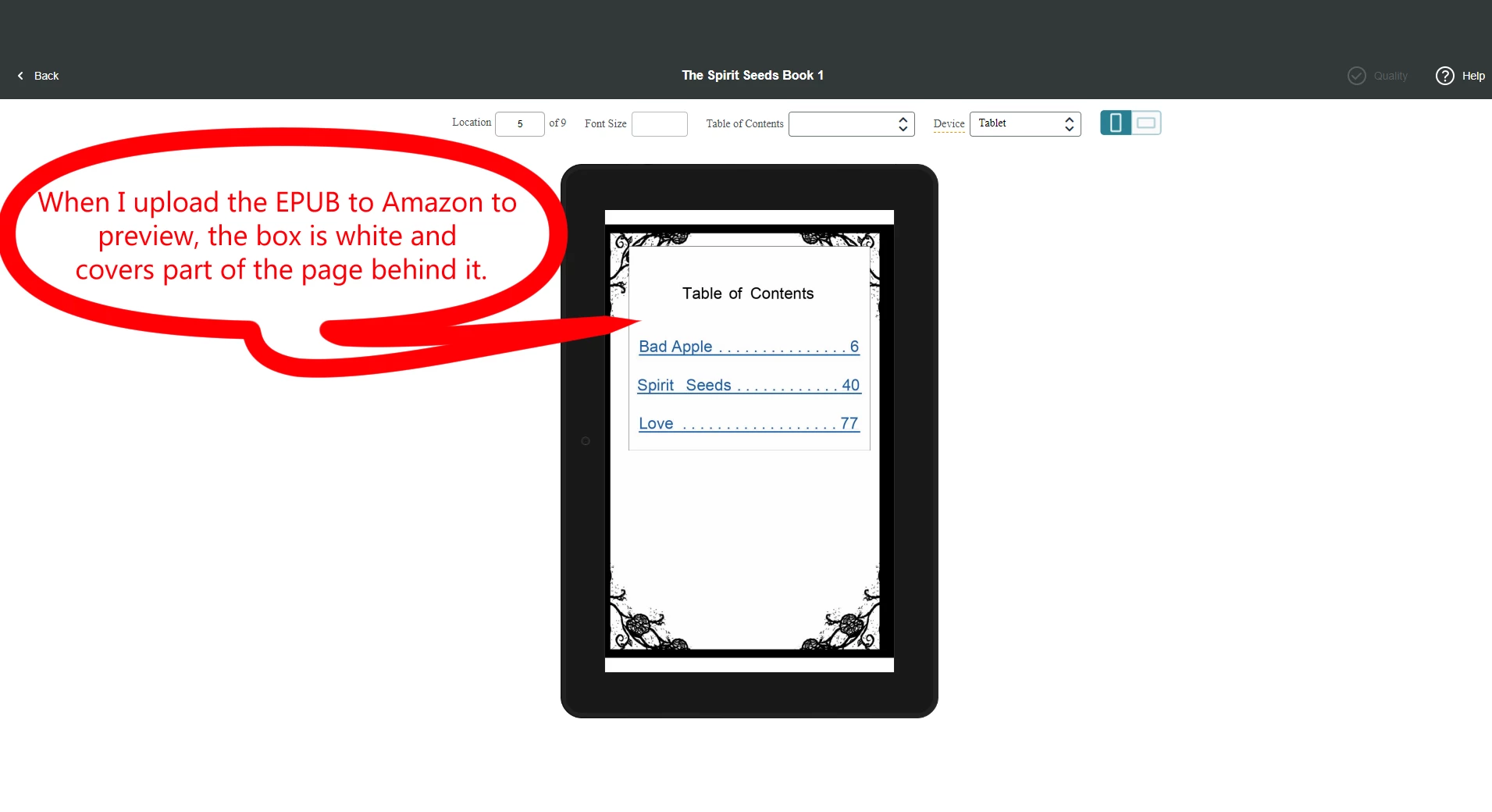
I'm a comic book creator and I've recently been learning how to format my books. I figured out the print versions but the ebook EPUB is giving me trouble. I'm new to InDesign and trying to upload my comic as an ebook to Amazon Kindle.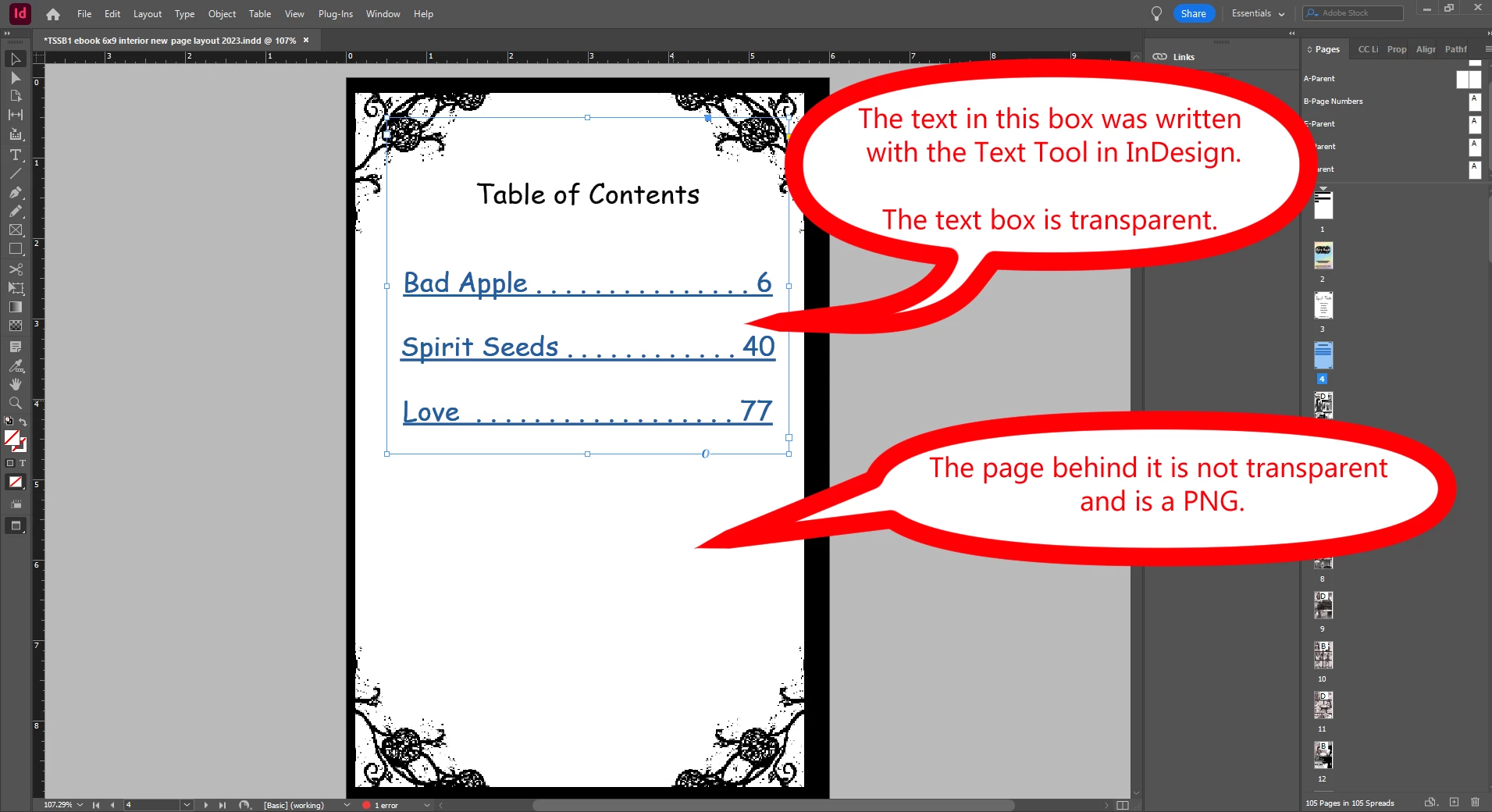
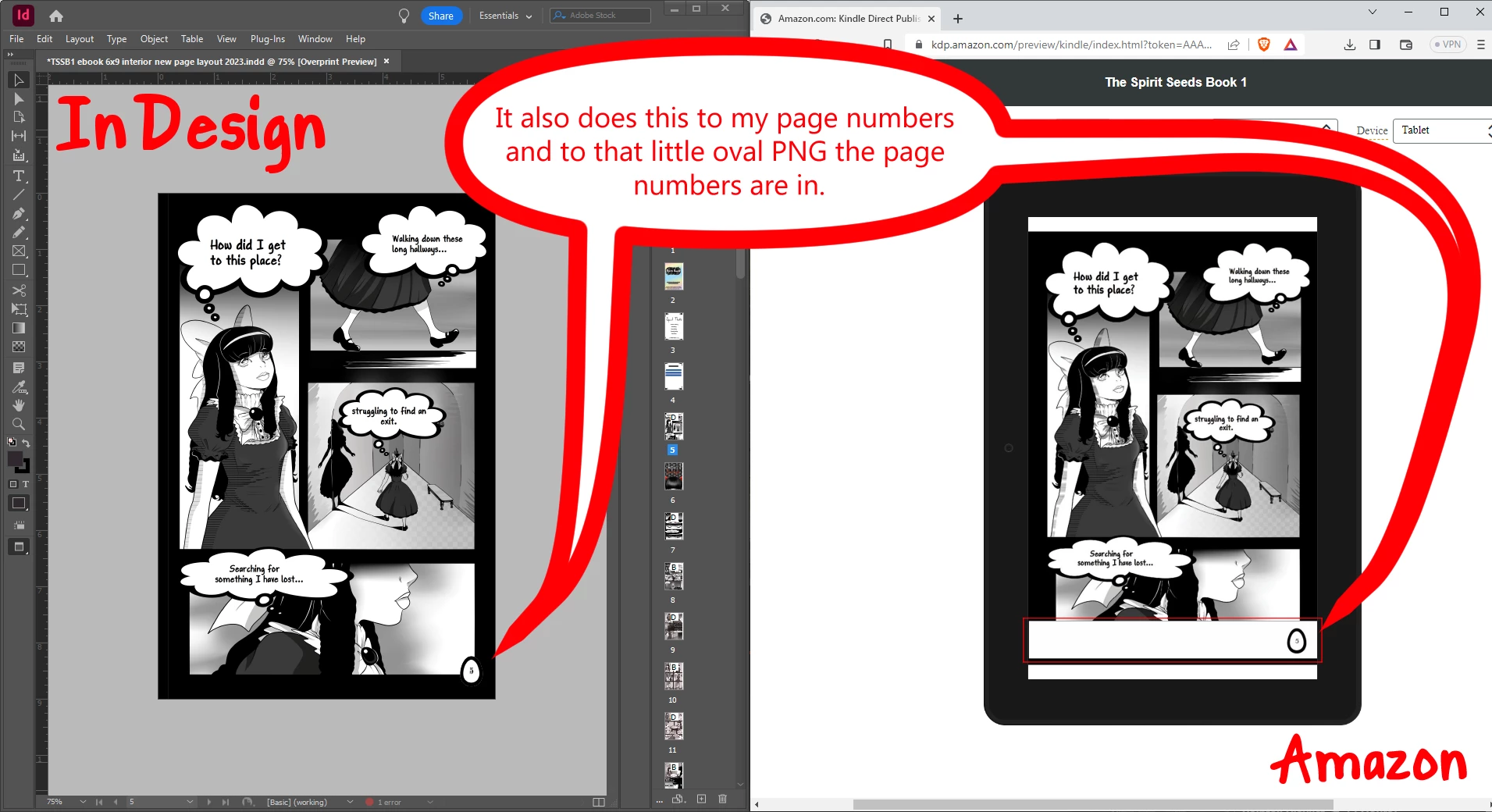
(The red box on the right is the oval PNG image box, and it's creating a white box too.)
All pages are flattened (PNGs) and have no moveable objects/text on them EXCEPT for the Table of Contents Page and page numbers, including the little oval which is also a PNG. (Please see pictures attached) The page numbers and oval image are Master Pages/Parents but they will not stay transparent when exported to an EPUB. Same goes for text boxes that are not Master Pages/Parents.
I tried to look around the community forms for help but not finding what I'm looking for. If you know how I can fix this issue please let me how and where to find the settings you are talking about as I'm very new and am still getting used to the program. Thank you!
 AdChoices