Ok, so everyone helped me to come up with the solution for this problem. Here are the steps I took to make the Chapter Headings and ToC (Table of Contents) work correctly. This works for Reflowable Epubs
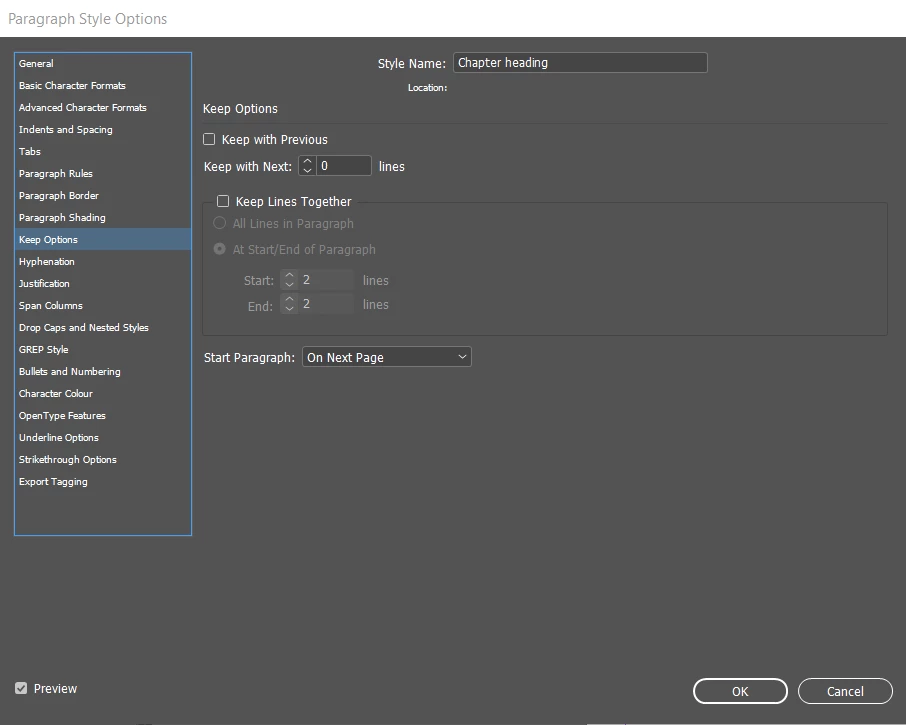
First, make sure in your Paragraph Style Settings you have the following settings turn on. In your for Keep Options, change Start Paragraph to: On Next Page.
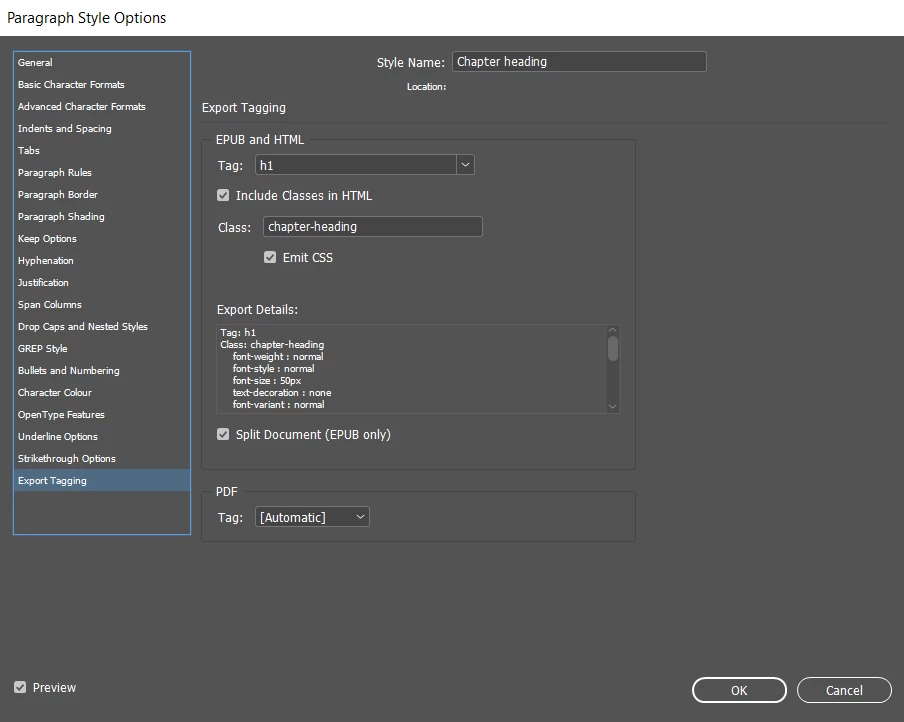
In Export Tagging, make sure you Chapter Headings have the h1 tag. This ensures that the epub recognizes this line of text as a very important part of the whole text and check the box 'Split Document', this setting will tell the epub that when a line with h1 is scanned, that heading will be put in a brand new page.
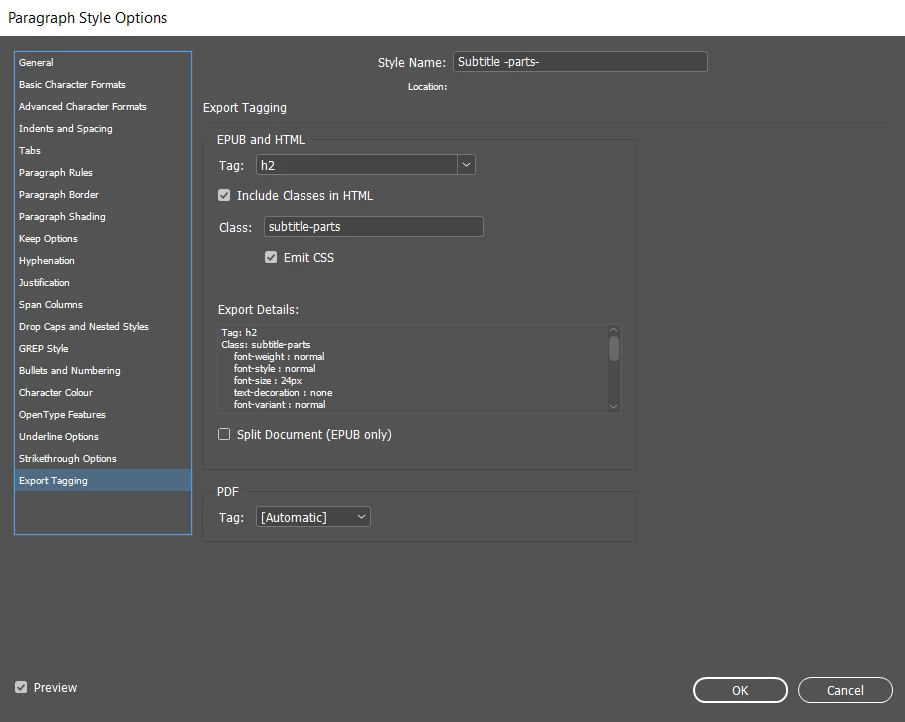
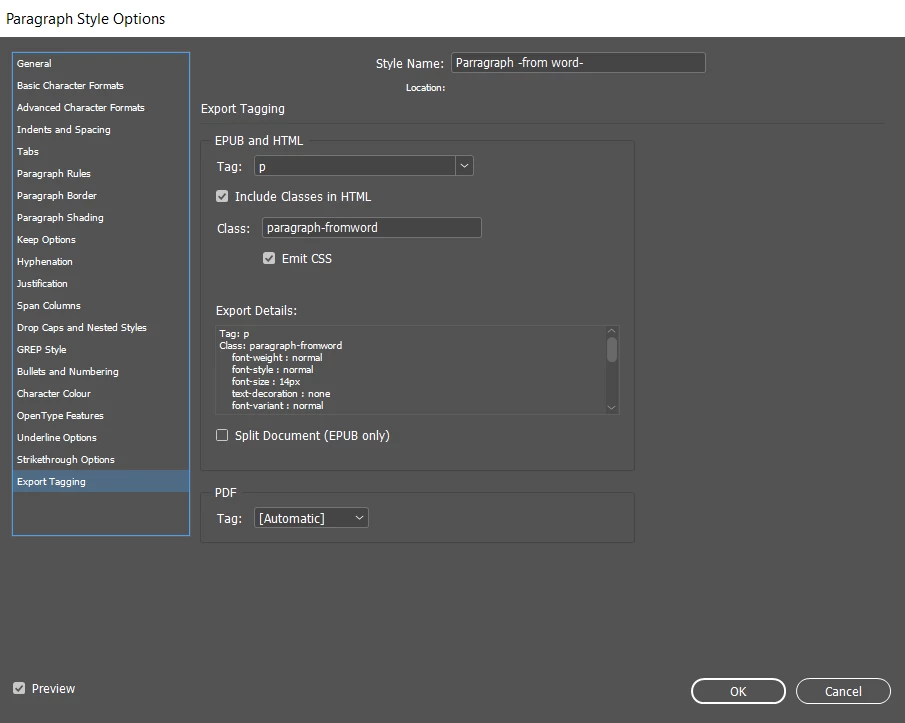
Now, your other paragraph styles, such as subheadings have an h2 tag and your normal text Paragraph style have a p tag in the Export Tagging. Make sure you don't have the 'Split Document' box checked with this.
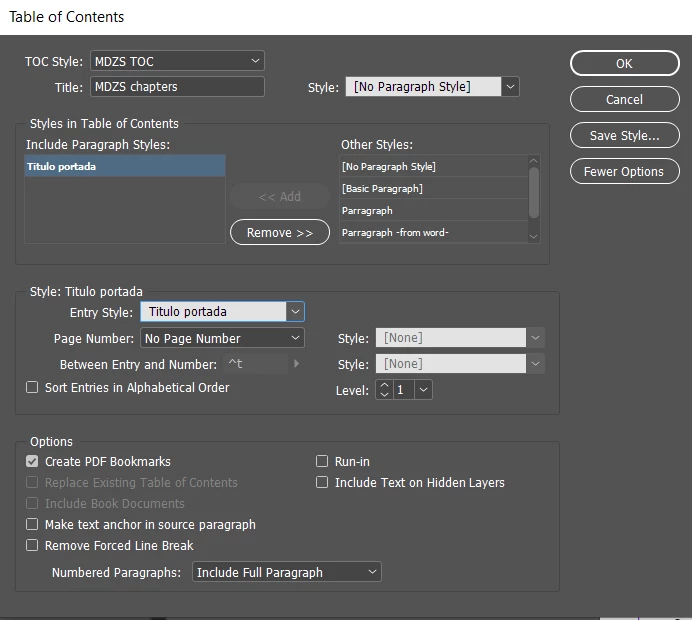
Third, create your ToC style in Layout > Table of Contents.
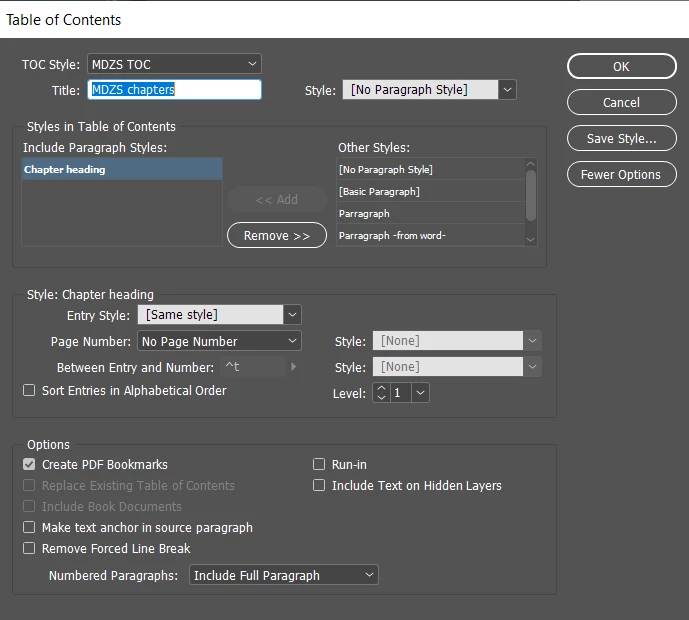
Now, go to Export and save your file as Epub (Reflowable).
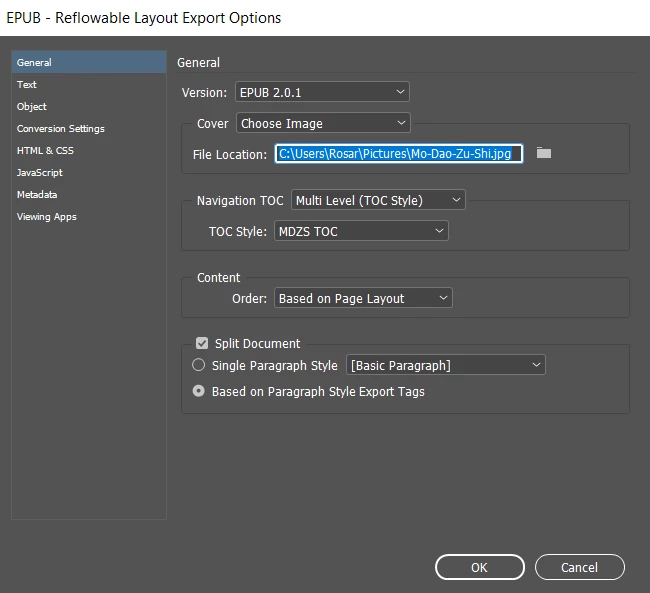
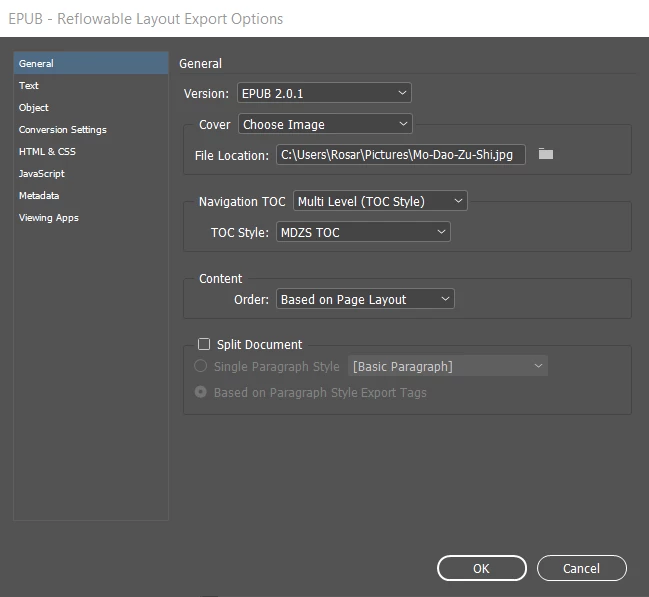
When the dialog box for settings pop up, in General, choose your ToC as Multilevel and select your ToC Style.
Now, turn on 'Split Document' and select 'Based on Paragraph Style Export Tags'. This will make sure yor export tagging you did in the Paragraph Style is used.
And voila!



 AdChoices