
EPUB TOC Nav and links
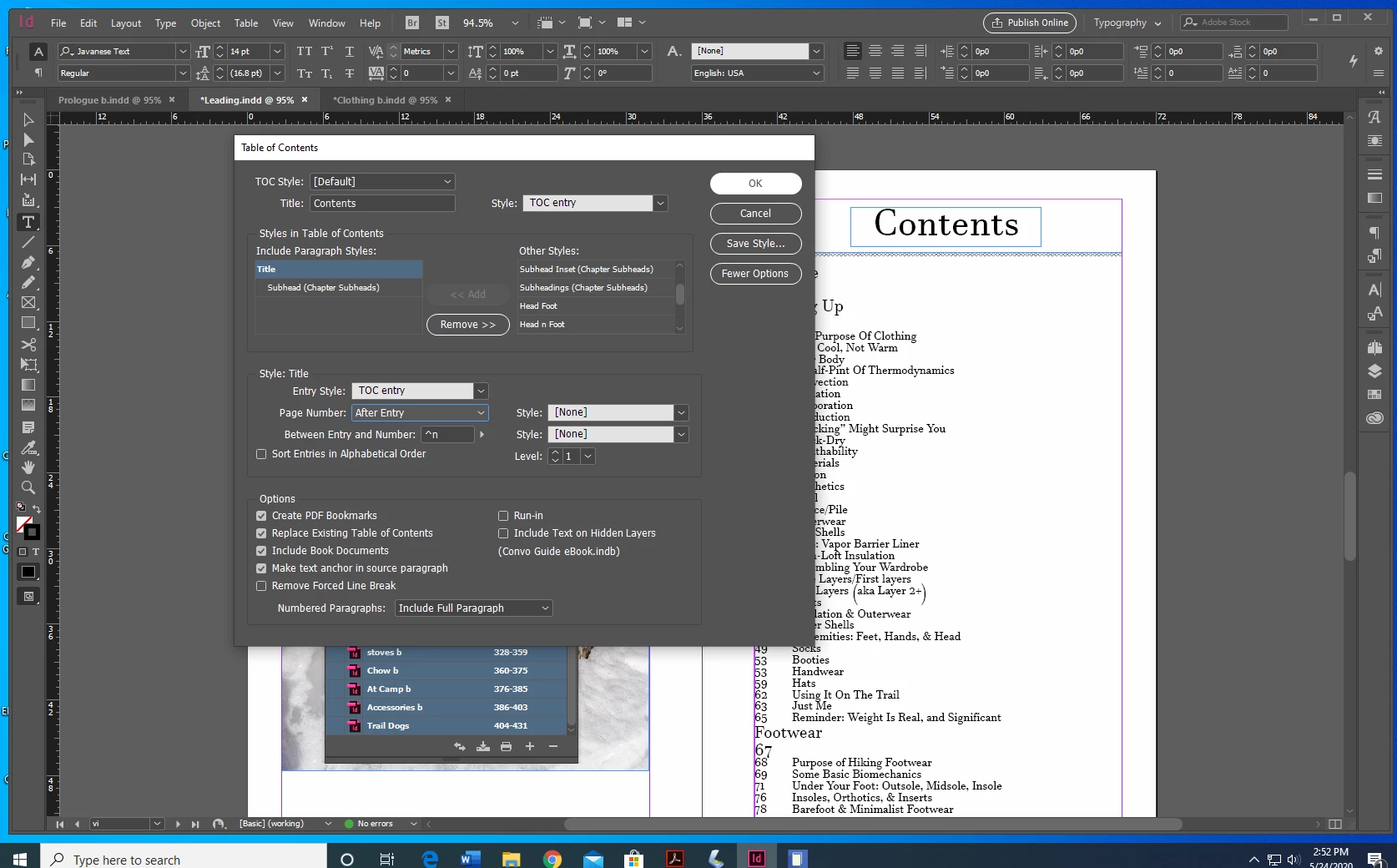
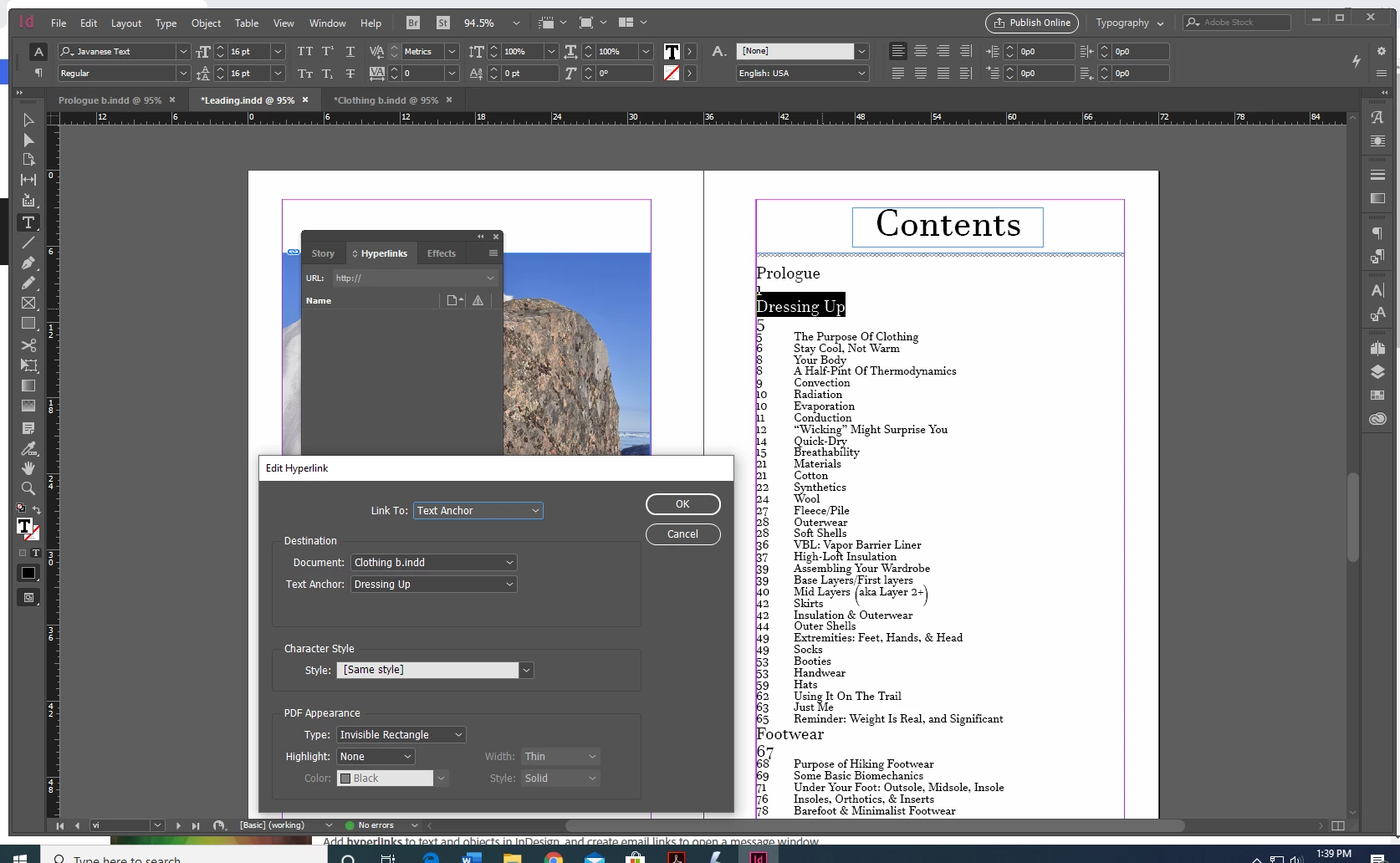
Hi, all. I just produced/published a ~15 chapter, 450-page, image-dense print book using InDesign. Having physical books, I'm trying to use the InDesign files to create an ebook. (Did a "save as" file for the ebook work.) I created a TOC using Layout>Table of Contents, and it came out exactly as it should have. I replaced the print TOC I'd hand-done with the ID-created TOC in the leading material of the file. The links in the TOC don't work by clicking on them... but if I right-click, select "hyperlinks" from the drop-down, I can then select "go to destination" and it will take me to the appropriate place in the book. I'm also given the option to "edit hyperlink" on that right click. So ID sees a hyperlink there, because it will take me to the other end of the link or let me edit the link. But just clicking the title doesn't work. And I can't "go to destination" unless the TOC entry itself is highlighted/selected/has cursor inserted.
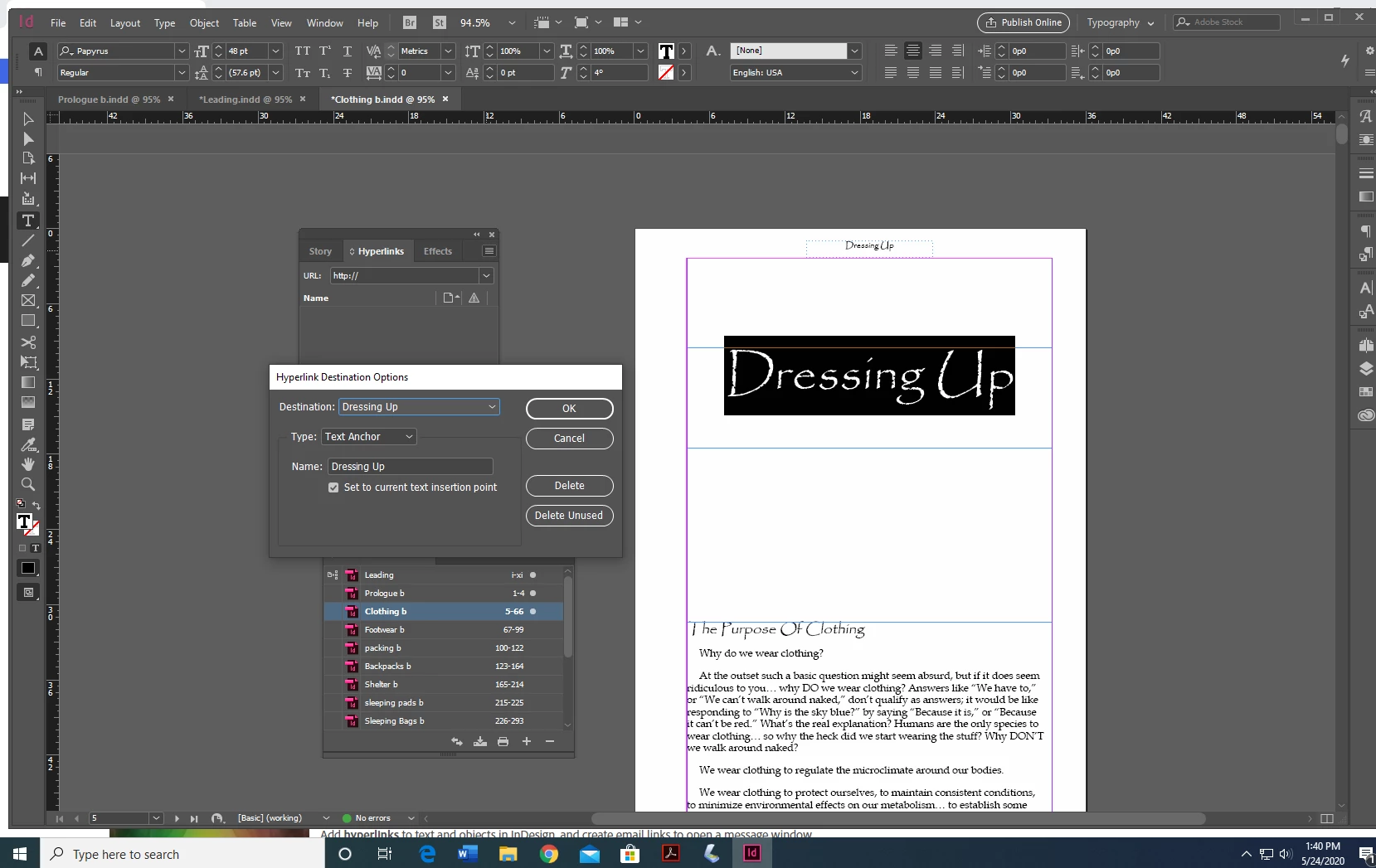
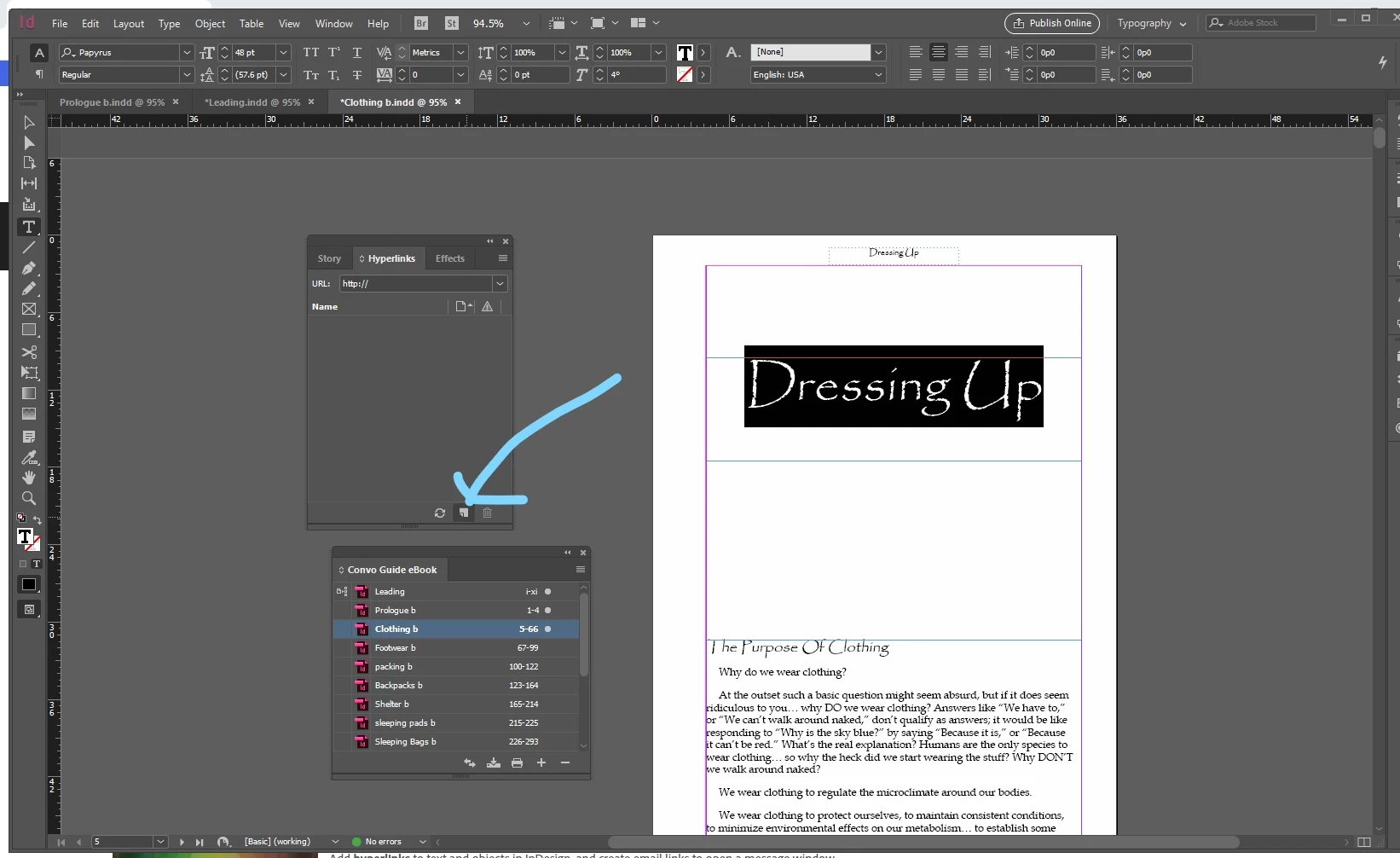
In the body, if I go to a TOC reference point, I'm given the option to make a new hyperlink. No hyperlinks appear in the hyperlink toolbar. If I highlight/select the body title, click "more options" in Hyperlinks, and select "new hyperlink destination," then select "text anchor" from drop-down Type menu, hit ok... I'm not sure it does anything? When making the new hyperlink, ID has a list of pre-named/identified anchors, as: "_idTOCAnchor-1, _idAnchorTOC-10, _idAnchorTOC-11, _idAnchorTOC-2..." I assume those are the anchors ID created in making the TOC, as there seems to be the same number of identifiers as each chapter has TOC references. If I choose, say, _idAnchorTOC-2 for the second-position body reference, ID makes a hyperlink, and it shows up in the hyperlink toolbar... but nothing carries back to the TOC, everything works the same. Additionally, the same ID anchor will autopopulate under Desination>Document>Text Anchor, both within the ID document and an exported EPUB version thereof, regardless of which title in a chapter I've selected.
Just in case I had these steps backwards, I also tried the inverse, tried doing the TOC as destination and body as source... also didn't work from either end. It won't let me create a new hyperlink on the TOC end of things, it'll only let me make a hyperlink in the body.
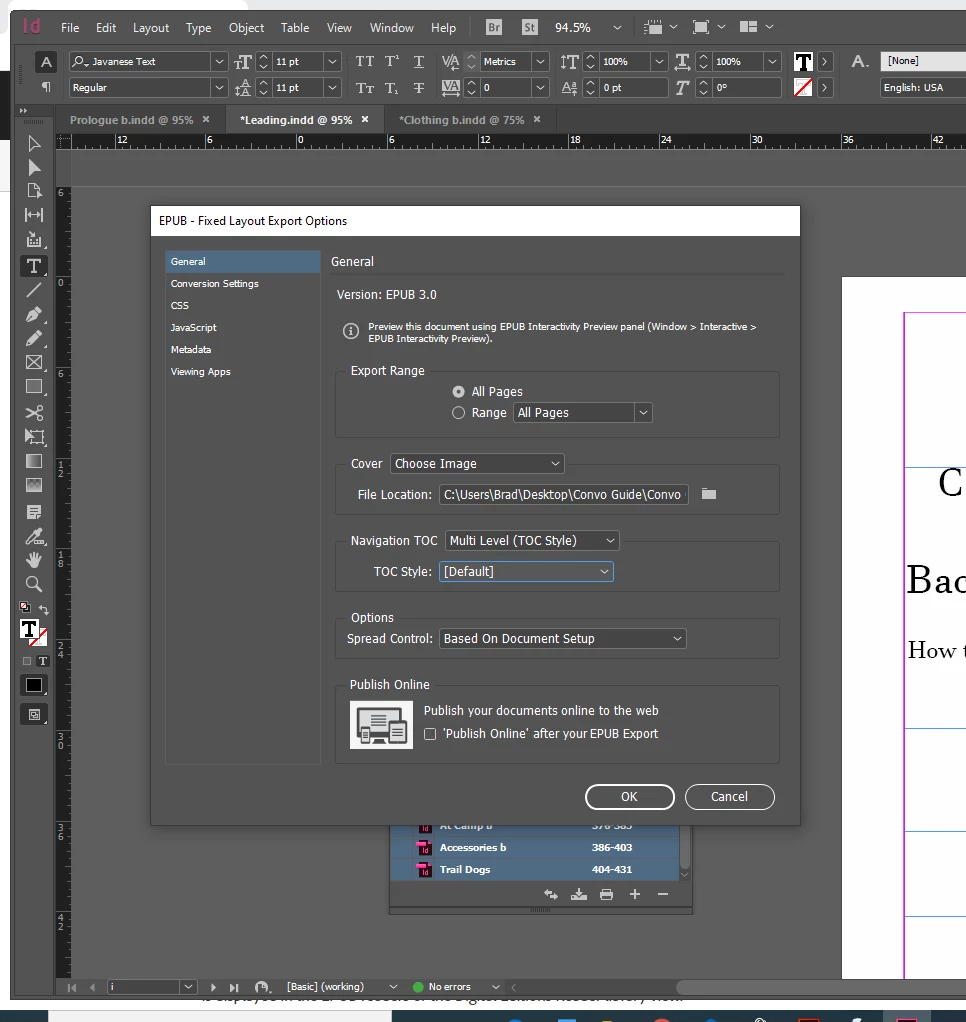
When I export as fixed layout to EPUB, the physical TOC shows up in the front material. At one point, I could click on the EPUB front-material TOC and it would take me to the appropriate place in the book every time. Now it won't even do that. Navigational TOC doesn't populate at all.
I've spent days going back and forth, trying different steps and combinations of steps and orders, and I just can't seem to make this thing work. Going NUTS! Almost more so since the darn TOC does work within the ID document if I do the "right-click>hyperlink>go to destination" thing. Seems like a dog who knows exactly what you're telling it to do, and refuses, anyway. I am at wits end. Any and all help or guidance much appreciated. I have a bazillion screen shots, but not sure which would be most helpful. Thanks-
 AdChoices