

liberty_7405
Inspiring
June 5, 2026
Answered

Error 18 Indesign trying to publish to Adobe Cloud

  • June 5, 2026
  • 2 replies
  • 75 views

Hi really hoping someone can help with the misery I’ve had all week.
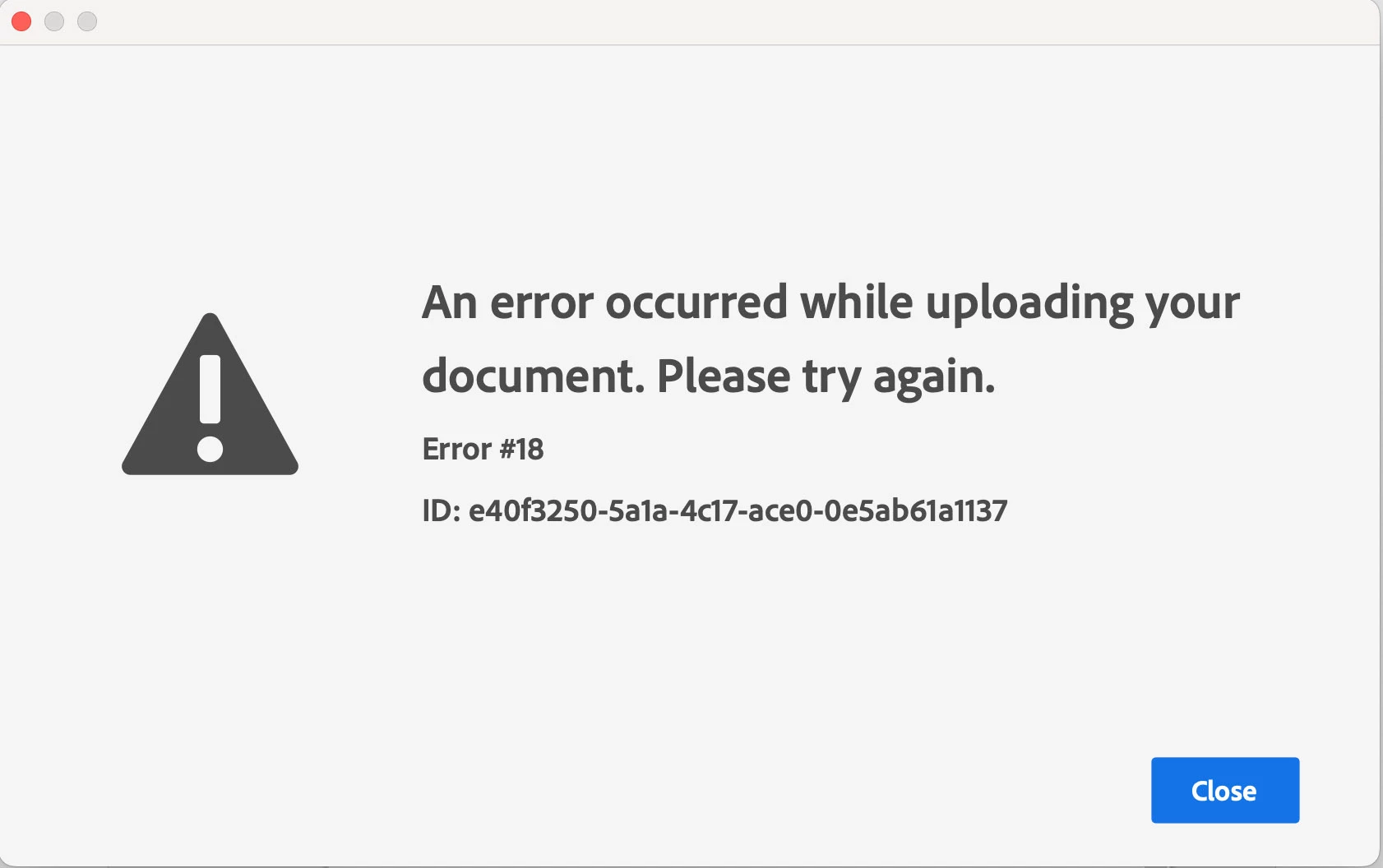
 

For the past few months I’ve been uploading portfolios from Indesign to Adobe Cloud. This week it’s suddenly stopped working. I’ve attached the error code I get and have searched all the other threads mentioning this specific error and nothing works :(

There’s enough space in my account to upload the file (I deleted some files just in case that was the issue). I’ve tried uploading different files but anything more than a text doc gets the same error message. Logged out of everything and logged back in – no change. Used different wifi networks – no change, still the same error message.

Can anyone provide any help before I go insane? Been trying for 3 days now and am completely out of ideas 

    Correct answer liberty_7405

    Hi, still no change – never had ‘downloadable PDF’ checked so that’s not issue. As I said, it will upload very small text only pages, but nothing more.

    But I have solved the issue… I was using the latest version of Indesign (21.4) so reinstalled the previous version (21.3) and it works perfectly.  Running Mac OS Sequoia 15.7.3 so there seems to be a conflict there… or I’m just unlucky.

    No real problem now but hopefully if anyone else has the same issue then they can find the solution quicker. Thankis for your help, appreciate it 👍

    2 replies

    Known Participant
    June 17, 2026

    I had the same issue with 21.4 on Sequoia. 21.3 works perfectly. Definite bug and wow its a big one.

    liberty_7405
    Inspiring
    June 30, 2026

    Yep, I exhausted all logical potentials before just trying an older version. It just clicked that the issues started occurring roughly when I updated the softwware

    Abhishek Rao
    Community Manager
    Community Manager
    June 5, 2026

    Hi ​@liberty_7405,


    Sorry to hear you've been dealing with this. Could you please let me know your exact InDesign version and macOS version? Also, try opening File > Published Dashboard, removing any older published documents, and then publishing again. If you're using Publish Online, please test once with Allow PDF Download disabled and see if that makes any difference.

    Additionally, could you check whether the issue occurs in a new local admin user account on the same machine? If possible, temporarily disable any VPN, proxy, firewall, antivirus, or endpoint security software that could be interfering with Adobe's upload services. It would also be helpful to try publishing while connected through a mobile hotspot to completely rule out any network filtering issues.

    If the issue persists, please package one of the failing documents and test whether a brand-new document containing only simple text publishes successfully. You can also review these Adobe articles for additional guidance:

    https://helpx.adobe.com/indesign/kb/troubleshoot-publish-online-errors.html


    Let me know how it goes. Looking forward to hearing back. 

    Abhishek

    liberty_7405
    Inspiring
    June 6, 2026

    Thanks for the tips, will try those today and see if it works. There’s no VPN/firewall etc. running in fact nothing’s changed on the system that could affect the process.

    Have tried a mobile hotspot and again same issue, tried a neighbours wifi network as well just to see where it was my network and unfortunately the same issues.

    As I said I can upload a few text pages fine but anytime there’s image files in there it gives that message, so it suggests there’s nothing wrong with the process itself but something is going badly wrong on certain files