Participant
December 13, 2017
Answered

Error placing mp4 in interactive pdf

  • December 13, 2017
  • 1 reply
  • 896 views

Hi,

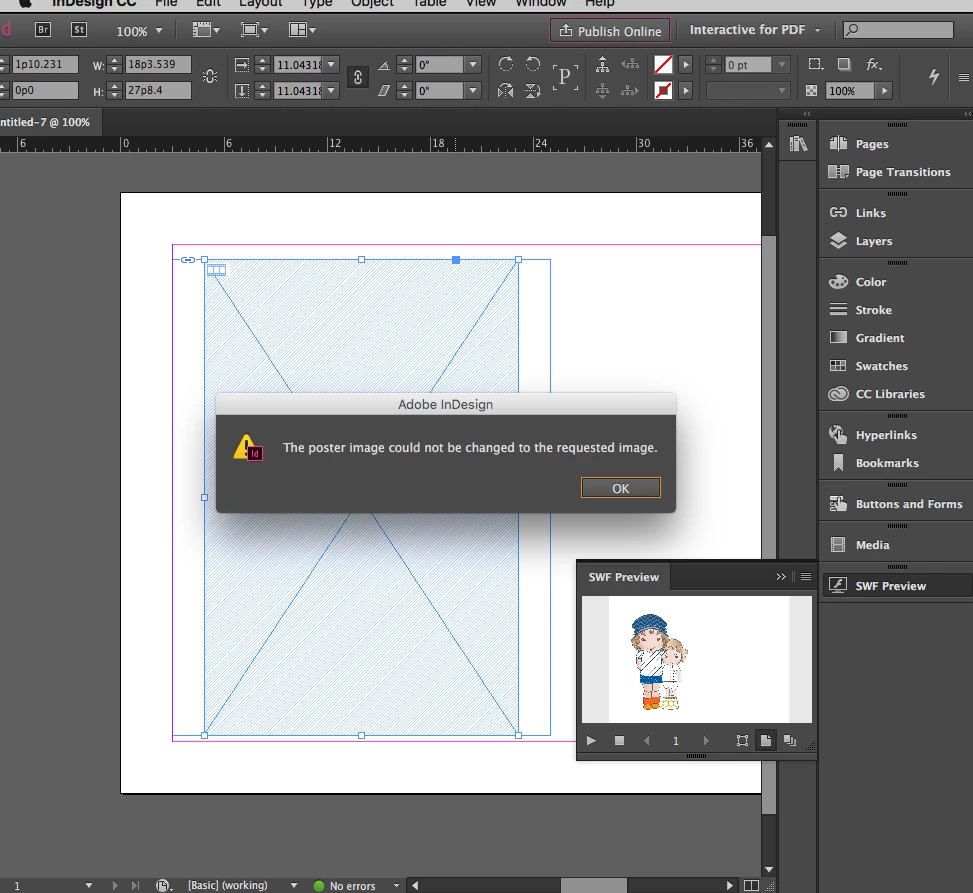
I'm trying to create an interactive pdf in InDesign cc 2015, however each time I place the 554 kb size mpf in the frame, the following message comes up

‘poster image could not be changed to the requested image’ . Please see attachment.

Can anyone please tell me what I'm doing wrong?

Thank you in advance!
    This topic has been closed for replies.
    Correct answer poonas98620033

    Hi Srishti,

    Thank you for your response,

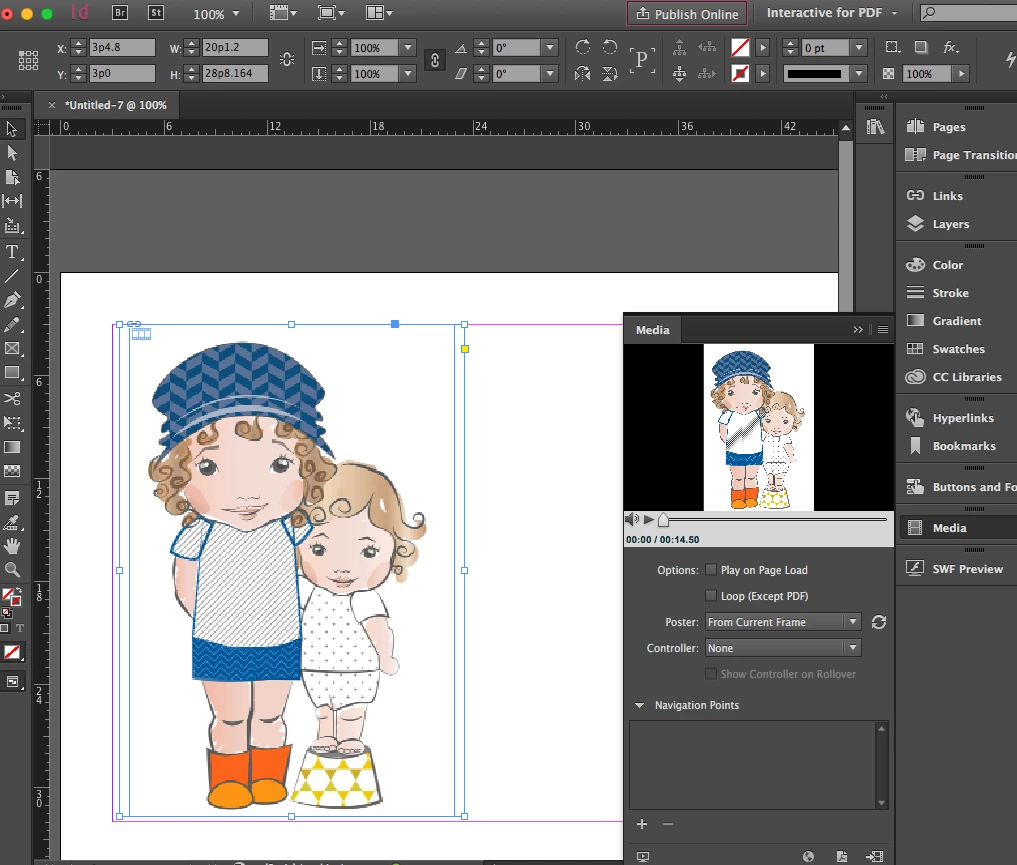
    I actually figured out what the problem was... my file was too big and when I reduced the dimensions it did appear. (I had previously placed the file as you described).

    The problem now is that in the media the movie plays, but  in SWF preview and the on actual file it doesn't.

    I tried to export interactive pdf, just in case, but the pdf turns out blank! What am I missing now?

    Thanks again for your help!

    Poona

    1 reply

    Srishti Bali
    Community Manager
    Community Manager
    December 13, 2017

    Hi poonas,

    Looks like you are trying to replace an existing file, instead of replacing please try this workflow to import video.

    Window > Media > Place new video > press ALT and click preview for SWF preview.

    Regards

    Srishti

    poonas98620033AuthorCorrect answer
    Participant
    December 13, 2017

    Hi Srishti,

    Thank you for your response,

    I actually figured out what the problem was... my file was too big and when I reduced the dimensions it did appear. (I had previously placed the file as you described).

    The problem now is that in the media the movie plays, but  in SWF preview and the on actual file it doesn't.

    I tried to export interactive pdf, just in case, but the pdf turns out blank! What am I missing now?

    Thanks again for your help!

    Poona