
Answered
Error When Modifying Object Layer Options on Placed Illustrator Files in InDesign
I’ve just discovered a bug in which the following workflow causes an error:
-Create a layered Illustrator file
-Place in InDesign
-Select Object Layer Options and change layer visibility
-Copy placed file
-Paste on next page (file will appear low-res
-Adjust Object Layer Options
I then get the following message:
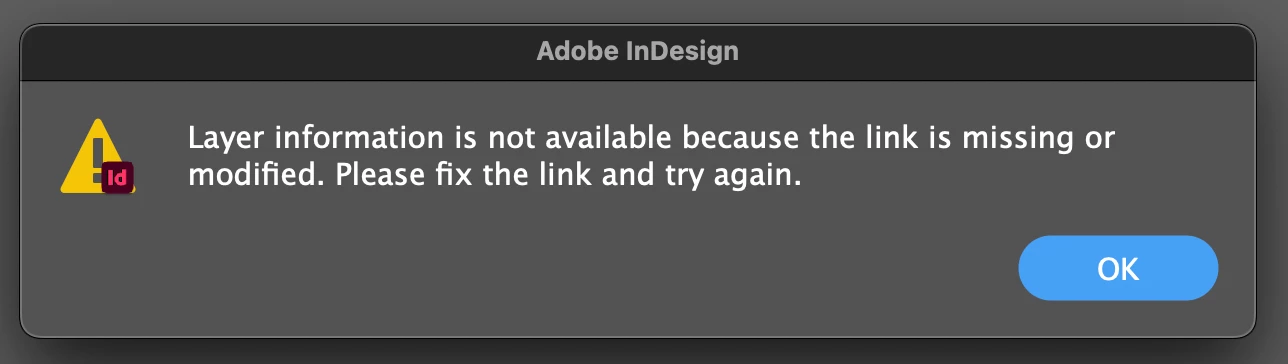
I haven’t iterated through this to try to figure out other errors or a workaround.


 AdChoices